

69
likes
0
comments
daily view 0
monthly view 0
Live Analytics
Comments 0
Audit Inspection System M365 | Manage Audits, Risks & Compliance Analytics Table
Income Estimates for Audit Inspection System M365 | Manage Audits, Risks & Compliance
Based on this YouTube video's total view count of 29.8K views and industry-standard rates, the estimated total earning is $21 - $60 through ad revenue. Historical data is not yet available to calculate daily, weekly, or monthly averages.
About Audit Inspection System M365 | Manage Audits, Risks & Compliance
Explore Audit Inspection System M365 | Manage Audits, Risks & Compliance with 29,825 views, 69 likes, and 0 comments. Experience the impact of this video content that has captured audience attention.
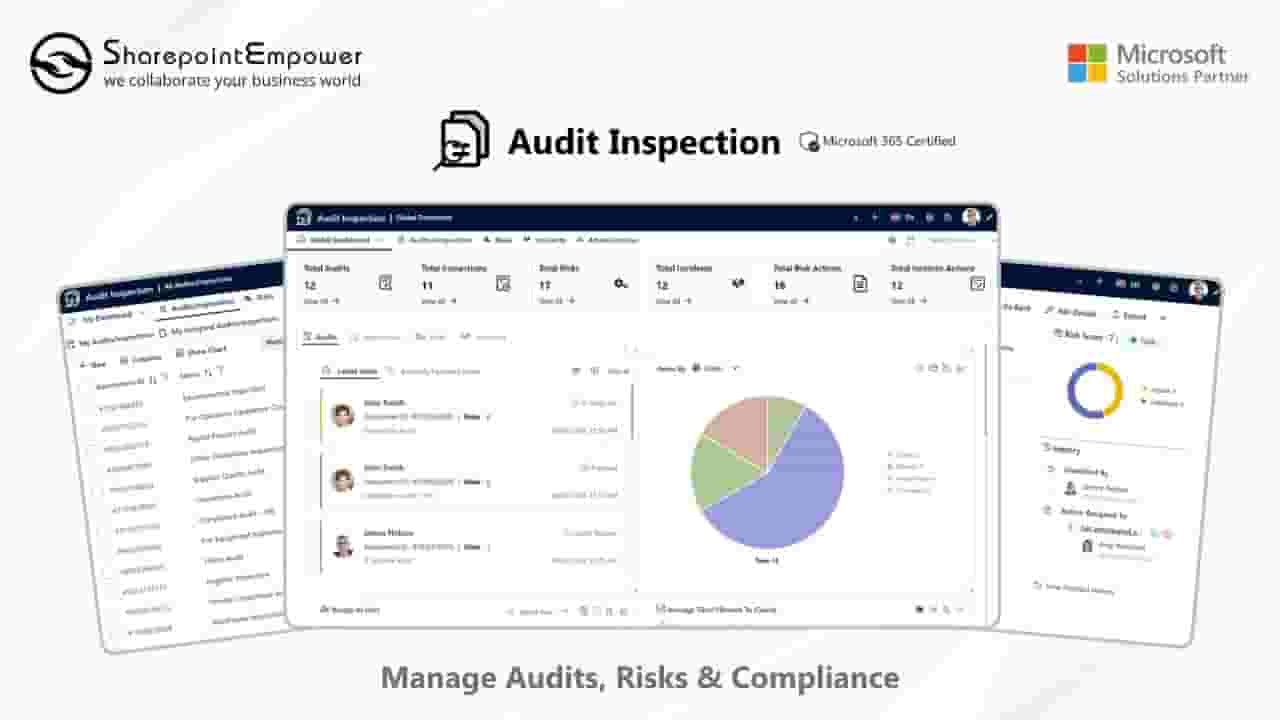
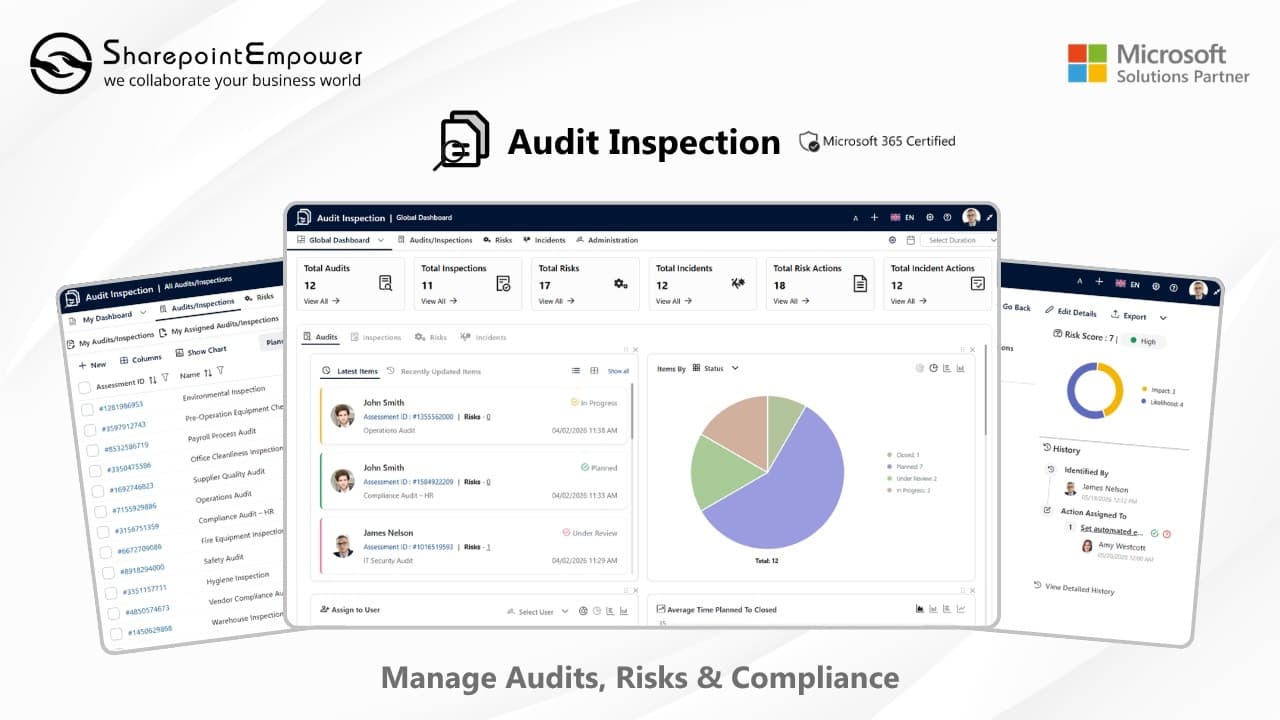
📅 Schedule Your Free Demo: https://www.sharepointempower.com/contact-us Struggling to manage audits, risks, and compliance using spreadsheets or manual processes? Discover how the M365 Audit Inspection System helps organizations streamline audits, track risks, and manage incidents in one secure platform. This Microsoft 365 Certified Audit Inspection solution by SharepointEmpower is built on SharePoint and Teams, enabling teams to plan audits, conduct inspections, and track corrective actions efficiently across the organization. -------------------------------------------------------------------------------------------------------------------------------------------------------- ✅ Key Capabilities: • Centralized Audit Management: Plan, execute, and track audits from a single platform • Risk & Incident Tracking: Manage risks, incidents, and actions with full visibility • Action Management: Assign, update, and close actions with accountability and tracking • Real-Time Dashboard: Visual insights into risks, actions, and performance • Standardized Inspections: Create forms, checklists, and inspection workflows • Automated Reporting: Generate structured audit reports for compliance -------------------------------------------------------------------------------------------------------------------------------------------------------- 📌Visit Our Help Center: https://www.sharepointempower.com/guidelines/audit-inspection/introduction 📌 Install from Microsoft AppSource: https://marketplace.microsoft.com/en-us/product/WA200005564 📌 Explore Pricing: https://www.sharepointempower.com/product-pricing-list -------------------------------------------------------------------------------------------------------------------------------------------------------- ⏱️ Video Chapter 00:00 Introduction 00:30 Highlighting Key Features of M365 Audit Inspection 02:58 Admin Capabilities Overview 04:18 Audit Inspection Management 06:54 Risk Identification & Tracking 09:58 Incident Reporting & Management 12:49 Admin Configuration 15:41 User Experience Overview 16:57 Using Audit Inspection via Microsoft Teams -------------------------------------------------------------------------------------------------- #AuditInspection #AuditManagement #InspectionManagement #RiskManagement #IncidentManagement #CorrectiveAction #PreventiveAction #ComplianceManagement #InternalAudit #SafetyInspection #QualityAudit #RiskAssessment #IncidentReporting #CAPA #AuditSoftware #InspectionSoftware #Microsoft365 #SharePoint #MicrosoftTeams #DigitalTransformation #BusinessCompliance #OperationalExcellence #QualityManagement #SafetyManagement #ProcessImprovement #AuditAutomation #EnterpriseSolutions #M365 #Governance #Compliance #AuditAndInspection
About YouTube Real-Time View Count
With SocialCounts.org’s view counter, track your YouTube video’s live view count and YouTube likes count in real time with fast, reliable updates.
Watch every YouTube video live view count rise with our real-time YouTube views tracker—built for accuracy and minimal delay.
Follow YouTube real time views as they happen, using our dedicated view counter for YouTube videos.
Get up-to-date live view count on YouTube and see real-time growth with SocialCounts.org’s smart tracking tools.
Embed Widget
Parameters:
fullscreen=true- Fullscreen countergraph=true- Live graph chartcounter=0/1/2- Select counter (0=likes, 1=views, 2=comments)
URL
Click to copy the embed URL to your clipboard