

97
likes
14
comments
daily view 0
monthly view 0
Live Analytics
Comments 0
How To Edit, Change or Customize WooCommerce Products Description? WordPress Plugin Guide 🛒 Analytics Table
Income Estimates for How To Edit, Change or Customize WooCommerce Products Description? WordPress Plugin Guide 🛒
Based on this YouTube video's total view count of 29.2K views and industry-standard rates, the estimated total earning is $21 - $59 through ad revenue. Historical data is not yet available to calculate daily, weekly, or monthly averages.
About How To Edit, Change or Customize WooCommerce Products Description? WordPress Plugin Guide 🛒
Explore How To Edit, Change or Customize WooCommerce Products Description? WordPress Plugin Guide 🛒 with 29,298 views, 97 likes, and 14 comments. Experience the impact of this video content that has captured audience attention.
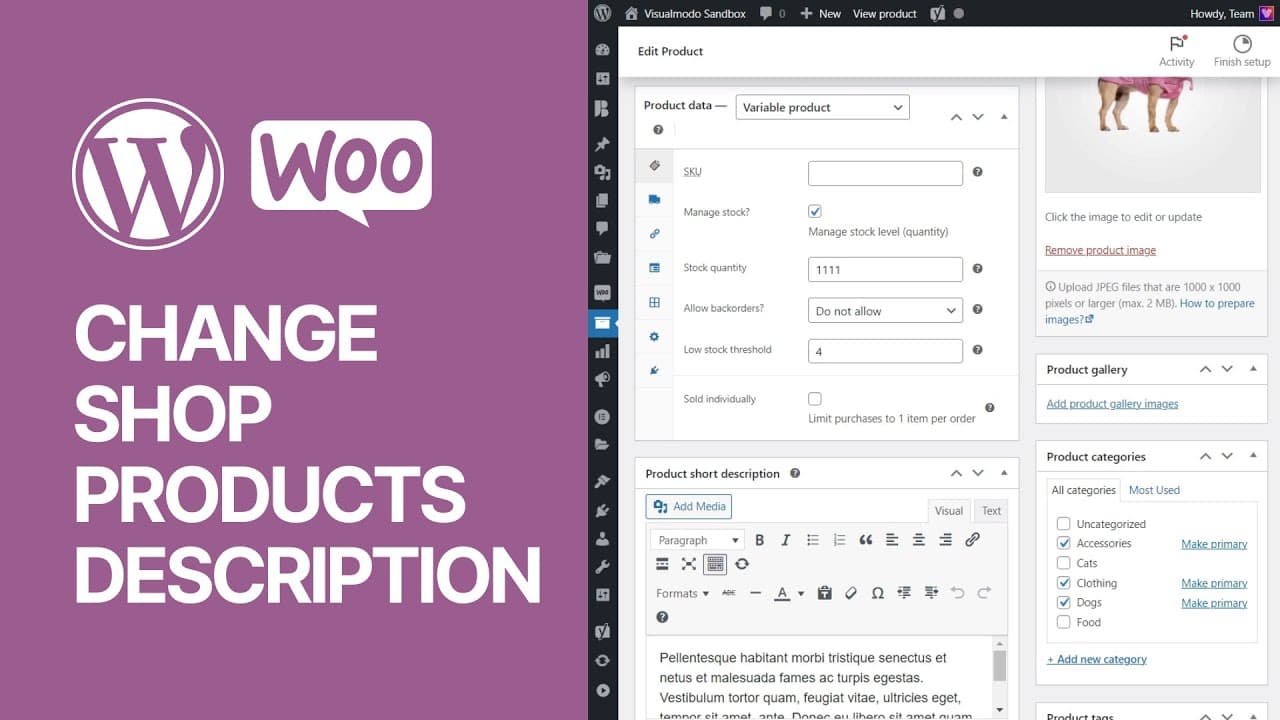
In today's video tutorial we'll learn hoe to edit, change and customize the WooCommerce shop products description in a simple, fast and free method. Download WordPress themes and plugin free https://visualmodo.com/ How to Put Your WordPress Website in Maintenance Mode Easy and For Free? 🚧 https://www.youtube.com/watch?v=QqSIuO2Zbos 🛒 How To Edit and Customize All WooCommerce Pages Easily and For Free - No Coding Needed Tutorial https://www.youtube.com/watch?v=te3ipdZrgmA To edit product description in WooCommerce, you need to follow these steps: If you are not careful while editing product descriptions in WooCommerce, you may end up losing all your data. Make sure to create a backup copy before proceeding. Log in to your WordPress site and go to your dashboard. From the dashboard, hover over the WooCommerce tab in the left menu and select Products from the drop-down menu. You will be taken to the Products page where you will see a list of all the products in your store. Find the product whose description you want to change, and click its name to edit it. On the Edit Product page, scroll down to the Product Description section. Here you can edit the product's description. When you're done editing, scroll to the bottom of the page and click the refresh button. #wordpress #tutorial #woocommerce ⭐ Free Goods of the Week: Download these 6 free goods before it's too late! https://crmrkt.com/NloAlj ⭐ Buy Website Hosting Plan and Gain a Free Domain At https://bluehost.sjv.io/EaMeRe ⭐ Best VPN service https://www.jdoqocy.com/click-100626937-15074150 ⭐ Register Your Domains Hassle-Free https://namecheap.pxf.io/rnmrdB ⭐ Managed Cloud Hosting https://www.cloudways.com/en/?id=309377 I hope you guys enjoy this video, feel free to use the comments section below in case you have any questions, and don't forget to check out that Visualmodo website and subscribe to our channel for more web design and development training videos. Please check the links below for more content. Website https://visualmodo.com/ Facebook https://www.facebook.com/visualmodo Instagram https://www.instagram.com/visualmodo/ Twitter https://twitter.com/visualmodo
About YouTube Real-Time View Count
With SocialCounts.org’s view counter, track your YouTube video’s live view count and YouTube likes count in real time with fast, reliable updates.
Watch every YouTube video live view count rise with our real-time YouTube views tracker—built for accuracy and minimal delay.
Follow YouTube real time views as they happen, using our dedicated view counter for YouTube videos.
Get up-to-date live view count on YouTube and see real-time growth with SocialCounts.org’s smart tracking tools.
Embed Widget
Parameters:
fullscreen=true- Fullscreen countergraph=true- Live graph chartcounter=0/1/2- Select counter (0=likes, 1=views, 2=comments)
URL
Click to copy the embed URL to your clipboard