


3,072
likes
528
comments
daily view 0
monthly view 0
Live Analytics
Comments 0
Google Just Broke Reality: GENIE is RELEASED! Analytics Table
Income Estimates for Google Just Broke Reality: GENIE is RELEASED!
Based on this YouTube video's total view count of 91.1K views and industry-standard rates, the estimated total earning is $64 - $182 through ad revenue. Historical data is not yet available to calculate daily, weekly, or monthly averages.
About Google Just Broke Reality: GENIE is RELEASED!
Explore Google Just Broke Reality: GENIE is RELEASED! with 91,129 views, 3,072 likes, and 528 comments. Experience the impact of this video content that has captured audience attention.
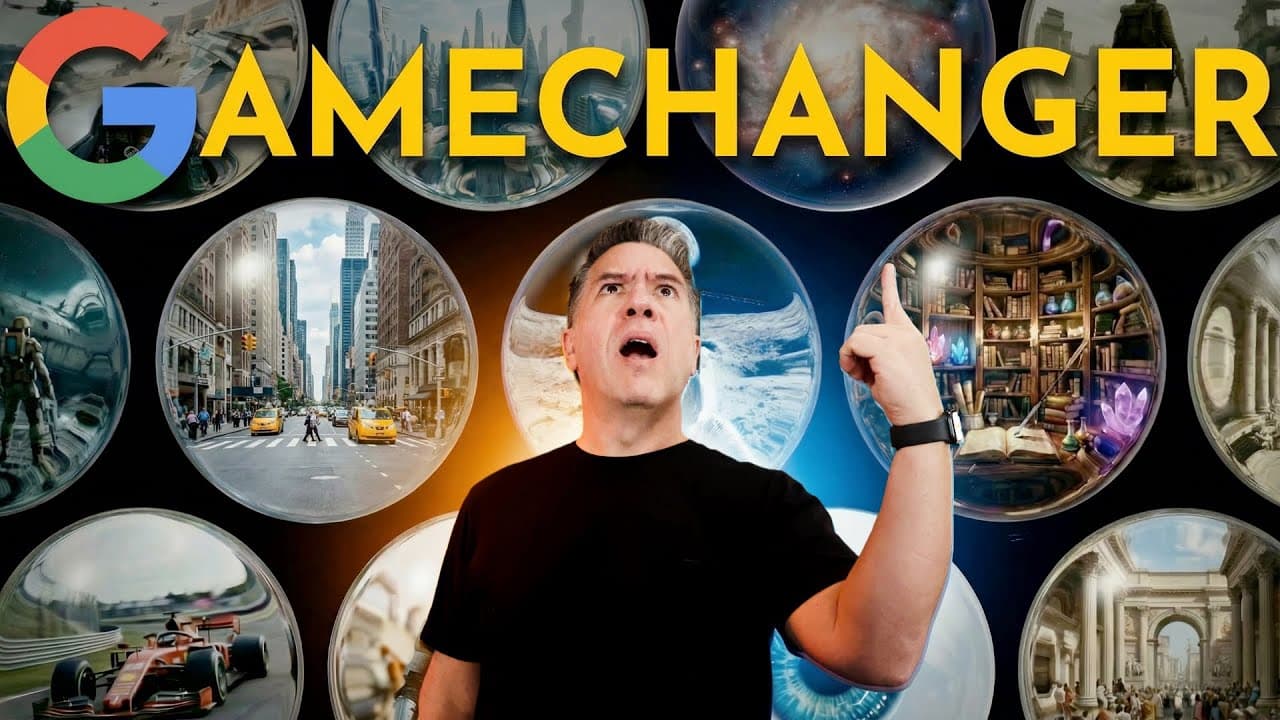
After months of waiting, I finally got access to Google DeepMind’s Genie (Genie 3), the real-time world simulator that is redefining Generative AI. This isn't just video generation anymore—this is a playable, interactive environment generated on the fly. In today's video, I take you hands-on with the public release to stress test the model. We go from "Google Street View" prompts to highly stylized comic book pages that come to life, test the limits of object permanence (Elden Ring style), and see if we can break the physics engine. I also sat down for an exclusive interview with the DeepMind team to discuss the tech stack, why certain features were cut from the launch, and their roadmap to simulating reality with Genie 4. 🧞♂️ Try Genie Yourself: https://labs.google/projectgenie 🎥 Check out the Artlist AI Toolkit: https://artlist.io/artlist-70446/?artlist_aid=TheoreticallyMedia_4024&utm_source=a[…]um=TheoreticallyMedia_4024&utm_campaign=TheoreticallyMedia_4024 Sign up for my Free Weekly Newsletter: https://theoreticallymedia.beehiiv.com/ In this video: We cover the history from Genie 1 to the current trilogy, test Text-to-World and Image-to-World capabilities, and explore practical workflows for using this as a virtual production set. Topics Covered: Google Genie 3 Review & Interface Tour Text-to-World vs. Image-to-World Prompting Object Permanence & Physics Tests Exclusive DeepMind Interview AI Filmmaking Use Cases If you enjoy deep dives into the future of Creative AI, make sure to Like and Subscribe! #GoogleDeepMind #Genie #WorldModel #ArtificialIntelligence #TechReview #GoogleGenie #GameDev 00:00 The Genie is Out 00:31 A Brief History of Genie 01:26 The Trilogy Reveal 01:55 Public Release Details 02:16 Interface Tour & Templates 02:54 Text-to-World: NYC Demo 03:30 Controls & Physics 04:22 Modifying the World Live 04:58 Third Person Mode (GTA Vibe) 06:15 Non Specific Locations 06:42 Man in a Blue Business Suit Prompt Tip 07:34 Image-to-World Results 08:24 Stylized Worlds (Midjourney Input) 09:11 Interaction Limits 09:43 Real Photo Input: Studio Tour 09:55 Dream Logic Rooms 10:48 Object Permanence Test (Elden Ring) 11:45 Infinite City Expansion 11:56 The City Goes On and On 12:39 Maintaining the Vibe 12:54 This Blew Me Away 13:18 The Comic Book Experiment 14:11 Pricing & Availability 14:51 Use Cases: Game Ideas 15:07 Virtual Production Workflow 16:03 Sponsor: Artlist AI Toolkit 18:23 Interview: The Origin of Genie 19:19 Video Model Evolution 19:59 Why Features Were Cut 20:22 What Was Scaled Back and Why 20:56 Interactivity in Genie? 21:09 Evolving Worlds 21:36 Genie vs Genie 3 and the End Goal 22:12 Keyboard Vs Mouse 22:54 Future Interfaces 23:08 Future integrated workflows (Genie, Nanobanana, Veo) 23:42 Personal view of Genie 24:46 Genie as a Foundational Model 25:37 What Does Genie 4 Look like? 26:15 Closing Thoughts
About YouTube Real-Time View Count
With SocialCounts.org’s view counter, track your YouTube video’s live view count and YouTube likes count in real time with fast, reliable updates.
Watch every YouTube video live view count rise with our real-time YouTube views tracker—built for accuracy and minimal delay.
Follow YouTube real time views as they happen, using our dedicated view counter for YouTube videos.
Get up-to-date live view count on YouTube and see real-time growth with SocialCounts.org’s smart tracking tools.
Embed Widget
Parameters:
fullscreen=true- Fullscreen countergraph=true- Live graph chartcounter=0/1/2- Select counter (0=likes, 1=views, 2=comments)
URL
Click to copy the embed URL to your clipboard