

How to Fix “Your Game Requires a System Restart to Play” League of Legends 2024
115,477
Socialcounts.Org
1,368
likes
599
comments
daily view 0
monthly view 0
Live Analytics
Comments 0
How to Fix “Your Game Requires a System Restart to Play” League of Legends 2024 Analytics Table
Income Estimates for How to Fix “Your Game Requires a System Restart to Play” League of Legends 2024
Based on this YouTube video's total view count of 115K views and industry-standard rates, the estimated total earning is $81 - $231 through ad revenue. Historical data is not yet available to calculate daily, weekly, or monthly averages.
About How to Fix “Your Game Requires a System Restart to Play” League of Legends 2024
Explore How to Fix “Your Game Requires a System Restart to Play” League of Legends 2024 with 115,477 views, 1,368 likes, and 599 comments. Experience the impact of this video content that has captured audience attention.
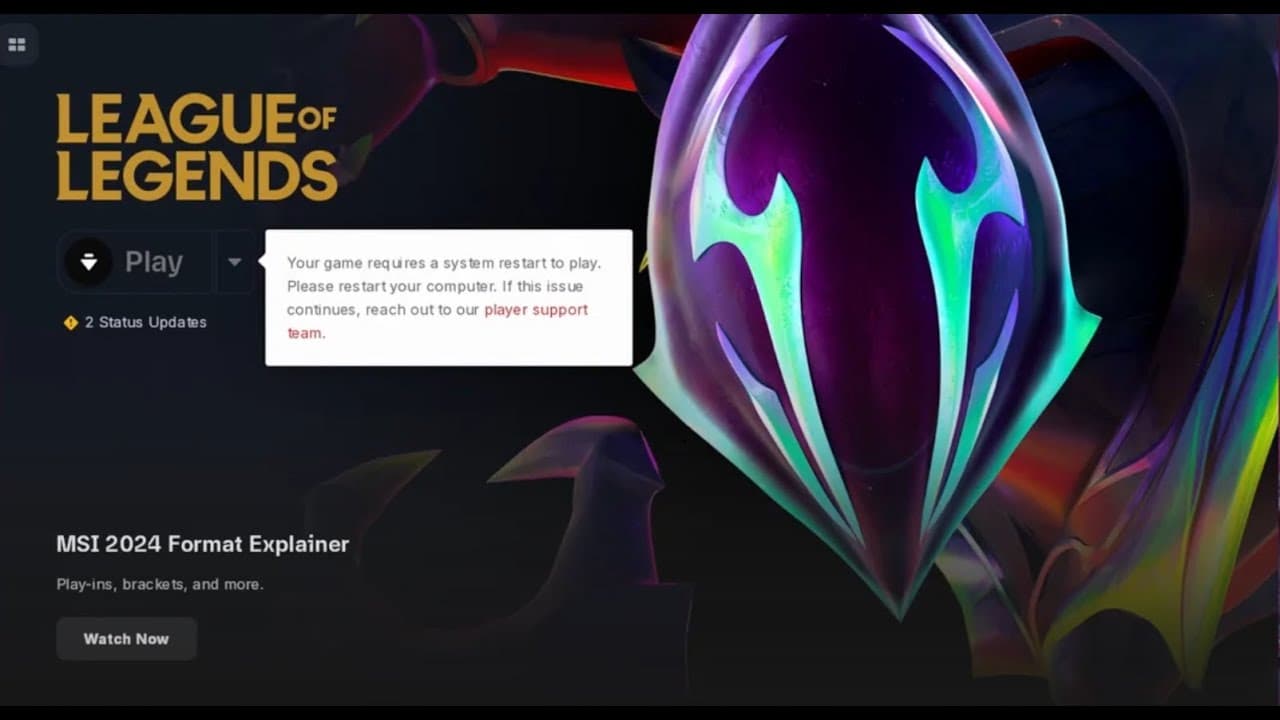
#leagueoflegends #freeleagueskins #leaguenotworking #leaguerequiersrestart How to Fix “Your Game Requires a System Restart to Play”League of Legends [SOLUTION] This tutorial shows you how you can fix the ”Your game requires a system restart to play” error in League of Legends on Windows 11/10 PC. The League of Legends game is an amazing MOBA game developed and published by Riot Games. It is relatively old game and is getting popular day by day amongst gaming enthusiasts. However, the game is not immune to bugs and errors. League of Legends players have encountered many errors and one such error is: Your game requires a system restart to play. Please restart your computer. If this issue continues, reach out to our player support team. Issues addressed in this tutorial: game requires a system restart to play your game requires a system restart to play League of Legends your game requires a system restart to play League of Legends fix game requires a system restart League of Legends system requires restart League of Legends the game requires an update to access in order to complete setup a system reboot is necessary system restart to play League of Legends Cheating in online MOBA games has always been a big issue, even when League of Legends wasn’t there. It can destroy the gaming experience, and cut down the player’s interest in the game. League of Legends from its nascent stages, tried to overcome this shortfall with its own Riot Vanguard protection system. You have to perform a system restart after installing the game just once, which is completely normal, and the Vanguard system will be started automatically. But, what if you have restarted your system and still you are seeing the “Your game requires a system restart to play. Please restart your computer.” message on the front page? This problem has occurred to many users, so there is nothing to worry about. Follow these fixes to get a quick resolution. This tutorial will apply for computers, laptops, desktops, and tablets running the Windows 10 and Windows 11 operating systems (Home, Professional, Enterprise, Education) from all supported hardware manufactures, like Dell, HP, Acer, Asus, Toshiba, Lenovo, Alienware, Razer, MSI, Huawei , Microsoft Surface, and Samsung. #freevalorantskins #leagueoflegendsskins #leagueoflegendsfreeskins #newskinsleagueoflegends
About YouTube Real-Time View Count
With SocialCounts.org’s view counter, track your YouTube video’s live view count and YouTube likes count in real time with fast, reliable updates.
Watch every YouTube video live view count rise with our real-time YouTube views tracker—built for accuracy and minimal delay.
Follow YouTube real time views as they happen, using our dedicated view counter for YouTube videos.
Get up-to-date live view count on YouTube and see real-time growth with SocialCounts.org’s smart tracking tools.
Embed Widget
Parameters:
fullscreen=true- Fullscreen countergraph=true- Live graph chartcounter=0/1/2- Select counter (0=likes, 1=views, 2=comments)
URL
Click to copy the embed URL to your clipboard