

1,253
likes
96
comments
daily view 0
monthly view 0
Live Analytics
Comments 0
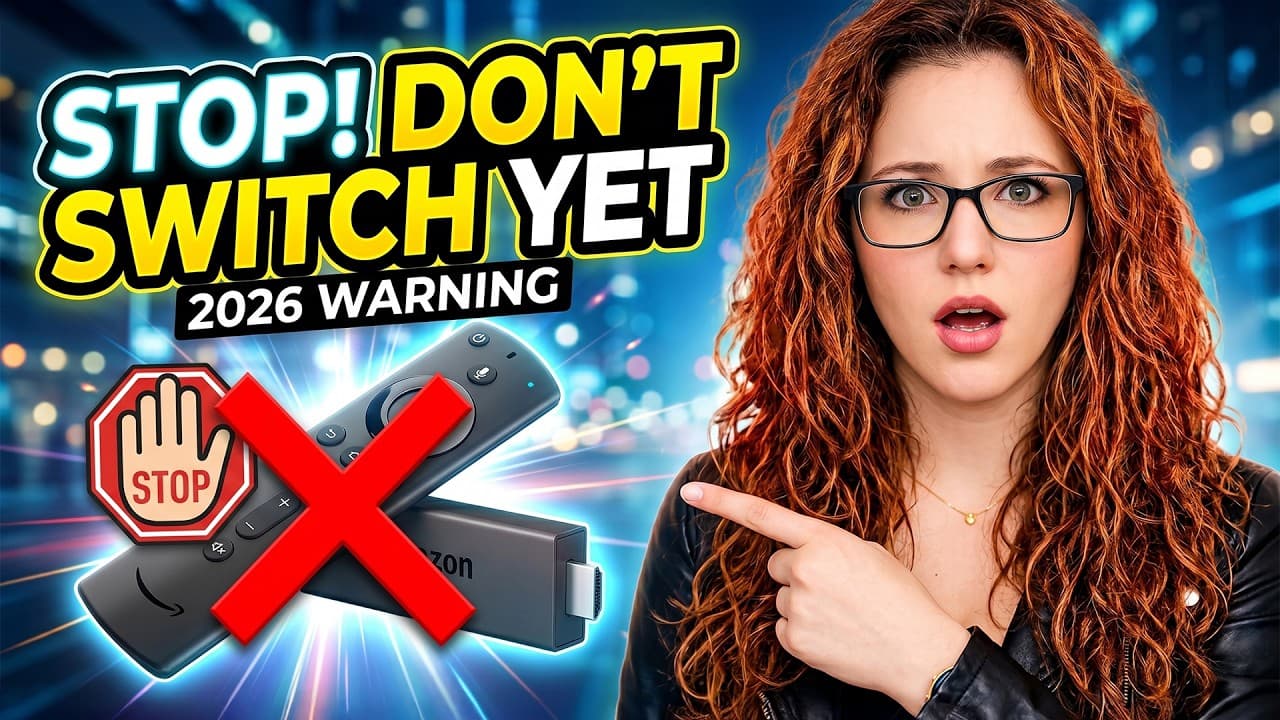
🚨 Switching Your Firestick in 2026? Watch This First Analytics Table
Income Estimates for 🚨 Switching Your Firestick in 2026? Watch This First
Based on this YouTube video's total view count of 24.9K views and industry-standard rates, the estimated total earning is $17 - $50 through ad revenue. Historical data is not yet available to calculate daily, weekly, or monthly averages.
About 🚨 Switching Your Firestick in 2026? Watch This First
Explore 🚨 Switching Your Firestick in 2026? Watch This First with 24,924 views, 1,253 likes, and 96 comments. Experience the impact of this video content that has captured audience attention.
If you’re thinking about switching your Firestick in 2026, watch this first. A lot of people are upgrading right now without realising that streaming devices are changing — and depending on what you choose next, you could end up with something that doesn’t work the way your current setup does. In this video, I break down the two paths you can take: 👉 Simple, plug-and-play devices 👉 Full control, flexible setups …and how to choose the right one based on how you actually use your setup. ________________________________________ 🔗 Watch Next 🔥 Uncertified Devices (Full Breakdown) 👉 https://youtu.be/WwX5yU28Tbc 🚀 DITCH the Fire TV Stick: My TOP 5 ALTERNATIVES! 🔥 👉 https://youtu.be/Z1TI9zVJMXs 🚀 Mini PC Setup – Smarter Than Any Firestick 🚀 👉 https://youtu.be/--ECCBN-E_8 ________________________________________ 🔒 Protect Your Streaming Privacy Regardless of what device you use — Firestick, Shield, Onn, or anything else — protecting your connection matters. Personally, I use NordVPN on all my devices because it’s fast, reliable, and works properly with UK streaming services. It’s something I genuinely use in my own setup. If you’re interested: 👉 https://nordvpn.com/unboxdtech Using the link supports the channel and helps you stay private while streaming. ________________________________________ 💬 Get Direct Help with Your Setup Join the channel membership and gain access to my private support group, where I personally answer questions and share additional tips. Just click “Join” under this video for details. ________________________________________ 🔗 Links 🌐 Website - https://unboxd.tech/ ↪️ X - https://x.com/unboxd_tech ↪️ TikTok - https://www.tiktok.com/@unboxd.tech ↪️ TanDoesTech - https://www.youtube.com/@TanDoesTech 👁️🗨️ Amazon Link ↪️ https://amzn.to/3ZQk7EE ➡️ Paypal donations - https://www.paypal.me/tanyayt ________________________________________ ⏱️TIMESTAMPS⏱️ 00:00 – Don’t switch your Firestick yet 00:48 – What’s actually changing 01:11 – The real decision (2 paths) 01:50 – Certified devices (simple route) 03:11 – Uncertified devices (full control) 04:00 – Mini PC setups explained 05:00 – Simple vs Control (comment below) 05:47 – Already have a Firestick? Watch this next ________________________________________ Affiliate Disclaimer Unboxd.tech is supported by its viewers. Some links in this description may be affiliate links, meaning we may earn a commission if you make a purchase — at no extra cost to you. Copyright & Fair Use All third-party content belongs to its respective owners. This video is for educational purposes under Section 107 of the U.S. Copyright Act (Fair Use), which allows limited use for commentary, criticism, news, teaching, and research. Legal Disclaimer Apps shown do not host content; they act as search tools. While using them is legal, some links they find may lead to unlicensed content. Streaming such content could be illegal in your country — check your local laws. Unboxd.tech is not responsible for any legal issues, damages, or losses resulting from use of the information provided. Use at your own risk and follow safe practices. #Firestick #StreamingDevices #AndroidTV
About YouTube Real-Time View Count
With SocialCounts.org’s view counter, track your YouTube video’s live view count and YouTube likes count in real time with fast, reliable updates.
Watch every YouTube video live view count rise with our real-time YouTube views tracker—built for accuracy and minimal delay.
Follow YouTube real time views as they happen, using our dedicated view counter for YouTube videos.
Get up-to-date live view count on YouTube and see real-time growth with SocialCounts.org’s smart tracking tools.
Embed Widget
Parameters:
fullscreen=true- Fullscreen countergraph=true- Live graph chartcounter=0/1/2- Select counter (0=likes, 1=views, 2=comments)
URL
Click to copy the embed URL to your clipboard