


1,082
likes
22
comments
daily view 0
monthly view 0
Live Analytics
Comments 0
Should You Choose Twitch or Kick?! Analytics Table
Income Estimates for Should You Choose Twitch or Kick?!
Based on this YouTube video's total view count of 44.0K views and industry-standard rates, the estimated total earning is $31 - $88 through ad revenue. Historical data is not yet available to calculate daily, weekly, or monthly averages.
About Should You Choose Twitch or Kick?!
Explore Should You Choose Twitch or Kick?! with 44,094 views, 1,082 likes, and 22 comments. Experience the impact of this video content that has captured audience attention.
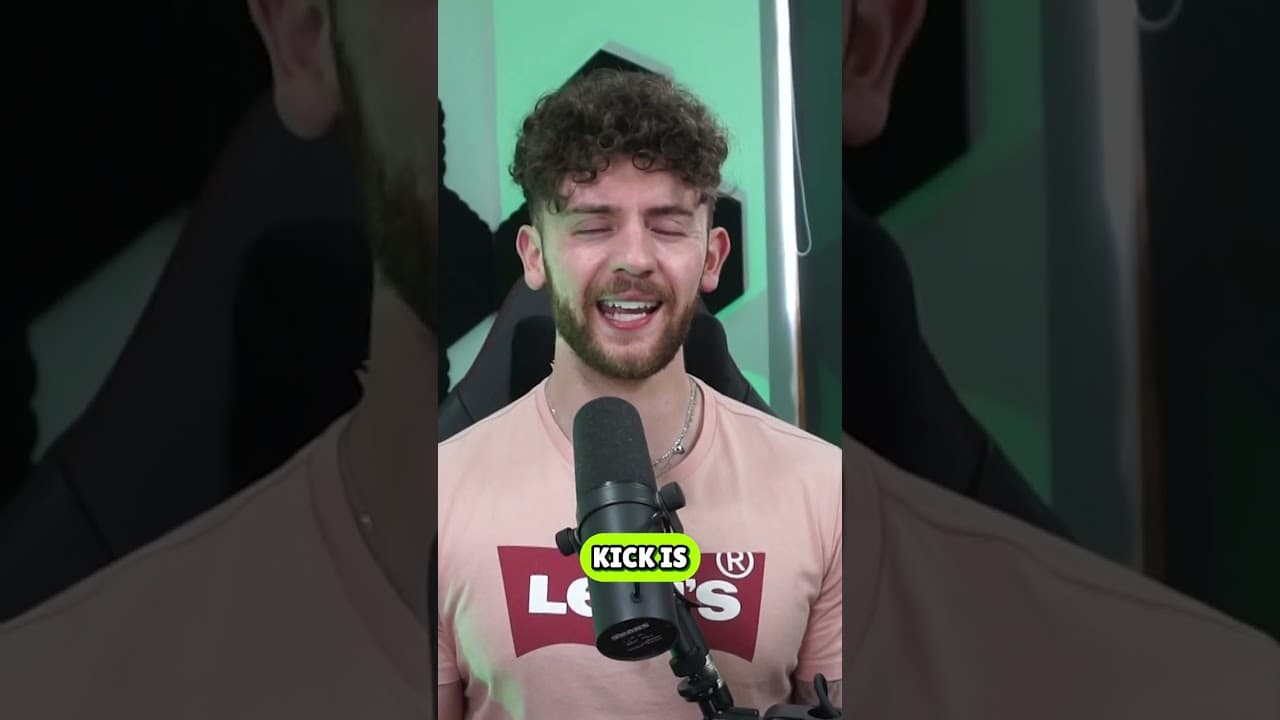
Twitch or Kick? Let’s compare. If you want to get affiliate to start making money the requirements on Kick are far leaner, making them easier to hit. When it comes to how much money you get, Kick also wins here - giving 95% revenue split, while Twitch only gives out 50%. But what about when it comes to moderation? How to be a successful streamer? Or the best features? #Shorts #Kick #Twitch #Stream #Streaming #xQc GETREKT is a premium stream overlay and twitch overlay design studio, offering both pre-made and custom overlay packages. GETREKT is also the host of multiple series and blogs focusing on creator and streamer education, news, tips and updates. GETREKT Labs features custom overlays, design, interactive stream assets, 3D world building, Unreal Engine 5 environments, custom widgets, Twitch stream overlays, camera overlays, reactive overlays, emotes, alerts, sound effects (sfx), set-up and coding for all items. Working with hundreds of content creators and streamers across YouTube, Twitch and Facebook gaming– including ZLaner, Kingslayer, Meg Turney, Zerkaa, Gladd, GoodGameBro, It’s Iron, Mark Tuan, GSXR Clyde, Timprovision, Chap, Tommey, Who’s Chaos, Chris Denker, SeaPeeKay and more. GETREKT Elements features premade stream overlay packages and assets, including Twitch stream overlays, camera overlays, emotes, alerts, sfx, Twitch panels, scene transitions, stingers – all with an easy 1 click set up in Stream Labs and Stream Elements with OBS. VISIT OUR WEBSITE: · GETREKT Labs portfolio: https://getrektlabs.com/blogs/portfolio · GETREKT Labs custom overlays: https://getrektlabs.com/pages/labs · GETREKT Elements premade overlays: https://getrektlabs.com/collections/stream-overlay-packages · GETREKT blog, events and streamer educational hub: https://getrektlabs.com/pages/the-hub FOLLOW GETREKT LABS ON SOCIAL MEDIA: · Twitter: https://twitter.com/getrektlabs · TikTok: https://www.tiktok.com/@getrektlabs · Instagram: https://www.instagram.com/getrektlabs/ · Facebook: https://www.facebook.com/getrektlab SUBSCRIBE TO OUR CHANNELS · YouTube: https://www.youtube.com/getrektlabs · Podbean Reactor episodes: https://getrektlabs.podbean.com Join our Elements Community Discord: https://discord.gg/HmaEDSNGT9
About YouTube Real-Time View Count
With SocialCounts.org’s view counter, track your YouTube video’s live view count and YouTube likes count in real time with fast, reliable updates.
Watch every YouTube video live view count rise with our real-time YouTube views tracker—built for accuracy and minimal delay.
Follow YouTube real time views as they happen, using our dedicated view counter for YouTube videos.
Get up-to-date live view count on YouTube and see real-time growth with SocialCounts.org’s smart tracking tools.
Embed Widget
Parameters:
fullscreen=true- Fullscreen countergraph=true- Live graph chartcounter=0/1/2- Select counter (0=likes, 1=views, 2=comments)
URL
Click to copy the embed URL to your clipboard