

418
likes
221
comments
daily view 0
monthly view 0
Live Analytics
Comments 0
Media Device MTP Mode Not Working FIXED✔✔✔ Analytics Table
Income Estimates for Media Device MTP Mode Not Working FIXED✔✔✔
Based on this YouTube video's total view count of 27.8K views and industry-standard rates, the estimated total earning is $20 - $56 through ad revenue. Historical data is not yet available to calculate daily, weekly, or monthly averages.
About Media Device MTP Mode Not Working FIXED✔✔✔
Explore Media Device MTP Mode Not Working FIXED✔✔✔ with 27,888 views, 418 likes, and 221 comments. Experience the impact of this video content that has captured audience attention.
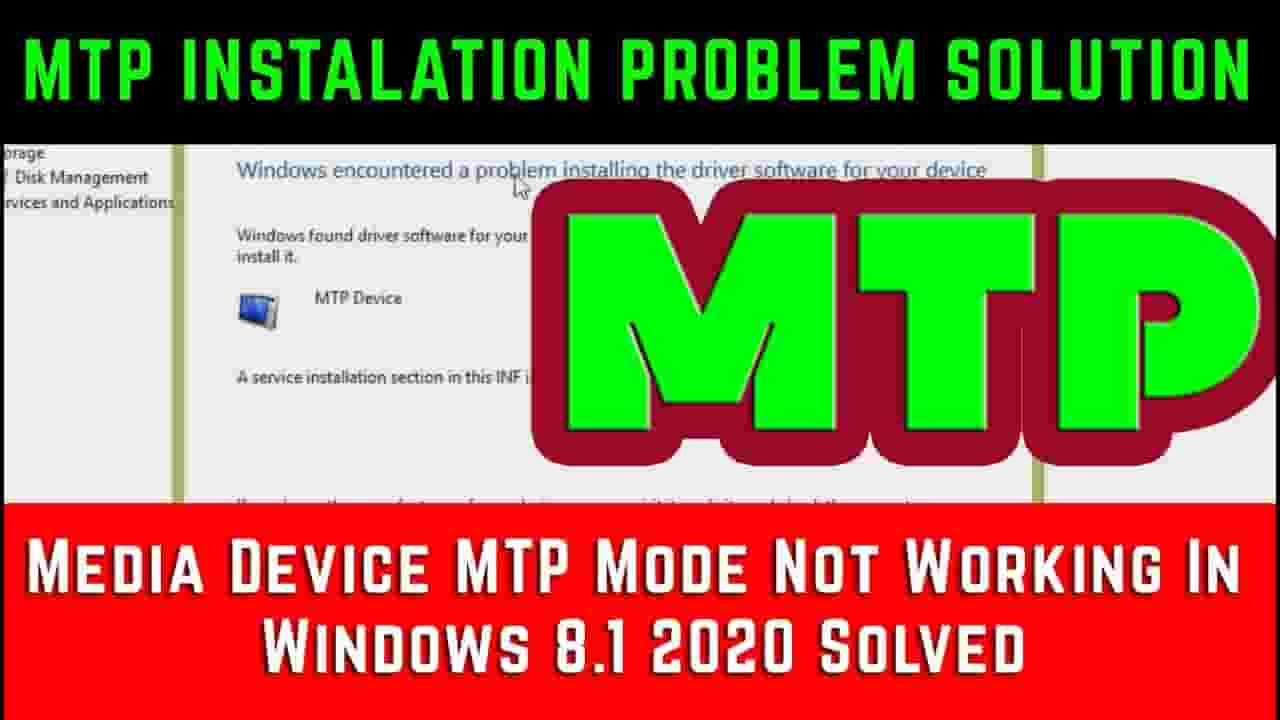
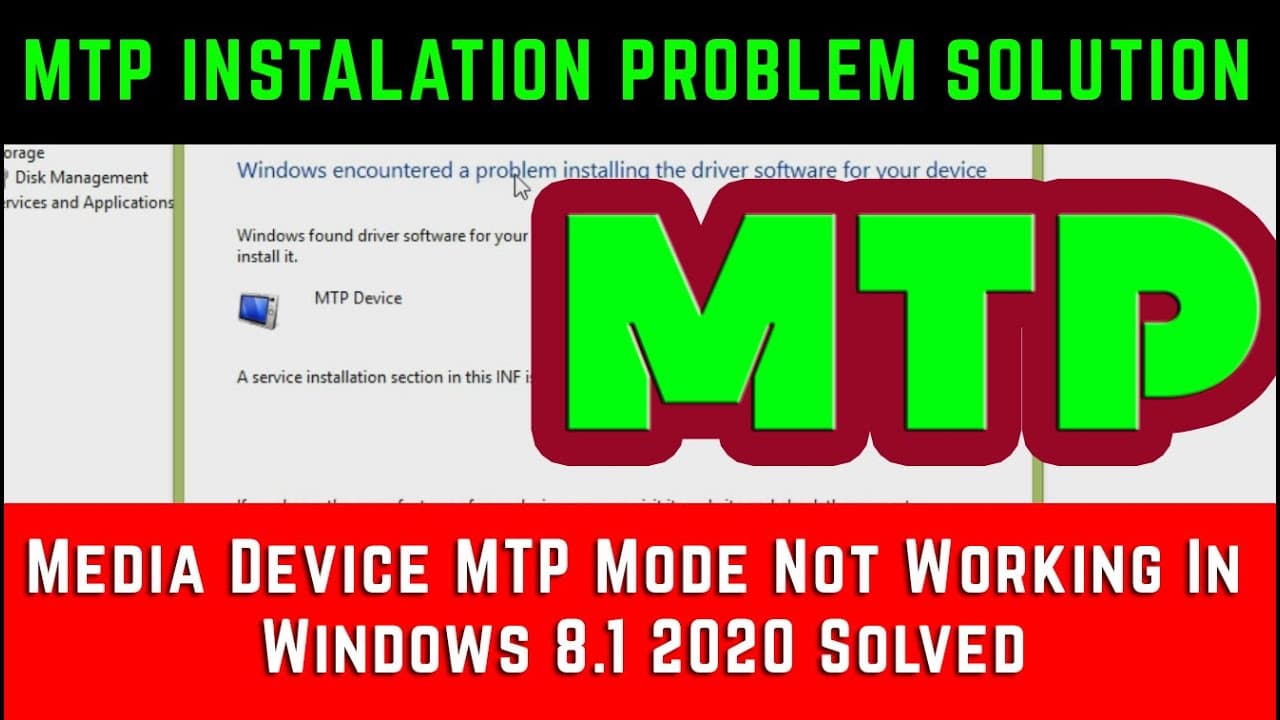
Media Device MTP Mode Not Working In Windows 8.1 2020 Solved Media Device MTP Mode Not Working In Windows 8,8.1, service installation inf is invalid [Solved] windows 10 With Android Showing error a service installation inf is invalid. How to solve driver installation errors. while installing windows MTP driver error.Phone/USB not Working, Connecting, Recognized, Detected, Showing PC/Computer Windows 7/8/10, thanks for watching,,, Most of the time using another USB port works, especially switching between the USB 3.0 port to USB 2.0. Try this even if the port was working a moment ago. Sometimes, using another USB cable can also fix the problem. Often, a nice and sweet reboot is all it takes for a PC If none of the above medicines worked for your Windows 10 machine, you will need to perform some operations. It’s not as bad as I made it sound. Download Latest ADB and Fastboot for Win/Mac/Linux Press and hold the Windows Key and while holding it, press R. Type %systemroot%\INF in the box and hit Enter. Alternatively, you could just use the file explorer and manually go to C:\Windows\INF Type wpdmtp.inf in the search bar provided to the right of the address bar in the Windows folder. wpmdmtp.inf is a file related to MTP and installing it manually can possibly resolve your issues, especially when you have previously seen the error message “A service installation section in this INF is invalid“.Right-click on the wpmdmtp.inf file and select Install. Click Yes if asked, “Do you want to allow this app to make changes to your device?” It should go rather quickly and once it’s done try connecting your MTP device again Install the MTP USB Device Driver Press and hold the Windows key and press R. In the run dialogue box that opens, type devmgmt.msc and hit Enter. This will open the device manager. Alternatively, you can also press the Windows key and type Device Manager to search for it. Expand Portable devices and find your device. If you can’t, try looking under Other devices as well because it is under that for some users. Also, make sure your MTP device is connected to your PC, otherwise, it won’t show here. Right-click it, and choose Update Driver Software. Select Browse my computer for driver software. Click on Let me pick from a list of device drivers on my computer. From the options presented, select MTP USB Device, and click next. Follow the installation wizard to install it. Download and install the Media Feature Pack This update is primarily meant for N and KN versions of Windows 10 which do not offer the Windows Media Player as well as some related technologies to the end-user. In some cases, installing the Media Feature Pack might solve the issue as well. All you have to do is download the appropriate update from Microsoft’s Website, install it and reboot your PC. If your PC is 64-bit, download Microsoft-Windows-MediaFeaturePack-OOB-Package_x64.msu which is a 108.9MB package otherwise download the 72.4MB package named Microsoft-Windows-MediaFeaturePack-OOB-Package.msu. You don’t necessarily have to follow all of the aforementioned methods and most probably any one of the above three methods will solve your problem. Pick anyone you are more comfortable with. Did any of these methods help you? Do let us know. #MTP#mobilesolutions#android Our Social Links- facebook https://goo.gl/DETkN4 pintrest https://goo.gl/VMfq71 google plus https://goo.gl/ZiSZnj instagram https://goo.gl/ehg67r blog http://mobilsolutions2018.blogspot.com Email [email protected] Please promote my channel like share and subscribe thanks
About YouTube Real-Time View Count
With SocialCounts.org’s view counter, track your YouTube video’s live view count and YouTube likes count in real time with fast, reliable updates.
Watch every YouTube video live view count rise with our real-time YouTube views tracker—built for accuracy and minimal delay.
Follow YouTube real time views as they happen, using our dedicated view counter for YouTube videos.
Get up-to-date live view count on YouTube and see real-time growth with SocialCounts.org’s smart tracking tools.
Embed Widget
Parameters:
fullscreen=true- Fullscreen countergraph=true- Live graph chartcounter=0/1/2- Select counter (0=likes, 1=views, 2=comments)
URL
Click to copy the embed URL to your clipboard