

884
likes
151
comments
daily view 0
monthly view 0
Live Analytics
Comments 0
New ARMSX3 PS3 Emulator on Android 60FPS TEST | Full Guide & Best Settings - It’s Insane! Analytics Table
Income Estimates for New ARMSX3 PS3 Emulator on Android 60FPS TEST | Full Guide & Best Settings - It’s Insane!
Based on this YouTube video's total view count of 36.7K views and industry-standard rates, the estimated total earning is $26 - $74 through ad revenue. Historical data is not yet available to calculate daily, weekly, or monthly averages.
About New ARMSX3 PS3 Emulator on Android 60FPS TEST | Full Guide & Best Settings - It’s Insane!
Explore New ARMSX3 PS3 Emulator on Android 60FPS TEST | Full Guide & Best Settings - It’s Insane! with 36,776 views, 884 likes, and 151 comments. Experience the impact of this video content that has captured audience attention.
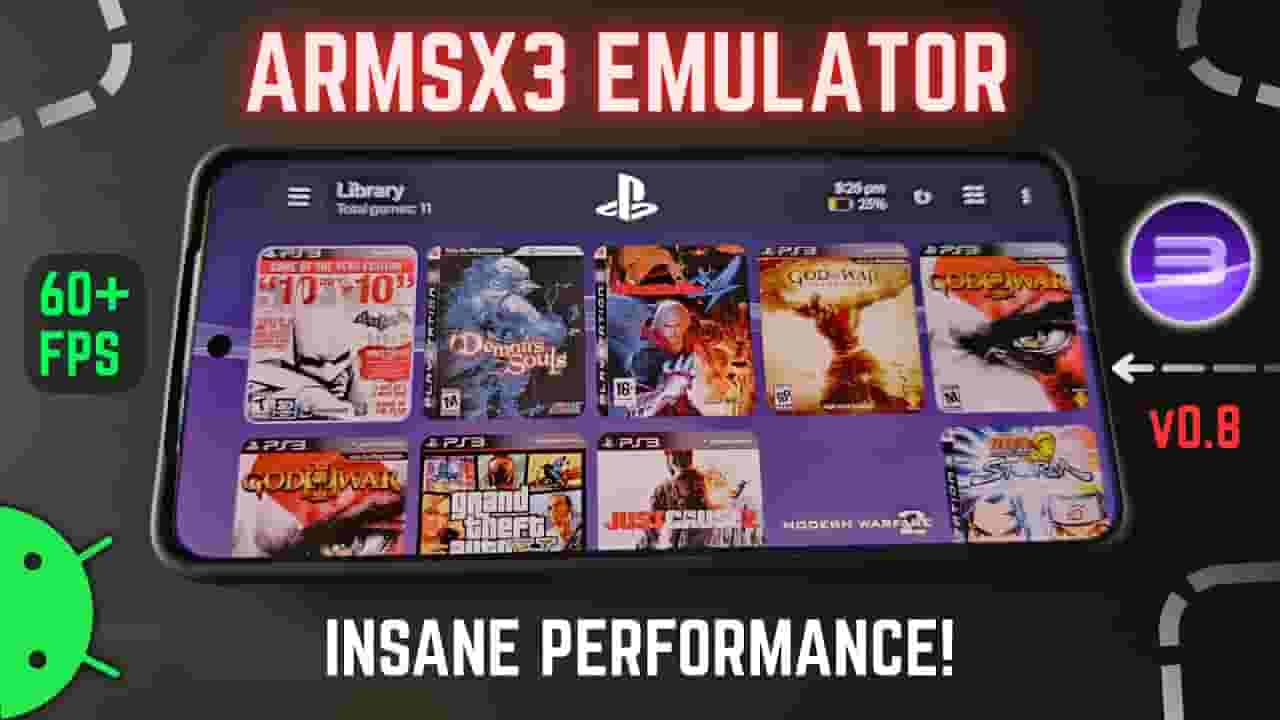
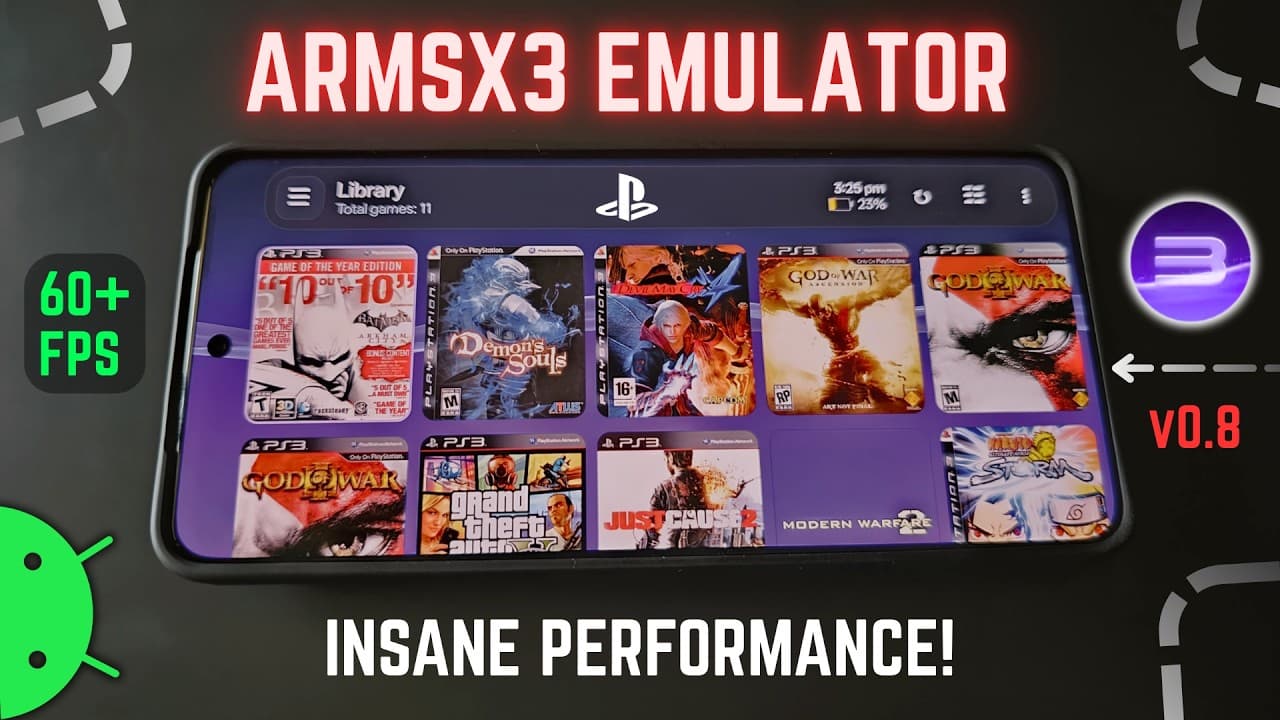
New ARMSX3 v0.8 PS3 Emulator UPDATE on Android 60FPS TEST | Full Guide & Best Settings - It’s Insane! ➤ ARMSX3 PS3 Emulator for Android is here! ARMSX3 is an open-source PS3 emulator for Android based on the RPCS3 core and its Arm64 improvements. In this video, I’ll show you how to install and Full set up the emulator, configure the recommended settings and GPU drivers, and test its performance with PS3 games like God of War 3 and Demon’s Souls. How well does PS3 emulation actually work on Android? Let’s find out! Source: https://armsx3.net/ Firmware File: https://www.playstation.com/en-in/support/hardware/ps3/system-software/ Requirements ➤ Min: Snapdragon 732G or Helio G99 or above. Max recommended 8 Gen 2 or above, with 8GB RAM. Time stamps: 0:00 Introduction, New ARMSX3 1:10 Setup Process 2:24 Emulator Setup, User Interface 4:37 Emulator Settings, GPU Drivers 8:20 Game Patches 8:42 Others 9:05 Install Packages 9:49 Game Test, Side Menu 11:00 GOW3 Test 12:21 Demon Souls Test, default 30FPS 13:35 Demon Souls, 60FPS unlocked 14:40 Conclusion Phone Specifications: ➤ Model: Realme GT 7 Pro ➤ OS: Android 16, Realme UI 7.0 ➤ CPU: Qualcomm Snapdragon 8 Elite (3nm), ARMv9.2-A, 9W TDP Cores: 2x 4.32 Ghz Oryon (L) & 6x 3.53 Ghz Oryon (M) ➤ GPU: Adreno 830, Upto 1100Mhz, FP32: 3.5 TFlops ➤ 16GB LPDDR5X RAM, 512GB ROM UFS 4.1 ➤ Display: LTPO OLED, 1264x2780, 120Hz, HDR10+ Dolby Vision Check out: Join Our Telegram ➤ https://t.me/rgbtech Follow on Instagram ➤ https://www.instagram.com/rgb_techtv/ Follow on TikTok ➤ https://www.tiktok.com/@rgbtech.official Buy Me A Coffee ➤ https://www.buymeacoffee.com/harsha2k PayPal ➤ https://www.paypal.com/paypalme/sriharsha2k For Collaborations, Partnerships/Business: ➤ [email protected] 🔔 Subscribe for more tech content! 👉 https://www.youtube.com/@RGBTechGamer 👍 If this video helped you, don’t forget to like, comment, and share! Thanks for watching... THIS VIDEO IS FOR EDUCATIONAL TESTING PURPOSES ONLY! #ARMSX3 #PS3Emulator #android #armsx2 #Emulation #RPCS3 #godofwar3android #godofwar3 #8elite #emulator #ps4 #ps3 #aps3e #rpcs3emulator
About YouTube Real-Time View Count
With SocialCounts.org’s view counter, track your YouTube video’s live view count and YouTube likes count in real time with fast, reliable updates.
Watch every YouTube video live view count rise with our real-time YouTube views tracker—built for accuracy and minimal delay.
Follow YouTube real time views as they happen, using our dedicated view counter for YouTube videos.
Get up-to-date live view count on YouTube and see real-time growth with SocialCounts.org’s smart tracking tools.
Embed Widget
Parameters:
fullscreen=true- Fullscreen countergraph=true- Live graph chartcounter=0/1/2- Select counter (0=likes, 1=views, 2=comments)
URL
Click to copy the embed URL to your clipboard