
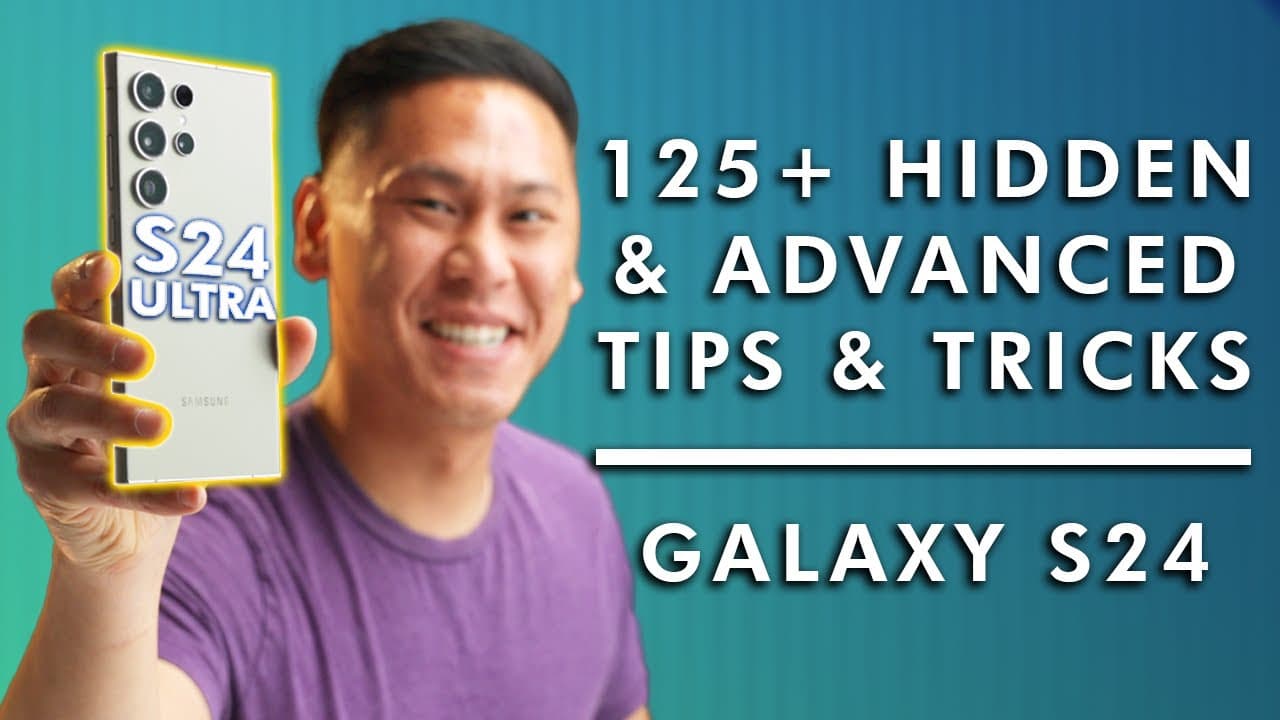


TOP 24+ SAMSUNG GALAXY S24, S24 PLUS & S24 ULTRA Tips, Tricks - Hidden & Advanced Features
1,137,058
Socialcounts.Org
16,293
likes
690
comments
daily view 0
monthly view 0
Live Analytics
Comments 0
TOP 24+ SAMSUNG GALAXY S24, S24 PLUS & S24 ULTRA Tips, Tricks - Hidden & Advanced Features Analytics Table
Income Estimates for TOP 24+ SAMSUNG GALAXY S24, S24 PLUS & S24 ULTRA Tips, Tricks - Hidden & Advanced Features
Based on this YouTube video's total view count of 1.13M views and industry-standard rates, the estimated total earning is $796 - $2.27K through ad revenue. Historical data is not yet available to calculate daily, weekly, or monthly averages.
About TOP 24+ SAMSUNG GALAXY S24, S24 PLUS & S24 ULTRA Tips, Tricks - Hidden & Advanced Features
Explore TOP 24+ SAMSUNG GALAXY S24, S24 PLUS & S24 ULTRA Tips, Tricks - Hidden & Advanced Features with 1,137,058 views, 16,293 likes, and 690 comments. Experience the impact of this video content that has captured audience attention.
Do you have a Samsung Galaxy S24, S24 Plus, or S24 Ultra? Here are my top 24+ tips and tricks for unlocking and utilizing the hidden and "advanced" features in your Galaxy S24+, including the new OneUI and Galaxy AI! BUY Samsung Galaxy S24 series: ▶ BEST BUY: https://howl.me/clrsc1zl798 ▶ SAMSUNG: https://howl.me/clrr9Vvh4U9 ▶ Charger: https://geni.us/9zYgylp ▶ Screen Protector: https://geni.us/PZUay ▶ Cases & skins from dbrand: https://myte.ch/dbrand ▶ Cases & lenses for photography: https://myte.ch/moment *These links are affiliate links CHANNEL MEMBERSHIP & WALLPAPER ▶ https://www.youtube.com/thisistechtoday/join CHAPTERS 00:00 Intro 00:44 Supercharge your phone 02:31 Font Size & Display Zoom 03:18 Screen Refresh Rate & Resolution 04:35 Extend Your Battery Charge 05:31 Extreme Battery Savings Tips 06:20 Extend the LIFETIME of Your Battery 07:49 Wirelessly charge other devices 08:47 Extra dim & bright display unlock 09:59 Photo Ambient Wallpaper 11:05 AOD like iPhone 12:34 Video for Lock screen Wallpaper 13:26 Create a wallpaper with AI 14:18 Activate Screen saver 15:08 Custom Call Background 15:48 Prevent being hacked 16:45 Circle to search 17:43 Swipe Down For Notifications 18:16 Customize Notification Bar 19:18 Notification History 21:04 Notification Reminders 21:56 Samsung’s “Dynamic Island” 23:05 Mute with Gestures 23:41 Double-tap to wake 24:16 Alert for missed notifications 24:55 Widget Stacks 25:36 Pinch-to-Zoom Texts 25:57 Pinch-to-Zoom Video 26:22 Easy YouTube Gesture 26:39 Fast App Switching 27:17 Change Navigation Button order & style 28:00 Simple Mode 28:49 Prevent apps from closing 29:33 FREE RAM 30:26 Split-Screen 31:17 Floating Notifications 32:21 EZ Smart Pop-up View 33:01 Quick Split Screen Gesture 33:36 Full-Screen Split Screen 34:23 Force Multi-Window in all apps 35:00 Dual Messenger 35:43 Pin Apps / Lockout others 36:34 Extend Unlock 37:36 Maintenance Mode for Repairs 38:30 EZ Manual Rotation 38:56 One-Handed Mode 39:37 Text Shortcuts (Templates) 40:21 Customize Keyboard 40:51 Advanced Keyboard Customization 41:45 GIFs, Grammarly, and more! 42:52 Screenshot with Palm Swipe 43:14 Copy/Paste Screenshots 43:45 Lock Homescreen Layout 44:09 Share Wi-Fi with a QR code 44:46 Unlock tons of power with a sticker 46:22 Data on how you use your phone 47:14 Color Palletes 48:06 Audio Output Destinations 48:40 Per App Audio Output 49:39 Music Sharing with Bluetooth Speakers 50:58 Quickdrop (AirDrop for Android) 51:29 Customize Power Button Quick Launch 51:59 Remove Bixby & add power button 52:24 Advanced Power Button Remapping 53:29 Back Tap Actions 54:33 Creating Custom Phone Modes 55:30 Creating Advanced Routines & Tasks (IFTTT) 56:44 FREE TV 57:32 Live Transcribe/Closed Captions 58:19 Live translate Calls 59:13 Interpreter mode/Translate convos 1:00:18 Translate Text Messages 1:01:07 AI Note Features 1:02:06 AI Voice Recorder Features 1:03:32 AI Browser features & Summaries 1:04:21 Unlock Camera’s full MP 1:05:16 200MP trick 1:06:15 Unlock 8K Video 1:06:45 Unlock 4K 120FPS Slow Mo 1:07:21 Object Eraser 1:08:31 Generative Fill 1:19:16 Remove Reflections 1:09:56 Erase Shadows 1:10:19 Photo fix suggestions 1:10:51 Add portrait blur in post 1:11:18 Generate a 24-Hour Timelapse from a normal photo (AWESOME) 1:12:00 Instant Slow Motion 1:13:09 Force AI Processing on Device 1:14:01 Create Stickers from Images 1:15:25 Control camera with your palm 1 :15:43 Quick Access Video from Photo mode 1 :16:02 Auto Framing Camera 1 :16:27 Image Grouping 1 :16:51 Astrophotography mode 1 :17:44 Sharable Albums & More 1 :18:37 Dual Mode Camera 1 :19:41 Manual Camera Audio Control 1 :20:16 Custom Filters/LUTs for your photos 1 :21:17 Hide Apps 1 :21:54 Offline Find My Device 1 :22:28 Add Medical Info to your device 1 :23:04 Emergency Contacts 1 :23:47 Emergency Sharing 1 :25:06 Emergency SOS Mode 1 :25:59 Lockdown Mode 1 :26:44 Earthquake Alerts 1 :27:18 Document Scanner 1 :27:46 Secure Folder to Hide things 1 :29:07 Improved fingerprint Scanner with Screen Protector 1 :30:03 Make GIFs from your photos 1 :30:52 Make GIFs with the S-Pen 1 :31:50 Control Camera with S-Pen 1 :32:35 How to NEVER Lose Your S-Pen 1 :33:11 Improve S-Pen Connection 1 :33:43 Unlock Phone with S-Pen 1 :34:16 Magnify with S-Pen 1 :34:54 Convert S-Pen to text 1 :35:23 Screen off Memos 1 :35:52 Translate with S-pen 1 :36:31 Annotate Screenshots with S-Pen 1 :36:54 Why do I use another Screen Recorder? ▶ Twitter - https://twitter.com/thisistechtoday ▶ Instagram - https://instagram.com/thisistechtoday ▶ TikTok - https://tiktok.com/@thisistechtoday ▶ Discord - https://myte.ch/discord BUSINESS & SPONSORSHIPS ▶ business -at- ricebowlmedia.com ▶ Media kit: https://myte.ch/mediakit Device provided by Samsung #withgalaxy MAIL This is Tech Today 4261 E University Dr #30-200 Prosper TX, 75078 As an Amazon Associate, I earn from qualifying purchases. I utilize affiliate links and may receive a commission from them.
About YouTube Real-Time View Count
With SocialCounts.org’s view counter, track your YouTube video’s live view count and YouTube likes count in real time with fast, reliable updates.
Watch every YouTube video live view count rise with our real-time YouTube views tracker—built for accuracy and minimal delay.
Follow YouTube real time views as they happen, using our dedicated view counter for YouTube videos.
Get up-to-date live view count on YouTube and see real-time growth with SocialCounts.org’s smart tracking tools.
Embed Widget
Parameters:
fullscreen=true- Fullscreen countergraph=true- Live graph chartcounter=0/1/2- Select counter (0=likes, 1=views, 2=comments)
URL
Click to copy the embed URL to your clipboard