


6
likes
1
comments
daily view 0
monthly view 0
Live Analytics
Comments 0
Best AI Anime Generator for Character Consistency? (PixAI Mio 2 Test) Analytics Table
Income Estimates for Best AI Anime Generator for Character Consistency? (PixAI Mio 2 Test)
Based on this YouTube video's total view count of 5.05K views and industry-standard rates, the estimated total earning is $4 - $10 through ad revenue. Historical data is not yet available to calculate daily, weekly, or monthly averages.
About Best AI Anime Generator for Character Consistency? (PixAI Mio 2 Test)
Explore Best AI Anime Generator for Character Consistency? (PixAI Mio 2 Test) with 5,052 views, 6 likes, and 1 comments. Experience the impact of this video content that has captured audience attention.
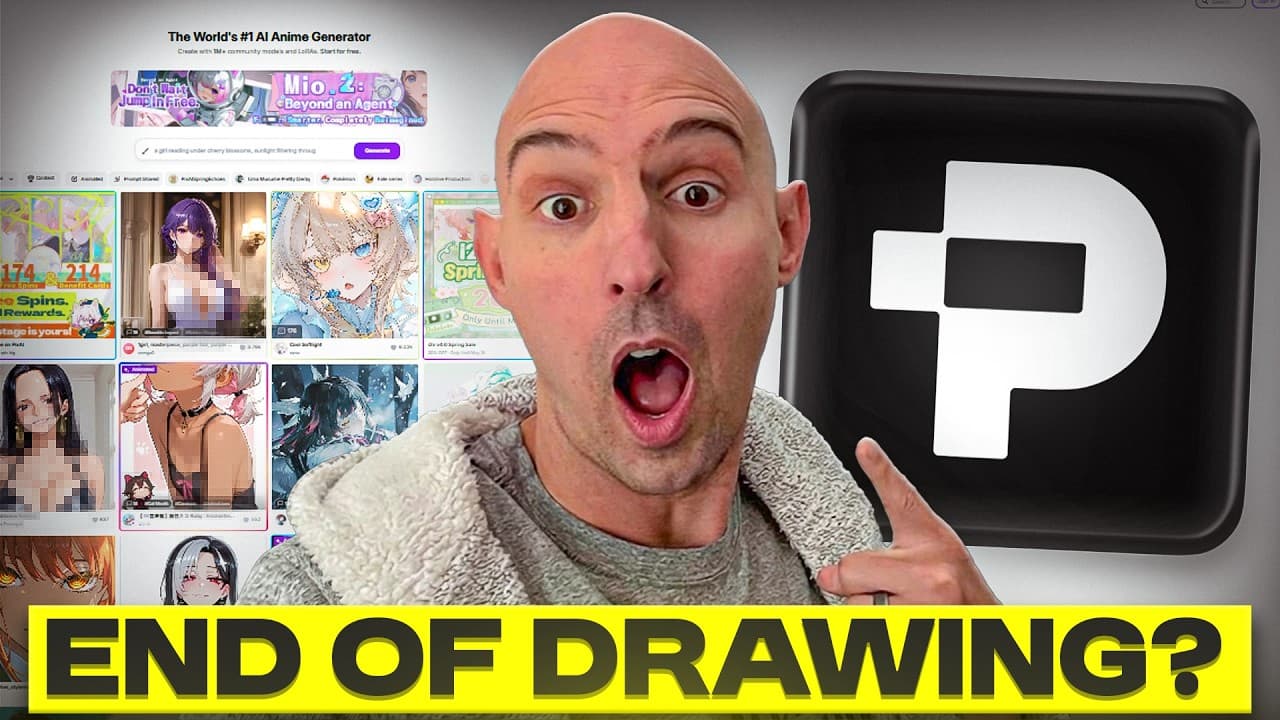
🔗 Check out PixAI / Mio 2: https://pixai.art/en?utm_source=neuralnet&utm_medium=video&utm_campaign=miomanga Most AI manga generator videos only show random images and give every tool a perfect score without testing what creators actually care about. In this video, we put AI manga generators through 5 real creator-focused tests to see which tools can truly handle professional anime and manga workflows. We tested character consistency AI, multi-character generation, scene storytelling, manga cover creation, and workflow efficiency using Mio 2 from PixAI. If you create manga, webcomics, VTuber assets, anime fan art, or AI anime scenes, this breakdown will help you understand what modern anime AI tools can actually do in 2026. 🔥 In this video: • Character consistency across multiple outputs • Multi-character handling without design confusion • AI anime scene sequencing & storytelling • Manga cover and title composition tests • Workflow efficiency for creators and beginners • Real examples using PixAI Mio 2 Mio AI works as a creative assistant for anime-style AI generation. Instead of learning complicated prompts and settings, you can describe your ideas naturally and generate high-quality anime AI art, AI anime images, and original characters quickly. It supports English, Japanese, and Chinese workflows and includes access to AI models and LoRAs for more customization. Whether you're looking for the best AI for anime characters, a free AI image generator, or an AI character generator for manga and game art, this video shows how tools like PixAI are evolving beyond simple text-to-image anime generation. 🎨 Perfect for: • Manga creators • Webcomic artists • VTuber creators • Anime fan art designers • AI art beginners • Digital artists experimenting with AI workflows If you want to create original characters with AI, generate anime fan art, or improve your AI anime art workflow, this video covers practical tests instead of hype rankings. ━━━━━━━━━━━━━━━--------------------------------------- #PixAI #AnimeAI #AIAnimeArt #AIArtGenerator #AnimeAIGenerator #MioAI #AnimeArt #AIArt #TextToAnimeAI #StableDiffusionAnime Disclaimer: This channel leverages modern AI technology for video production, including generating visuals, editing, and/or voice narration. We aim for accuracy, but please verify any critical information independently. ⏱️ TIMESTAMPS 00:00 – Why Most AI Manga Generator Videos Fail 00:33 – The 5 Creator-Focused AI Tests 01:40 – Introduction to Mio 2 by PixAI 02:29 – Test 1: Character Consistency 03:35 – Test 2: Multi-Character Handling 04:45 – Test 3: Storytelling & Scene Sequencing 06:04 – Test 4: Manga Cover & Title Design 06:54 – Test 5: Workflow Efficiency & Revisions 08:38 – Best Use Cases for AI Manga Creators 09:02 – Final Thoughts & Creator Advice
About YouTube Real-Time View Count
With SocialCounts.org’s view counter, track your YouTube video’s live view count and YouTube likes count in real time with fast, reliable updates.
Watch every YouTube video live view count rise with our real-time YouTube views tracker—built for accuracy and minimal delay.
Follow YouTube real time views as they happen, using our dedicated view counter for YouTube videos.
Get up-to-date live view count on YouTube and see real-time growth with SocialCounts.org’s smart tracking tools.
Embed Widget
Parameters:
fullscreen=true- Fullscreen countergraph=true- Live graph chartcounter=0/1/2- Select counter (0=likes, 1=views, 2=comments)
URL
Click to copy the embed URL to your clipboard