

32,450
likes
1,769
comments
daily view 0
monthly view 0
Live Analytics
Comments 0
How To Use LMMS - Tutorial For Beginners (FREE DAW) Analytics Table
Income Estimates for How To Use LMMS - Tutorial For Beginners (FREE DAW)
Based on this YouTube video's total view count of 1.40M views and industry-standard rates, the estimated total earning is $980 - $2.80K through ad revenue. Historical data is not yet available to calculate daily, weekly, or monthly averages.
About How To Use LMMS - Tutorial For Beginners (FREE DAW)
Explore How To Use LMMS - Tutorial For Beginners (FREE DAW) with 1,400,657 views, 32,450 likes, and 1,769 comments. Experience the impact of this video content that has captured audience attention.
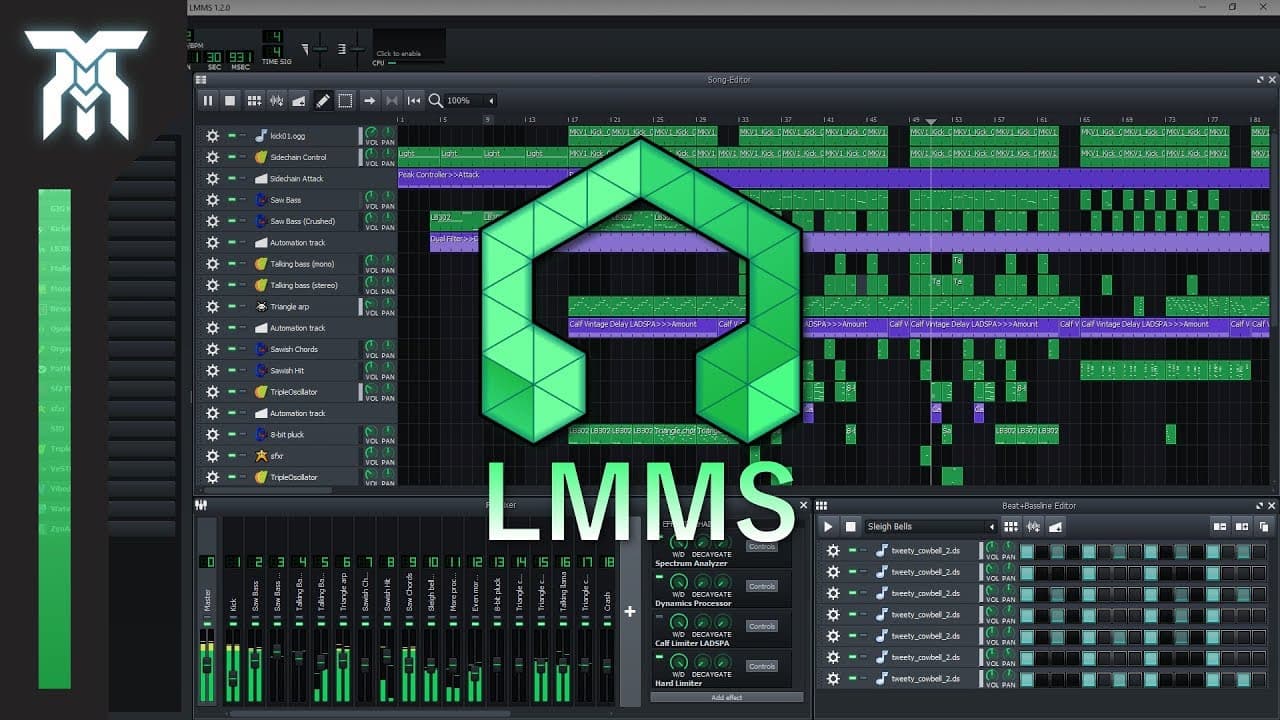
Learn how to use LMMS, a free DAW. This LMMS tutorial for beginners will teach you the basics of the digital audio workstation. I go over the layout including the playlist/song-editor, piano roll, and mixer/fx-mixer, as well as what most things do. I also talk about setting up the DAW briefly as it is really simple and easy to use music production software. But what I do talk about is how to import your VST plugins, and get your samples and loops in the software too. Many people have said that LMMS is the closest you can get to FL Studio for free. You'll notice the two are close comparisons. Previously called Linux Multi-Media Studio, this digital audio workstation was made free by an open-source team of developers, meaning anyone can contribute to this DAW, even you! It is available for Linux, Windows, and Mac so if you want to download LMMS for free, check it out here: https://lmms.io TIMESTAMPS: 0:00 - Introduction 0:54 - Settings menu 1:55 - Layout 2:21 - Toolbar/Transport bar 2:32 - zgzgzgzgzg! 3:22 - Media Browser (Samples, Sound effects, & plugins) 4:14 - Song Editor / Playlist / Sequencer 7:25 - Beat/Bassline Editor / Step-Sequencer 8:26 - Piano-Roll / MIDI Editor 9:28 - Automation-Editor 10:54 - Piano Roll (Continued) 12:20 - FX Mixer / Mixing Console / Mixer Rack 14:30 - Project Notes / Notepad 14:47 - Controller Rack *** Recommended Computer Specs: At least 1 GHz CPU and 512 MB of RAM 2-channel soundcard Based on what I downloaded, you'll need about 130 Mbs of hard drive space. (Yup, it's very lightweight.) Supported Plugins: 64-bit VST instrument support with 32-bit VST bridge (64-bit Windows) LADSPA *** --- #freeDAW #musicProduction #lmms God is great! It may be hard to believe when you don't, I came from the same place. It took me a while to understand and accept God. But when I did, it changed my life more than I could have imagined and I hope yours will be changed too. Thanks for watching, I appreciate your comments and support!
About YouTube Real-Time View Count
With SocialCounts.org’s view counter, track your YouTube video’s live view count and YouTube likes count in real time with fast, reliable updates.
Watch every YouTube video live view count rise with our real-time YouTube views tracker—built for accuracy and minimal delay.
Follow YouTube real time views as they happen, using our dedicated view counter for YouTube videos.
Get up-to-date live view count on YouTube and see real-time growth with SocialCounts.org’s smart tracking tools.
Embed Widget
Parameters:
fullscreen=true- Fullscreen countergraph=true- Live graph chartcounter=0/1/2- Select counter (0=likes, 1=views, 2=comments)
URL
Click to copy the embed URL to your clipboard