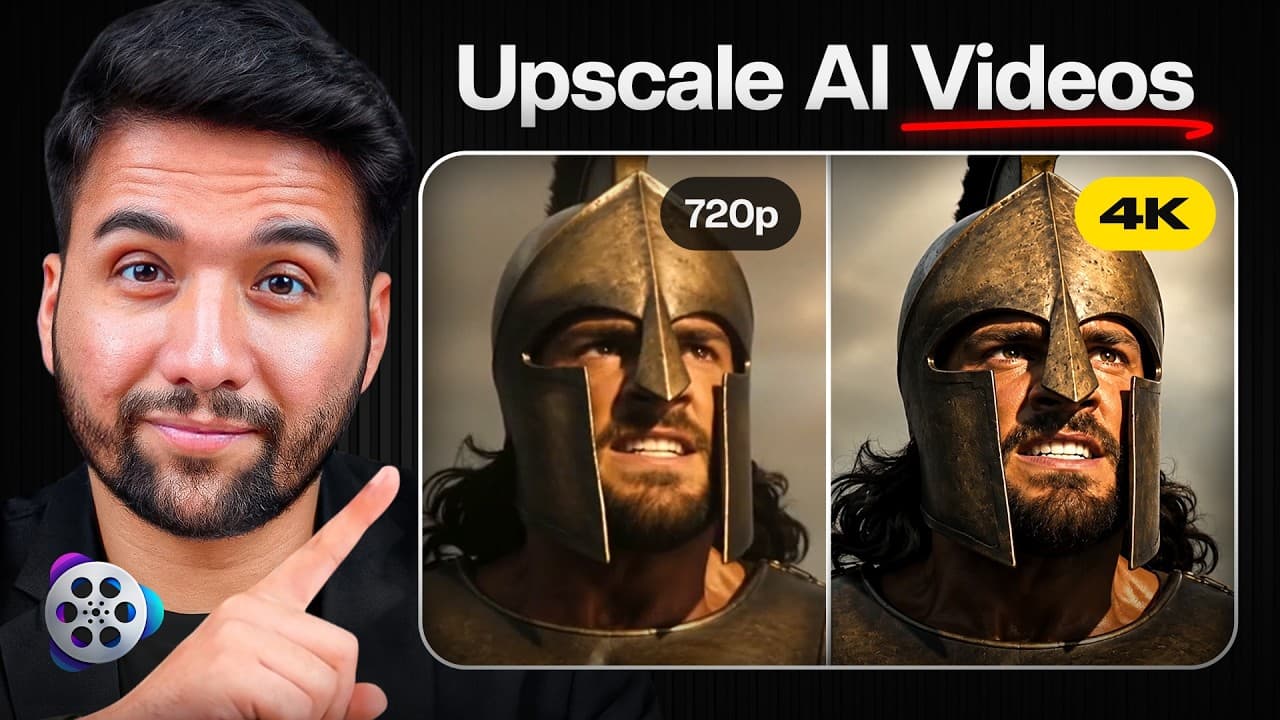


Enhance & Upscale AI Videos Without Wasting AI Credits | VideoProc Converter AI
10,547
Socialcounts.Org
0
likes
22
comments
daily view 0
monthly view 0
Live Analytics
Comments 0
Enhance & Upscale AI Videos Without Wasting AI Credits | VideoProc Converter AI Analytics Table
Income Estimates for Enhance & Upscale AI Videos Without Wasting AI Credits | VideoProc Converter AI
Based on this YouTube video's total view count of 10.5K views and industry-standard rates, the estimated total earning is $7 - $21 through ad revenue. Historical data is not yet available to calculate daily, weekly, or monthly averages.
About Enhance & Upscale AI Videos Without Wasting AI Credits | VideoProc Converter AI
Explore Enhance & Upscale AI Videos Without Wasting AI Credits | VideoProc Converter AI with 10,547 views, 0 likes, and 22 comments. Experience the impact of this video content that has captured audience attention.
🚀 Improve AI Video Quality with VideoProc Converter AI: https://www.videoproc.com/video-converting-software/?ttref=2607-vpc-edt-ytb-g365-ful-ll ✨ How to Enhance, Upscale & Restore AI Videos and Images: https://www.videoproc.com/video-converting-software/feature-ai-enhancer-for-editor.htm?ttref=2607-vpc-edt-ytb-g365-ful-ll AI video generation is getting easier with tools like ChatGPT, Veo, Kling, Runway, Pika, and more. But the video you generate is not always the final video you want to upload. Sometimes it looks soft, noisy, compressed, low-resolution, or simply not polished enough for YouTube. In this video, I test VideoProc Converter AI, a desktop tool designed to help creators enhance, upscale, convert, compress, and prepare videos and images for publishing. Instead of regenerating the same AI video again and again, VideoProc Converter AI helps improve the content you already have. I test how VideoProc Converter AI fits into a real AI creator workflow, including AI video enhancement, AI super resolution, AI image enhancement, local processing, GPU acceleration, video compression, format conversion, lightweight editing tools, screen recording, and batch processing. ⏱️ TIMESTAMPS 00:00 The Problem With AI-Generated Videos 00:45 What Is VideoProc Converter AI? 01:23 Why AI Videos Still Need Post-Production 02:05 VideoProc Converter AI Explained 02:47 Testing an AI-Generated Video 03:21 AI Video Enhancement 04:04 AI Super Resolution 04:48 AI Image Enhancement 05:26 Local Processing & GPU Acceleration 06:00 More VideoProc Tools 06:22 Video Compression 06:31 Video Format Conversion 06:40 Lightweight Editing Tools 06:50 Built-In Screen Recorder 07:01 Batch Processing 07:10 Who VideoProc Converter AI Is Best For 07:44 Final VideoProc Converter AI Review 08:16 Free Trial & Final Thoughts 🚀 What You'll Learn ✅ VideoProc Converter AI ✅ AI Video Enhancement ✅ AI Image Enhancement ✅ AI Super Resolution ✅ Video Upscaling ✅ AI Video Cleanup ✅ Video Compression ✅ Video Converter ✅ Local AI Enhancement ✅ GPU Acceleration ✅ AI Creator Workflow ✅ Publish-Ready Video Workflow VideoProc Converter AI is not another AI video generator. It is the tool you use after generating your content, whether your footage comes from ChatGPT, Veo, Kling, Runway, Pika, Midjourney, or your own camera. The main idea is simple: instead of wasting extra credits by regenerating AI clips from scratch, you can often improve the video you already have. VideoProc Converter AI can help reduce noise, sharpen details, upscale videos up to 4K, enhance AI-generated images, compress large files, convert formats, and prepare your content for YouTube, social media, or editing software. I also look at the AI Video & Image Enhancement workflow, which is useful for creators working with AI-generated videos, thumbnails, social media visuals, presentations, marketing content, and older footage that needs extra clarity before publishing. For AI creators, YouTubers, marketers, educators, video editors, and anyone working with digital media, VideoProc Converter AI can be a practical addition to the workflow because it brings enhancement, conversion, compression, editing, screen recording, and batch processing into one desktop application. If you want to explore the full product, visit the VideoProc Converter AI product page above. If you specifically want to check the AI upscaling and enhancement features, use the AI Video & Image Enhancement landing page linked at the top of this description. Subscribe for more AI creator tools, video editing software, AI video workflows, and practical software reviews. #VideoProc #VideoProcConverterAI #AIVideoEnhancement #AIImageEnhancement #VideoUpscaling #VideoConverter #AIContentCreation #AIVideoTools #YouTubeTools #CreatorTools 📌 New videos every week 🎯 Featured tools: ChatGPT, Midjourney, Jasper, RunwayML, and more 🔥 Discover more AI tools here: https://get365ai.com/ For business inquiries📩 : [email protected] ⭐ Note: This link may be an affiliate link, which means I may earn a small commission at no extra cost to you. #AItools #Productivity #Get365AI #AIreviews #WorkSmarter
About YouTube Real-Time View Count
With SocialCounts.org’s view counter, track your YouTube video’s live view count and YouTube likes count in real time with fast, reliable updates.
Watch every YouTube video live view count rise with our real-time YouTube views tracker—built for accuracy and minimal delay.
Follow YouTube real time views as they happen, using our dedicated view counter for YouTube videos.
Get up-to-date live view count on YouTube and see real-time growth with SocialCounts.org’s smart tracking tools.
Embed Widget
Parameters:
fullscreen=true- Fullscreen countergraph=true- Live graph chartcounter=0/1/2- Select counter (0=likes, 1=views, 2=comments)
URL
Click to copy the embed URL to your clipboard