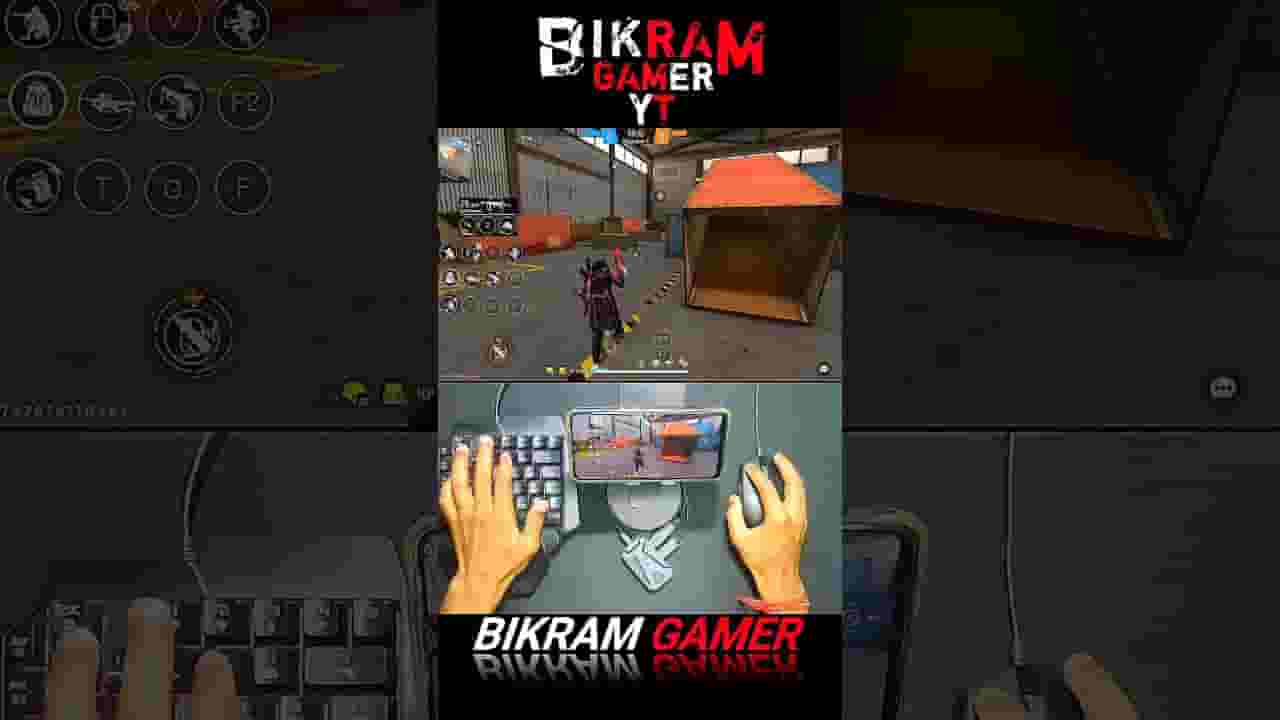
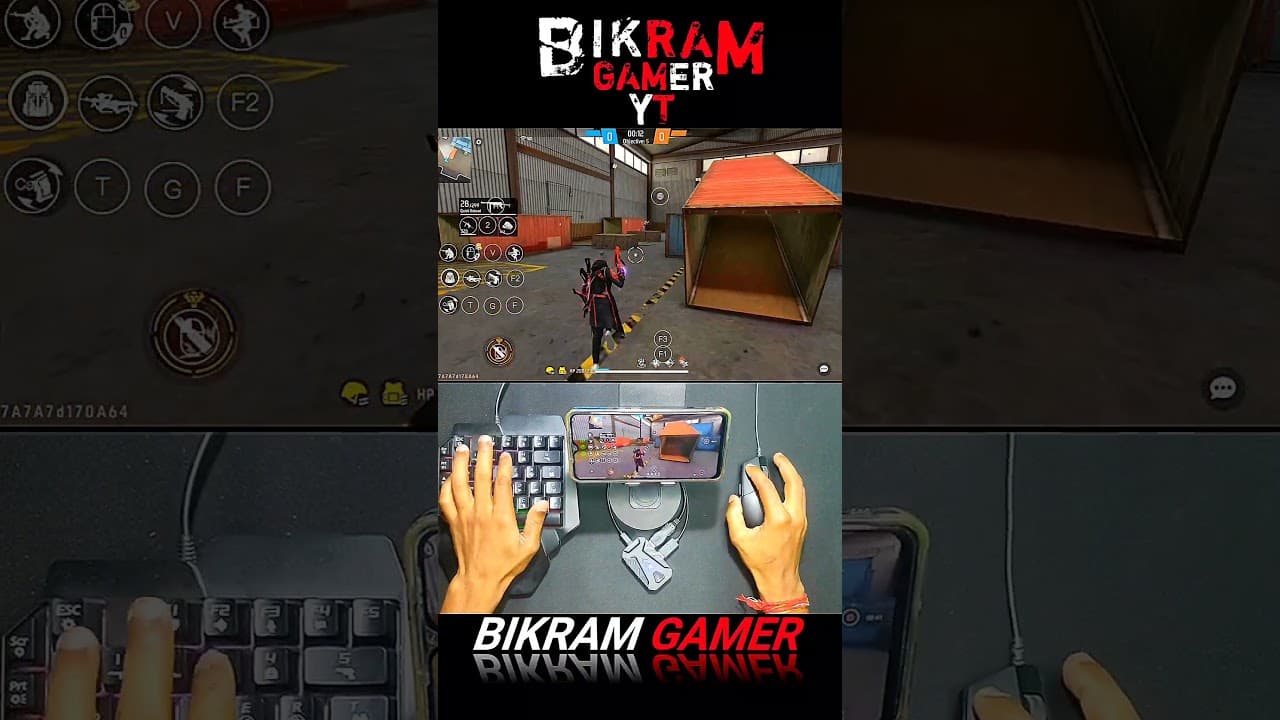


Free Fire Gaming Keyboard | ⌨️ 🖱📱Mix Pro Geek Gamer #freefire #mixpro #geekgamer #keyboardmouse
1,451,008
Socialcounts.Org
0
likes
175
comments
daily view 0
monthly view 0
Live Analytics
Comments 0
Free Fire Gaming Keyboard | ⌨️ 🖱📱Mix Pro Geek Gamer #freefire #mixpro #geekgamer #keyboardmouse Analytics Table
Income Estimates for Free Fire Gaming Keyboard | ⌨️ 🖱📱Mix Pro Geek Gamer #freefire #mixpro #geekgamer #keyboardmouse
Based on this YouTube video's total view count of 1.45M views and industry-standard rates, the estimated total earning is $1.01K - $2.90K through ad revenue. Historical data is not yet available to calculate daily, weekly, or monthly averages.
About Free Fire Gaming Keyboard | ⌨️ 🖱📱Mix Pro Geek Gamer #freefire #mixpro #geekgamer #keyboardmouse
Explore Free Fire Gaming Keyboard | ⌨️ 🖱📱Mix Pro Geek Gamer #freefire #mixpro #geekgamer #keyboardmouse with 1,451,008 views, 0 likes, and 175 comments. Experience the impact of this video content that has captured audience attention.
Free Fire Gaming Keyboard | ⌨️ 🖱📱Mix Pro Geek Gamer #freefire #mixpro #geekgamer #keyboardmousefreefire If you're looking to take your Free Fire gameplay to the next level, using a keyboard and mouse is a great way to gain an edge over your opponents. In this video, we'll walk you through the basics of playing Free Fire with a keyboard and mouse, and provide you with an exciting and informative handcam view of the action. With our expert tips and tricks, you'll learn how to navigate the game's controls using a keyboard and mouse, giving you greater precision and control over your character's movements. You'll also see firsthand how using a keyboard and mouse can help you react more quickly to in-game events, giving you a competitive advantage over players who use touchscreen controls. If you're an avid Free Fire player, you know that mastering the game requires skill, strategy, and quick reflexes. Using a keyboard and mouse instead of the game's default touchscreen controls can help give you an edge in all of these areas. In this video, we'll guide you through the process of setting up your keyboard and mouse for Free Fire, as well as provide you with a step-by-step tutorial on how to play the game with these peripherals. You'll learn how to customize your keyboard and mouse settings to suit your play style, and how to use keybindings to perform various in-game actions with ease. To give you a complete picture of how keyboard and mouse gameplay works in Free Fire, we've also included a handcam view of our gameplay. This way, you can see exactly how we move, aim, and shoot using our keyboard and mouse in real-time. Our expert tips and tricks will teach you how to take advantage of the precision and accuracy that a keyboard and mouse provide, allowing you to outmaneuver your opponents with ease. With practice, you'll be able to react faster to in-game events, move more fluidly, and aim with greater accuracy. In summary, if you're looking to improve your Free Fire gameplay, this video is an essential resource. Whether you're a seasoned player or new to the game, you'll gain valuable insights and techniques that will help you dominate the competition. So get your keyboard and mouse ready, and let's take your Free Fire gameplay to the next level! In addition to the technical aspects of setting up your keyboard and mouse for Free Fire gameplay, this video also emphasizes the importance of good hand-eye coordination and proper posture. Using a keyboard and mouse may require different hand and arm movements than using a touchscreen, so we provide tips on how to minimize strain on your wrists and maintain proper ergonomics while playing. Moreover, the handcam view of our gameplay allows you to see how we use strategic movement, efficient looting, and accurate shooting to succeed in Free Fire. You'll learn how to use your keyboard and mouse to quickly and efficiently navigate the game's various environments, and to react swiftly to incoming threats. Finally, our video includes recommendations for the best keyboard and mouse setups for Free Fire, so you can select peripherals that suit your preferences and budget. We also answer common questions about using a keyboard and mouse in Free Fire, so you can approach the game with confidence and clarity. Overall, if you're looking to enhance your Free Fire gameplay and take your skills to the next level, this video is the perfect resource. With our expert guidance and in-game examples, you'll be abl #FreeFire #KeyboardAndMouseGameplay #HandcamView #ExpertTips #GamingTutorial #Ergonomics #HandEyeCoordination #Strategy #Precision #Accuracy #BestSetup #CompetitiveGaming #OnlineGaming #PCGaming #GamingCommunity #GamingTips #GamingTricks #OnlineGamingCommunity #FreeFireGameplay #KeyboardAndMouseTutorial #ProGaming #E-Sports #GamingSkills #GamingMastery #GameplayTechniques #GamingStrategy #QuickReflexes #PrecisionGaming #TacticalGaming #ErgonomicGaming #KeyboardAndMouseSetup #PCMasterRace #GamingEdge #GamingDominance #GamersOfInstagram #GamingInfluencer #FreeFireTips #FreeFireTricks #FreeFireCommunity #KeyboardAndMouseGaming #E-SportsGaming #GamingSkills #GamingMastery #GameplayTechniques #GamingStrategy #QuickReflexes #PrecisionGaming #TacticalGaming #ErgonomicGaming #KeyboardAndMouseSetup #PCMasterRace #GamingEdge #GamingDominance #GamersOfInstagram #GamingInfluencer #GamingContentCreator #FreeFirePC #FreeFireKeyboard #FreeFireMouse #GamingTutorial #PCGamingCommunity #KeyboardGaming #MouseGaming #OnlineGamingTips #OnlineGamingTricks #GamingCommunity
About YouTube Real-Time View Count
With SocialCounts.org’s view counter, track your YouTube video’s live view count and YouTube likes count in real time with fast, reliable updates.
Watch every YouTube video live view count rise with our real-time YouTube views tracker—built for accuracy and minimal delay.
Follow YouTube real time views as they happen, using our dedicated view counter for YouTube videos.
Get up-to-date live view count on YouTube and see real-time growth with SocialCounts.org’s smart tracking tools.
Embed Widget
Parameters:
fullscreen=true- Fullscreen countergraph=true- Live graph chartcounter=0/1/2- Select counter (0=likes, 1=views, 2=comments)
URL
Click to copy the embed URL to your clipboard