

116
likes
34
comments
daily view 0
monthly view 0
Live Analytics
Comments 0
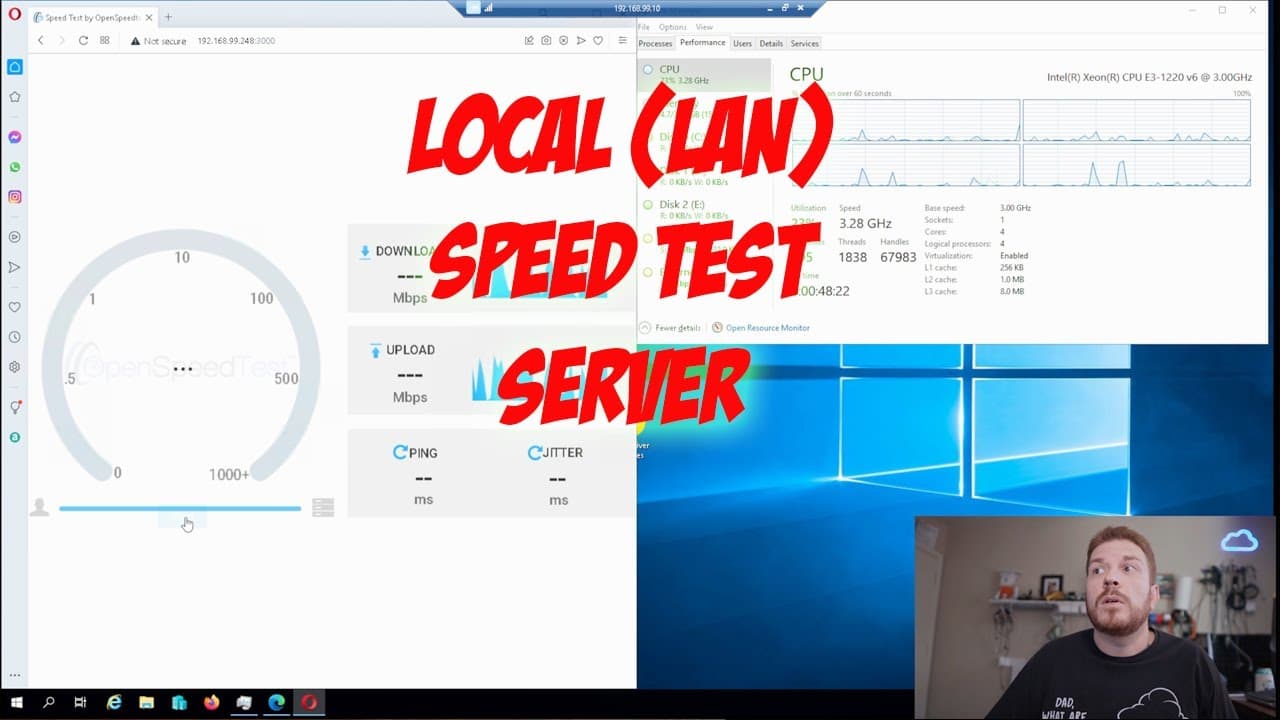
local speedtest server on Windows to test your local area network speeds Analytics Table
Income Estimates for local speedtest server on Windows to test your local area network speeds
Based on this YouTube video's total view count of 21.4K views and industry-standard rates, the estimated total earning is $15 - $43 through ad revenue. Historical data is not yet available to calculate daily, weekly, or monthly averages.
About local speedtest server on Windows to test your local area network speeds
Explore local speedtest server on Windows to test your local area network speeds with 21,467 views, 116 likes, and 34 comments. Experience the impact of this video content that has captured audience attention.
||||||||||||||| 97% ||||||||||||||| 9.79K/10K See your name listed below after you Subscribe, check it out below! https://vod.strms.net/s/UCpRlwrmJjger8gRuil5aVQQ Latest Subscriber: Thomas Pham What Do you like most? |||||||||||||||............... 48% ⭐ New Shiny Tech Stuff https://yt.strms.net/Sjiwt ||||||||...................... 26% ⭐ Tech Support Videos https://yt.strms.net/vXw8e ||||||||...................... 26% ⭐ Something else (Drop a comment) https://yt.strms.net/ViZ9v 👉Did I help you solve your problem or do you like my work? Send a tip here: https://mercury.streamelements.com/tip/shinytechthings You can run a local speedtest server easily on Windows! An Internet Speed Test does this by running several tests back-to-back, which analyse various aspects of your Internet connection, namely, your Ping (latency), Download Speed, and Upload Speed. In addition to upload speeds, download speeds, latency, and jitter, it can perform video tests that measure resolution, loading times, and buffering. Now you can do this for your own Local Area Network (LAN) The site gives priority to upload speeds, but there is also an show more option that allows you to view download speeds, latency, Internet Protocol, and the location of your hosting servers. There is also a Show more ?option that provides latency speeds and upload speeds, and also the location of the servers used by Ooklas Speedtest. Ooklas Speedtest Customize Your Speed Test is an edgy Speedtest by Ookla, who also owns downtime website, Downdetector. Ookla, who also owns downtime website, Downdetector, was an early broadband speed tester, offering snapshots of upload and download speeds at the ISPs through the Ookla website or the light-weight app on Windows 10 or macOS. Ooklas Speedtest.net has pretty much everything you would want in a speed test, with all of the essential info easily accessible, and an extensive list of servers around the country, which guarantees accurate readings regardless of where you are. Despite its age (or, perhaps, partly because of it), we found that this is the best speed test for most people, and one that you should give it a shot at first. There is no saving tests, and the screen may look a little overcrowded to some, but overall, we are pleased with what Speedtest.net from Ookla has been able to give people. What Run means is that Testmy.net does not need any third-party software, such as Java or Flash, in order to perform its tests, which could lead to better results. Internet health tests are an excellent way to quickly obtain more data than you could with the other faster test sites out there. Use SpeedSmart speedtest to quickly check your WiFi, 5G, and 4G connection WiFi, LTE Internet speedst one-touch, with over 100 servers to test from, ensuring an accurate outcome. To get the real picture of your broadband speeds, you will probably want to run your tests several times and test results on various devices over the course of the day. You want to achieve the Internet speeds that your provider promises, and make sure there are no hiccups in your connection. If your provider imposes data caps or throttles connections in order to keep overall network performance, then your speeds may drop as well. Based on the above information, if you are finding your Internet speeds are higher than necessary, you will want to contact your Internet service provider (ISP) and change to a lower-priced plan. If you are still experiencing slower speeds, reach out to your broadband provider to see if they can identify the problem. When you test your Internet speeds, you are also providing anonymized, crowdsourced data for a map that helps determine the quality of broadband across America. You can view charts that compare your results with U.S. average speeds and ISP speeds, and you can monitor tests over time. For more in-depth comparisons, you can also see the average speeds tested by Internet providers in New York, Denver, Atlanta, and every other city across the nation by visiting our dedicated cities data pages. For instance, Xfinitys Speed Test will give some quick points about what you can expect from its current upload speeds, as well as provide a couple of tips on making sure your tests are performed accurately. Some of the different broadband speed tests are designed to check a connection for a specific online service, like Netflix or Stadia, while others may help customers contest speed claims with ISPs, while FCC Speed Tests may help plug gaps in community broadband. #localspeedtestserver #speedtestlocal #speedtestlocalserver #localspeedtest #connecttolocalspeedtestserver #networkspeedtest #testnetworkspeed #testingnetworkspeed #networkspeedtester #speedtestnetwork #networktestspeed #testmynetworkspeed #speedtest #speedtest https://youtube.com/c/ShinyTechThings
About YouTube Real-Time View Count
With SocialCounts.org’s view counter, track your YouTube video’s live view count and YouTube likes count in real time with fast, reliable updates.
Watch every YouTube video live view count rise with our real-time YouTube views tracker—built for accuracy and minimal delay.
Follow YouTube real time views as they happen, using our dedicated view counter for YouTube videos.
Get up-to-date live view count on YouTube and see real-time growth with SocialCounts.org’s smart tracking tools.
Embed Widget
Parameters:
fullscreen=true- Fullscreen countergraph=true- Live graph chartcounter=0/1/2- Select counter (0=likes, 1=views, 2=comments)
URL
Click to copy the embed URL to your clipboard