

325
likes
26
comments
daily view 0
monthly view 0
Live Analytics
Comments 0
How to fix missing Android Studio SDK on Windows 10 Analytics Table
Income Estimates for How to fix missing Android Studio SDK on Windows 10
Based on this YouTube video's total view count of 46.0K views and industry-standard rates, the estimated total earning is $32 - $92 through ad revenue. Historical data is not yet available to calculate daily, weekly, or monthly averages.
About How to fix missing Android Studio SDK on Windows 10
Explore How to fix missing Android Studio SDK on Windows 10 with 46,068 views, 325 likes, and 26 comments. Experience the impact of this video content that has captured audience attention.
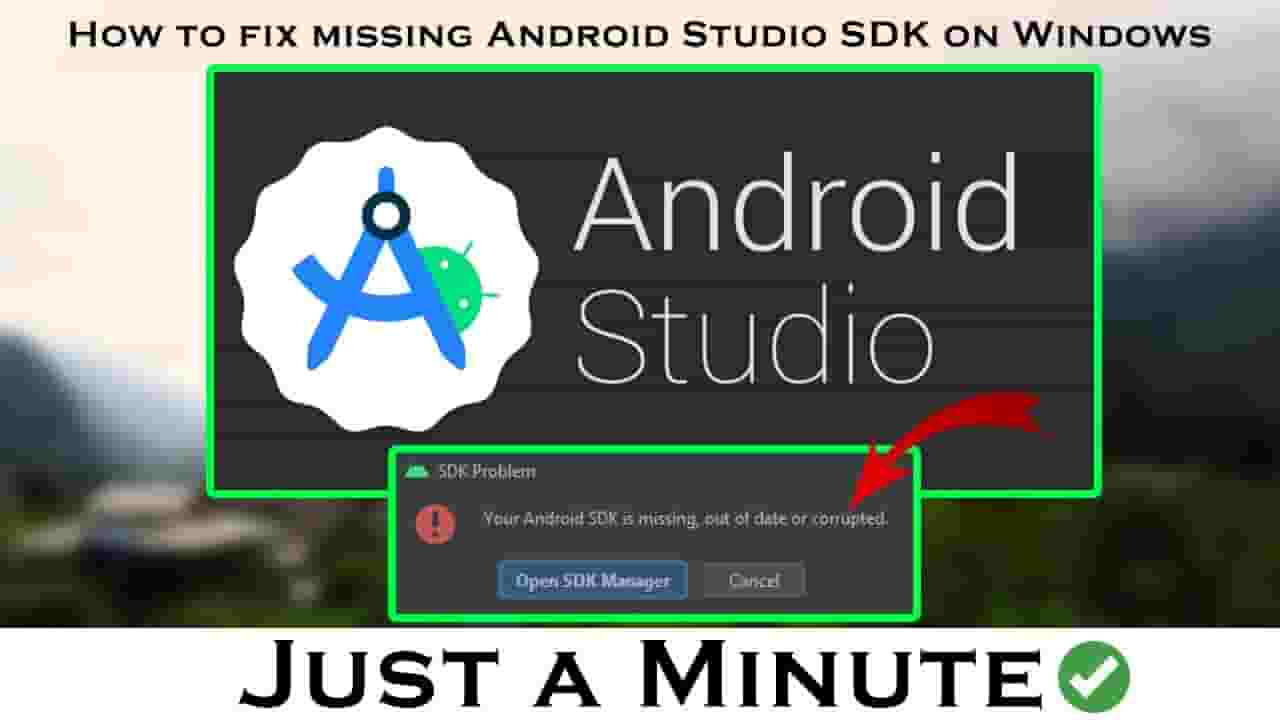
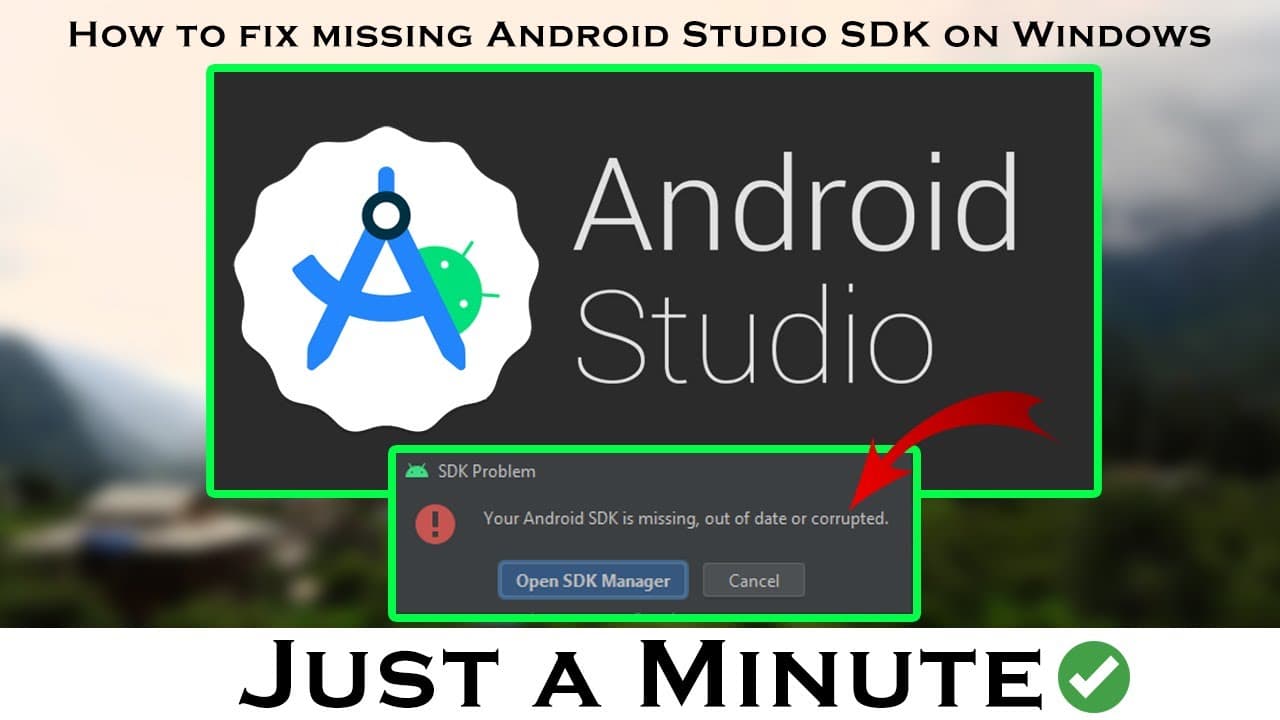
Hello everyone, In this video tutorial, I'll show you easily. How to fix missing Android Studio SDK on Windows 10 ----------------------------------------------------------------------------------------------------------------------------------------------________________ HI GUYS HOPE YOU LIKE THE VIDEO HELP ME TO GAIN MORE SUBSCRIBERS PLEASE LIKE AND SUBSCRIBE TO THE CHANNEL AND SHARE THE VIDEO IF YOU LIKE ________________ ---------------------------------------------------------------------------------------------------------------------------------------------- Are you encountering the issue of a missing Android Studio SDK on your Windows 10? Worry not! In this tutorial, we will guide you through the step-by-step process of fixing this problem. Firstly, it is essential to ensure that you have Android Studio installed on your Windows 10 system. If you haven't installed it yet, make sure to download and install the latest version from the official Android Studio website. Once you have Android Studio installed, the next step is to check if the SDK components are properly installed. Open Android Studio and navigate to the SDK Manager. Here, you will find a list of available SDK components. Make sure that the necessary components are installed, including the Android SDK Platform, Build-Tools, and System Images. If you find that some SDK components are missing, click on the corresponding checkboxes and hit the "Apply" or "Install" button to install them. The SDK Manager will download and install the selected components, ensuring that you have all the necessary files for Android development. In some cases, the SDK Manager might encounter issues while downloading or installing the components. If you face any errors, try restarting Android Studio or your computer and attempt the process again. If the problem persists, you can also try using a different internet connection or temporarily disable your antivirus software. Once you have successfully installed all the required SDK components, restart Android Studio to ensure that the changes take effect. Now, when you create a new Android project or open an existing one, you should no longer encounter the missing SDK error. In conclusion, by following the steps outlined in this tutorial, you can easily fix the problem of a missing Android Studio SDK on your Windows 10 system. Ensure that you have Android Studio installed, check and install the necessary SDK components, and restart Android Studio for the changes to take effect. Happy Android development! ________________ ---------------------------------------------------------------------------------------------------------------------------------------------- Stay Connected with us: Fb page: https://www.facebook.com/techbanco ________________ ---------------------------------------------------------------------------------------------------------------------------------------------- Keywords: tech banco tutorials sdk missing How to fix missing Android Studio SDK on windows 10 how to fix android studio sdk missing in windows 10 android studio sdk missing in windows 10 64 bit android studio sdk missing in windows 10 android sdk missing android sdk missing problem how to fix sdk problem in android studio the android sdk cannot be at the filesystem root android studio how to set sdk location in android studio android sdk sdk tutorial android studio 2024 TB how Android SDK Android development Android SDK setup Android app development Android SDK installation Android SDK errors Android development tips Android development tutorial Android programming Troubleshooting Android SDK Android development problems Android Studio Android development guide Mobile app development Android SDK configuration Android development issues Android SDK root directory Android SDK filesystem Android development solutions Android development best practices #techbanco #androidstudio #sdk #androidstudiosdk #fixed #fix #tutorial #tb #solve #missingproblem #windows10 Like👍 Comment💬 & Share🔥🔥🔥 Thank you so much for watching the video!
About YouTube Real-Time View Count
With SocialCounts.org’s view counter, track your YouTube video’s live view count and YouTube likes count in real time with fast, reliable updates.
Watch every YouTube video live view count rise with our real-time YouTube views tracker—built for accuracy and minimal delay.
Follow YouTube real time views as they happen, using our dedicated view counter for YouTube videos.
Get up-to-date live view count on YouTube and see real-time growth with SocialCounts.org’s smart tracking tools.
Embed Widget
Parameters:
fullscreen=true- Fullscreen countergraph=true- Live graph chartcounter=0/1/2- Select counter (0=likes, 1=views, 2=comments)
URL
Click to copy the embed URL to your clipboard