

Live Analytics
Comments 0
First Impressions - Jungle Dome 🤔😲👌😁 Analytics Table
Income Estimates for First Impressions - Jungle Dome 🤔😲👌😁
Based on this YouTube video's total view count of 102 views and industry-standard rates, the estimated total earning is $0 - $0 through ad revenue. Historical data is not yet available to calculate daily, weekly, or monthly averages.
About First Impressions - Jungle Dome 🤔😲👌😁
Explore First Impressions - Jungle Dome 🤔😲👌😁 with 102 views, 4 likes, and 3 comments. Experience the impact of this video content that has captured audience attention.
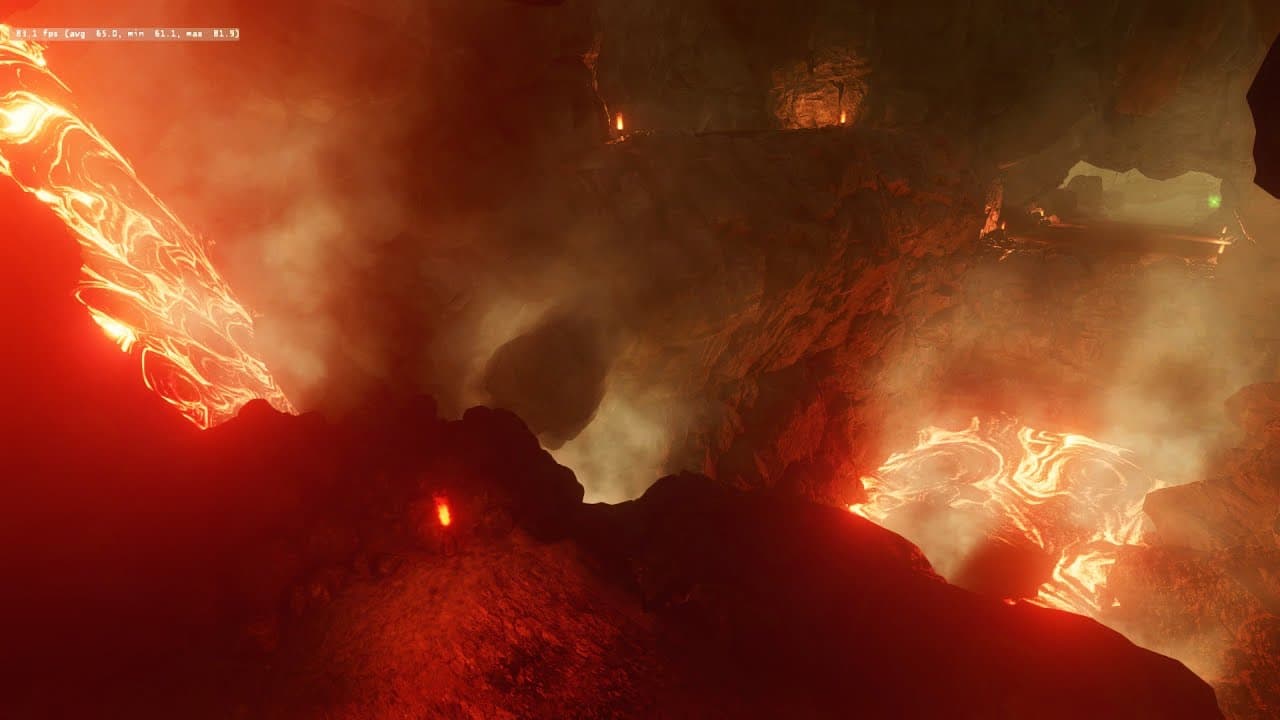
https://www.beamng.com/resources/jungle-dome.32100/ Groundmodels used for the Lava Melt suggestion. https://1drv.ms/f/c/cd64dc0c4f480222/Erm2dAtVihRDi3GGC2Gq54sBayM31IDK1LWHtPy3dWhQwA?e=au6ole 10:55 - Volcano and its fury! 11:55 - Wow that is a large amount of smoke! 24:00 - You can skip, I could not fix decal related issue 47.55 - Decal over Mesh, how to improve when using Over Object - no holes 1:03:13 - Adding a Melt ground model to DAE (Provided in Link) 1:32:15 - Great example of Melt working -See included photo to see where to put the extracted ground model folder. -- -For DAEs, with collisions, in the objects you wish to be lava texture all the way at the bottom you will see additional info. In there is groundmodels textures for DAE's select Lava. -Rebuild collisions -For Terrain Paints In the terrain material library you will see the groundmodel selected for a given terrain paint. -For Decals... You out of luck there.... You need to have whatever terrain paint under the decal handle that, or have the decal over objects, and have the objects texture include the ground model. I also explain how to overcome the over objects decals from having holes.. It is still a pain in the ass to get to go over objects, but how to select decal visible mesh instead of collision mesh is what you do. If your using a Low poly Collision mesh for a high poly object,... The decal is going to shrink wrap the the first surface it comes in contact with. The collision mesh should be low poly, but you dont want to wrap the decal on it. Instead, select in the decal inspector window decal = visible mesh final. You can leave your collisions mesh set to whatever. Great work BTW! That is a LOOOOOOTTTT of rocks :D Love the work with the lava artwork and map design. A lot of nice touches.
About YouTube Real-Time View Count
With SocialCounts.org’s view counter, track your YouTube video’s live view count and YouTube likes count in real time with fast, reliable updates.
Watch every YouTube video live view count rise with our real-time YouTube views tracker—built for accuracy and minimal delay.
Follow YouTube real time views as they happen, using our dedicated view counter for YouTube videos.
Get up-to-date live view count on YouTube and see real-time growth with SocialCounts.org’s smart tracking tools.
Embed Widget
Parameters:
fullscreen=true- Fullscreen countergraph=true- Live graph chartcounter=0/1/2- Select counter (0=likes, 1=views, 2=comments)
URL
Click to copy the embed URL to your clipboard