


512
likes
112
comments
daily view 0
monthly view 0
Live Analytics
Comments 0
How to Fix YouTube Videos Lagging or Loading Slowly [2024 New] Analytics Table
Income Estimates for How to Fix YouTube Videos Lagging or Loading Slowly [2024 New]
Based on this YouTube video's total view count of 89.6K views and industry-standard rates, the estimated total earning is $63 - $179 through ad revenue. Historical data is not yet available to calculate daily, weekly, or monthly averages.
About How to Fix YouTube Videos Lagging or Loading Slowly [2024 New]
Explore How to Fix YouTube Videos Lagging or Loading Slowly [2024 New] with 89,693 views, 512 likes, and 112 comments. Experience the impact of this video content that has captured audience attention.
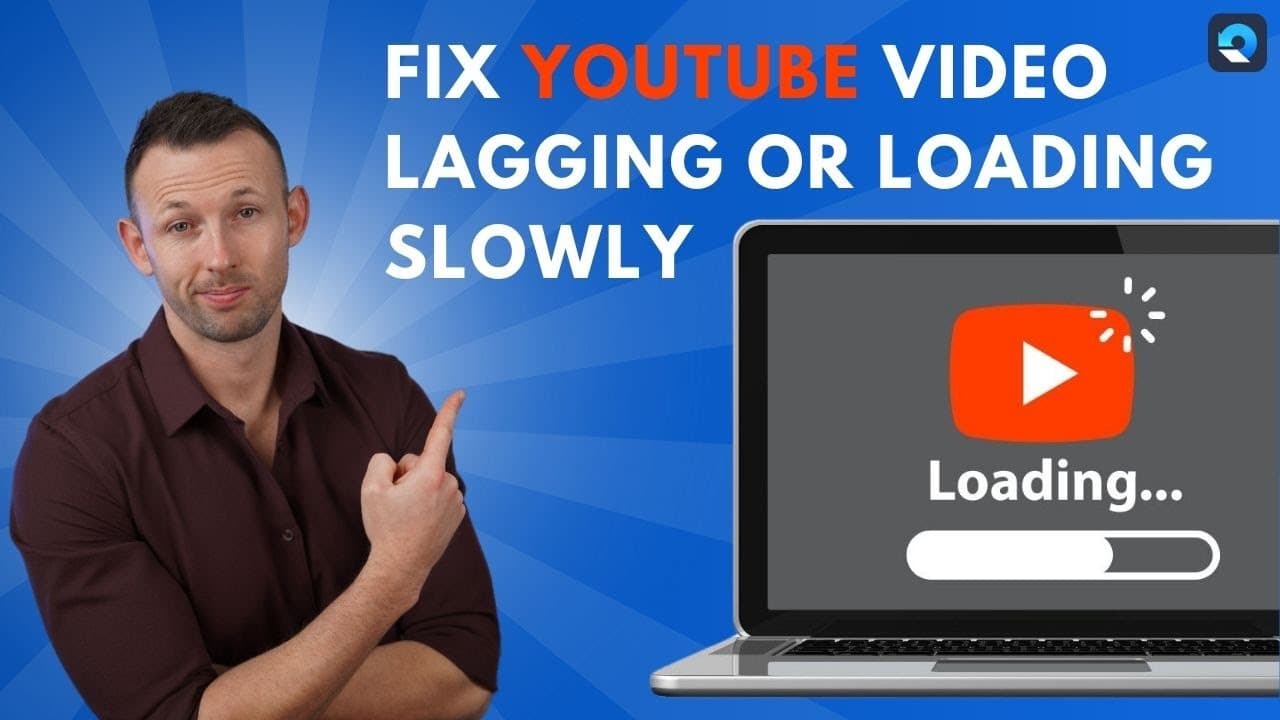
Is your YouTube video lagging or loading slowly while you're trying to watch it? Don't worry! In this video, we will explain the reasons behind these issues and provide step-by-step solutions to fix them. More text tutorial: https://bit.ly/4aQ3sVu Repair video now: https://bit.ly/4aMcDGk Timestamps: 0:00 Intro 0:44 Why is My YouTube Video Lagging or Loading Slowly 2:33 Method 1: Clear the Browsing Data 3:40 Method 2: Check and Uninstall Unnecessary Browsing Extensions 5:06 Method 3: Update Your Browser to the Latest Version 6:07 Method 4: Check and Update Your Network and Graphics Drivers 7:29 How To Repair YouTube Videos Lagging within Minutes We start by exploring common causes such as slow internet connections, outdated browsers, problematic browser extensions, and restrictive firewall settings. Each of these can significantly impact your streaming experience, but don't worry—I've got the fixes you need. Method 1: Clear the Browsing Data We will demonstrate the detailed steps to clear your browsing data with helpful screenshots to guide you through the process. Method 2: Check and Uninstall Browsing Extensions Learn how to check and uninstall any unnecessary browsing extensions that might be causing your YouTube video to lag or load slowly, with our step-by-step instructions and informative screenshots. Method 3: Update Your Browser to the Latest Version In this method, we will show you how to update your browser to the latest version to fix the YouTube video lagging/loading slowly issue, complete with detailed steps and screenshots to make the process easy for you. Method 4: Check and Update Your Network and Graphics Drivers Discover how to check and update your network and graphics drivers to improve your YouTube video playback experience, with our comprehensive guide and helpful screenshots. Don't let slow-loading or lagging YouTube videos ruin your viewing experience. Watch this video to learn the best methods to fix these issues and enjoy smooth, uninterrupted playback! #Wondershare #WondershareRepairit SUBSCRIBE to get more solutions: https://www.youtube.com/channel/UCLkKOb5IlYZnIfbiKPhpE4A?sub_confirmation=1 Wondershare Repairit official website: https://repairit.wondershare.com/ Follow us on Facebook: https://www.facebook.com/Wondershare-Repairit-102385605173235 Follow us on Instagram: https://www.instagram.com/wondershare.repairit/ Follow us on Twitter: https://twitter.com/WondershareR
About YouTube Real-Time View Count
With SocialCounts.org’s view counter, track your YouTube video’s live view count and YouTube likes count in real time with fast, reliable updates.
Watch every YouTube video live view count rise with our real-time YouTube views tracker—built for accuracy and minimal delay.
Follow YouTube real time views as they happen, using our dedicated view counter for YouTube videos.
Get up-to-date live view count on YouTube and see real-time growth with SocialCounts.org’s smart tracking tools.
Embed Widget
Parameters:
fullscreen=true- Fullscreen countergraph=true- Live graph chartcounter=0/1/2- Select counter (0=likes, 1=views, 2=comments)
URL
Click to copy the embed URL to your clipboard