

Live Analytics
Comments 0
How to Install the Reporting Hub Analytics Table
Income Estimates for How to Install the Reporting Hub
Based on this YouTube video's total view count of 2.32K views and industry-standard rates, the estimated total earning is $2 - $5 through ad revenue. Historical data is not yet available to calculate daily, weekly, or monthly averages.
About How to Install the Reporting Hub
Explore How to Install the Reporting Hub with 2,325 views, 7 likes, and 4 comments. Experience the impact of this video content that has captured audience attention.
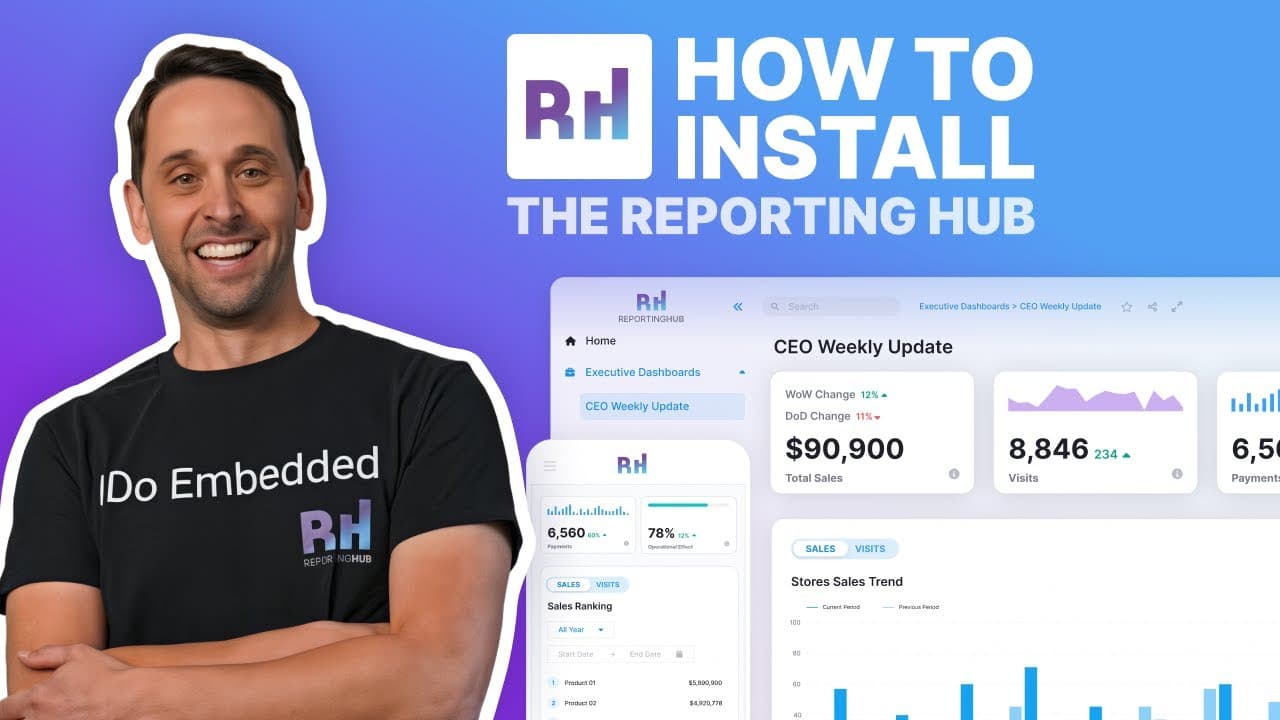
Learn how to quickly deploy the Reporting Hub inside your Azure environment using our self-serve guided installer. This step-by-step tutorial shows everything you need to set up your App Service, SQL resources, Fabric capacity, and permissions — so you can launch your white-label Power BI experience in minutes. ⭐What’s Included in this Video: 🔹Accessing the installer from the Reporting Hub Docs (self-serve guided install) 🔹Required Azure subscription + global admin & subscription owner permissions 🔹Creating or selecting Azure resources: • Subscription & Resource Group • App Service (Recommended: S1 for Production) • SQL Server & Database • Fabric Capacity (Default F2) 🔹Best-practice naming conventions for smooth deployment 🔹Granting admin consent to complete the installation 🔹Launching your Reporting Hub Web App 🔹Final next steps: DNS configuration & Power BI set up Easily deploy, configure, and start using Reporting Hub to deliver white-label Power BI experiences. 👉To get started visit: https://docs.thereportinghub.com/getting-started/deployment-step-by-step/self-serve-guided-install 🌐Learn more: https://thereportinghub.com/ ➡Like the video! ➡Share this video with your friends! ➡Please subscribe if you enjoyed this video! 👉Subscribe to our channel:@thereportinghub Make sure to hit the BELL icon to get notified of new videos! 🔔 Chapters: 00:00 Introduction & Requirements 01:00 Launching the Self-Serve Guided Installer 02:20 Azure Subscription & Resource Group Setup 03:30 Creating App Service,SQL Server &Database 05:10 Fabric Capacity & App Naming 06:30 Admin Consent & Final Deployment 08:10 Launching the Reporting Hub Application 09:30 Final Setup Overview (DNS + Power BI) *ANTI-PIRACY WARNING * This audiovisual content is Copyright to "Reporting Hub". Any unauthorized reproduction, redistribution or re-upload is strictly prohibited of this material. Legal action will be taken against those who violate the copyright of the following material presented! #powerbi #embeddedanalytics #powerbiembedded #businessintelligence #dataanalyst #azuredeployment #microsoftazure #reportinghub
About YouTube Real-Time View Count
With SocialCounts.org’s view counter, track your YouTube video’s live view count and YouTube likes count in real time with fast, reliable updates.
Watch every YouTube video live view count rise with our real-time YouTube views tracker—built for accuracy and minimal delay.
Follow YouTube real time views as they happen, using our dedicated view counter for YouTube videos.
Get up-to-date live view count on YouTube and see real-time growth with SocialCounts.org’s smart tracking tools.
Embed Widget
Parameters:
fullscreen=true- Fullscreen countergraph=true- Live graph chartcounter=0/1/2- Select counter (0=likes, 1=views, 2=comments)
URL
Click to copy the embed URL to your clipboard