


1,078
likes
156
comments
daily view 0
monthly view 0
Live Analytics
Comments 0
How to use Pinterest Idea Pins (Tutorial) // PHONE + DESKTOP // How to Create Pins on Pinterest Analytics Table
Income Estimates for How to use Pinterest Idea Pins (Tutorial) // PHONE + DESKTOP // How to Create Pins on Pinterest
Based on this YouTube video's total view count of 45.8K views and industry-standard rates, the estimated total earning is $32 - $92 through ad revenue. Historical data is not yet available to calculate daily, weekly, or monthly averages.
About How to use Pinterest Idea Pins (Tutorial) // PHONE + DESKTOP // How to Create Pins on Pinterest
Explore How to use Pinterest Idea Pins (Tutorial) // PHONE + DESKTOP // How to Create Pins on Pinterest with 45,880 views, 1,078 likes, and 156 comments. Experience the impact of this video content that has captured audience attention.
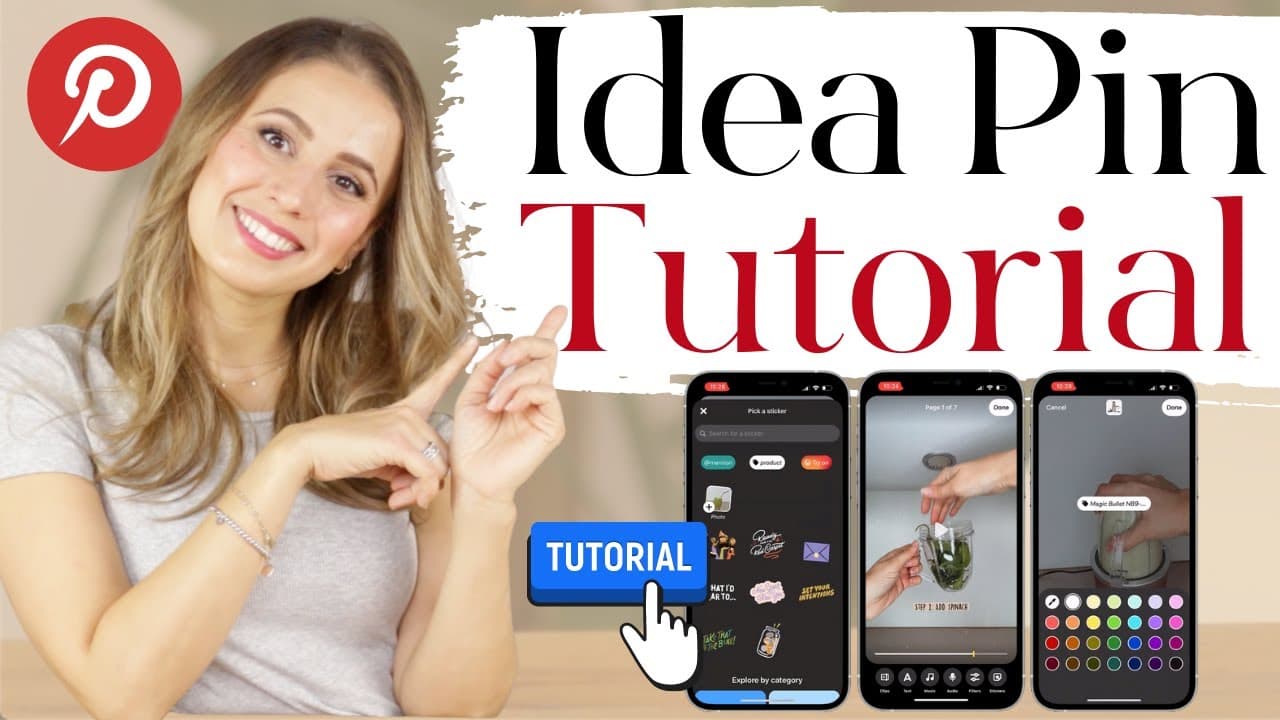
If you want to know “How to use Pinterest Idea Pins” on your phone and desktop, then this video is for you. Today I walk you through how to create an idea pin in just a couple of minutes so you can follow along and create your first idea pin for Pinterest too. I promise this tutorial will be super simple, and I’m showing you exactly what I’m doing step by step. So idea pins are the new IT pin-type, and Pinterest is pushing them like crazy. So if you want to grow your Pinterest account and followers fast, I recommend you jump on the idea pin bandwagon. They are very similar to Instagram Stories, but they don’t disappear after 24h, and people can save them to their boards. And they are less about entertaining people than about sharing your inspirational ideas with your community. If you’re struggling to create these new pins, I get it. It’s a bit more complicated than uploading an image pin but don’t worry, I will show you how to create idea pins step by step. And I’m also going to talk about the 4 main roadblocks of why idea pins might not yet work on your account and how you can get them. So if that sounds good to you, then keep watching. Ok, let’s do this! P.S. I appreciate every subscriber. It's free and easy to subscribe -- just click here: https://www.youtube.com/c/KatieGrazer?sub_confirmation=1 ------------------------------------------------------------------------ Shop Katie's Products: ○ 🔥 30% OFF with code: YTFAM30 // PINTEREST PLANNER: ○ Pinterest Planner - https://katiegrazer.com/pinterest-planner // PIN TEMPLATES: ○ Pin Templates - https://katiegrazer.com/pin-templates ------------------------------------------------------------------------- //RELATED VIDEOS: ○ Pinterest Idea Pins (What & Why) - https://youtu.be/N_tBo24j7qk ○ How to Create a Pin (Tutorial) - https://youtu.be/Pw_poQaX0mQ ○ How to Create Pins That Go Viral - https://youtu.be/DI2O__Vns-s ○ 5 Best Pins Designs for Traffic - https://youtu.be/ZWOjoHcJOes //TOOLS & SERVICES I USE: ○ Free Pinterest Scheduler (Tailwind) - https://whatskatieupto.com/Tailwind ○ Free Pin Design Tool (Canva) - https://whatskatieupto.com/canva ○ Pinterest SEO + Keyword Tool (Pin Inspector) - https://whatskatieupto.com/pininspector ○ Pin Descriptions (Tasty Pins) - https://whatskatieupto.com/TastyPins //SHOP MY PRODUCTS: ○ The WordPress Studio (course) - http://thewpstudio.katiegrazer.com/ ○ Pro Blogger Tools (ebook) - http://shop.katiegrazer.com/product-pro-blogger-tools //FREE BLOGGER + PINTEREST LIBRARY: ○ Grab your Free PDF Guides + Checklists - https://whatskatieupto.com/free-resource-library/ //RESOURCES MENTIONED: ○ Idea Pin Availability Country - https://help.pinterest.com/en/business/availability/story-pins-availability ○ Pinterest Creator Code - https://business.pinterest.com/creator-code/ //TIMESTAMPS: 00:00 Intro 01:13 Free Blogger + Pinterest Resource Library 01:35 Roadblocks 03:30 Idea Pin TUTORIAL (Phone) 03:53 Upload Video 04:04 Reorder, Delete, Split, Duplicate 05:15 Clip 05:25 Add Text 06:34 Music 07:21 Voiceover 07:40 Filters 08:24 Stickers 09:30 Tag Product + Affiliate Link 10:29 Preview 10:47 Title, Notes, Tags + Takes 14:08 Idea Pin TUTORIAL (Desktop) 18:52 Free Blogger + Pinterest Resource Library //LET'S HAVE A VIRTUAL ROSÉ TOGETHER: Blog: https://whatskatieupto.com Pinterest: https://www.pinterest.com/whatiskatieupto/ Insta: https://www.instagram.com/whatskatieupto/ Contact: https://katiegrazer.com/contact #IDEAPINS #PINTERESTTIPS #PINTERESTMARKETING DISCLAIMER #* Links included in this description might be affiliate links. If you purchase a product or service with the links that I provide I may receive a small commission. There is no additional charge to you! Thank you for supporting my channel so I can continue to provide you with free content each week! P.S. I appreciate every subscriber. It's free and easy to subscribe -- just click here: https://www.youtube.com/c/KatieGrazer?sub_confirmation=1
About YouTube Real-Time View Count
With SocialCounts.org’s view counter, track your YouTube video’s live view count and YouTube likes count in real time with fast, reliable updates.
Watch every YouTube video live view count rise with our real-time YouTube views tracker—built for accuracy and minimal delay.
Follow YouTube real time views as they happen, using our dedicated view counter for YouTube videos.
Get up-to-date live view count on YouTube and see real-time growth with SocialCounts.org’s smart tracking tools.
Embed Widget
Parameters:
fullscreen=true- Fullscreen countergraph=true- Live graph chartcounter=0/1/2- Select counter (0=likes, 1=views, 2=comments)
URL
Click to copy the embed URL to your clipboard