


505
likes
16
comments
daily view 0
monthly view 0
Live Analytics
Comments 0
Rig A Pigion with Rigify | Bird MetaRig | Bird Rigging in Blender | Rigify Blender Tutorial Analytics Table
Income Estimates for Rig A Pigion with Rigify | Bird MetaRig | Bird Rigging in Blender | Rigify Blender Tutorial
Based on this YouTube video's total view count of 23.9K views and industry-standard rates, the estimated total earning is $17 - $48 through ad revenue. Historical data is not yet available to calculate daily, weekly, or monthly averages.
About Rig A Pigion with Rigify | Bird MetaRig | Bird Rigging in Blender | Rigify Blender Tutorial
Explore Rig A Pigion with Rigify | Bird MetaRig | Bird Rigging in Blender | Rigify Blender Tutorial with 23,973 views, 505 likes, and 16 comments. Experience the impact of this video content that has captured audience attention.
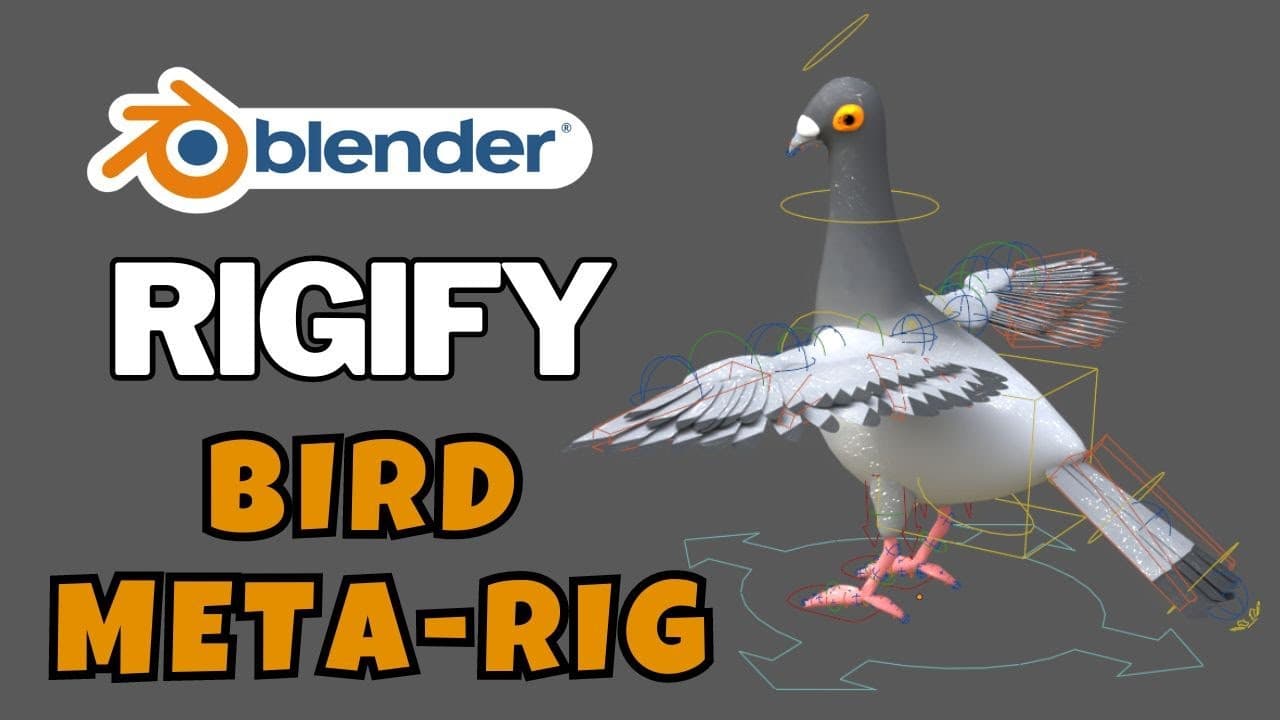
Rig A Pigion with Rigify | Bird MetaRig | Bird Rigging in Blender | Rigify Blender Tutorial #rigify #blenderrigging #autorig #b3d #blender #blender3d #metarig Download Rigify-Rig Library: https://superhivemarket.com/products/35--rig-library-for-rigify Auto-Rig Pro : Animation Library https://superhivemarket.com/products/auto-rig-pro-animation-library Transformation Effect Animation : Geometry Nodes https://superhivemarket.com/products/transformation-effect-animation---geometry-nodes Auto-Rig Pro : Horse Animations Pack https://superhivemarket.com/products/arp--horse-animations-pack Hello guys in this tutorial i am going to show you how to rig bird in blender using rigify addon rigify addon is the perfect tool to be used in blender animation pipeline it very easy for beginners and for the basics of animation in blender rigify rig can be exported to unreal engine and unity and other game engines from blender easily. Pigion Model: https://www.blendswap.com/blend/17953 Good news: you don’t have to download Rigify! It is included in Blender. Rigify Introduction Rigify helps automate the creation of character rigs. It is based around a building-block approach, where you build complete rigs out of smaller rig parts (e.g. arms, legs, spines, fingers…). The rig parts are currently few in number, but as more rig parts are added to Rigify it should become more and more capable of rigging a large variety of characters and creatures. Rigify also operates on the principle that once a rig is created, that rig should no longer need Rigify. This means you can always distribute rigs created with Rigify to people who do not have it and the rigs will still function completely. It is important to note that Rigify only automates the creation of the rig controls and bones. It does not attach the rig to a mesh, so you still have to do skinning etc. yourself. Main Features Modular rigging Rigify build blocks can be mixed together to rig any character you want. If you need to build a character with five arms and one leg Rigify can handle it for you creating all the required complex controls system (FK, IK, and all the relative snapping tools and the UI) in few seconds. Nondisruptive re-rig If the generated rig doesn’t fit all the features you need or, for example, you decide to add something more to your character (like a sixth arm or a tail), you can re-generate your rig without losing your previously generated features and your animation data. Advanced and flexible feature set for character animation The included rig samples (limbs, spines, tails, fingers, faces…) adds to all the stretchy FK/IK features a direct deformation secondary layer that lets you flex, bend and deform the character as you like through interactive Bendy Bones controls. Shareable animation through all Rigify rigs Since the control system is generated by Rigify, if you share a meta-rig through different characters you will be able to share data between them even if they have different proportions. Extendable feature set You can save and encode your meta-rigs to a button to have them available at any time without recreating it by hand or share your meta-rigs with other people. Through Python scripting you can also extend Rigify with new Rigify-types or new rig samples. Ready to go Once you generate your rig you won’t need Rigify or any other add-on to use it. Welcome to RA Animation. RA Animation channel is about modeling, texturing, rigging, animation, lighting, rendering and NLA. also, we are interested in subjects related to the major 3D software that are used in the entertainment industries such as 3ds Max, Blender, Maya, Cinema4D, Houdini, Modo and so on. I created videos to teach people about 3d and inspire them to become a better artist as they learn about the technique used in 3d modeling and animation and the important concepts of digital art in general. --------------------------------------👀 Note 👀 -------------------------------------- This is based on my own personal opinion. So, you might disagree because everyone has their own taste when It comes to anime & we should respect other's opinions. DON'T FORGET TO LIKE & COMMENT YOUR FAVORITE VIDEO... I WILL DEFINITELY MAKE VIDEO ON IT... ENJOY & STAY CONNECTED WITH US..... Plz share with social sites To more people could watch this. If U like my Video Plz Like,Comment and Subscribe to My Channel https://www.youtube.com/channel/UCJl-kWNy6T8LTijZWLzbp5g?sub_confirmation=1 ThankYou!
About YouTube Real-Time View Count
With SocialCounts.org’s view counter, track your YouTube video’s live view count and YouTube likes count in real time with fast, reliable updates.
Watch every YouTube video live view count rise with our real-time YouTube views tracker—built for accuracy and minimal delay.
Follow YouTube real time views as they happen, using our dedicated view counter for YouTube videos.
Get up-to-date live view count on YouTube and see real-time growth with SocialCounts.org’s smart tracking tools.
Embed Widget
Parameters:
fullscreen=true- Fullscreen countergraph=true- Live graph chartcounter=0/1/2- Select counter (0=likes, 1=views, 2=comments)
URL
Click to copy the embed URL to your clipboard