

1,270
likes
17
comments
daily view 0
monthly view 0
Live Analytics
Comments 0
Learn G1000 (Garmin 1000)/best learning tutorial of g1000 Analytics Table
Income Estimates for Learn G1000 (Garmin 1000)/best learning tutorial of g1000
Based on this YouTube video's total view count of 112K views and industry-standard rates, the estimated total earning is $79 - $225 through ad revenue. Historical data is not yet available to calculate daily, weekly, or monthly averages.
About Learn G1000 (Garmin 1000)/best learning tutorial of g1000
Explore Learn G1000 (Garmin 1000)/best learning tutorial of g1000 with 112,582 views, 1,270 likes, and 17 comments. Experience the impact of this video content that has captured audience attention.
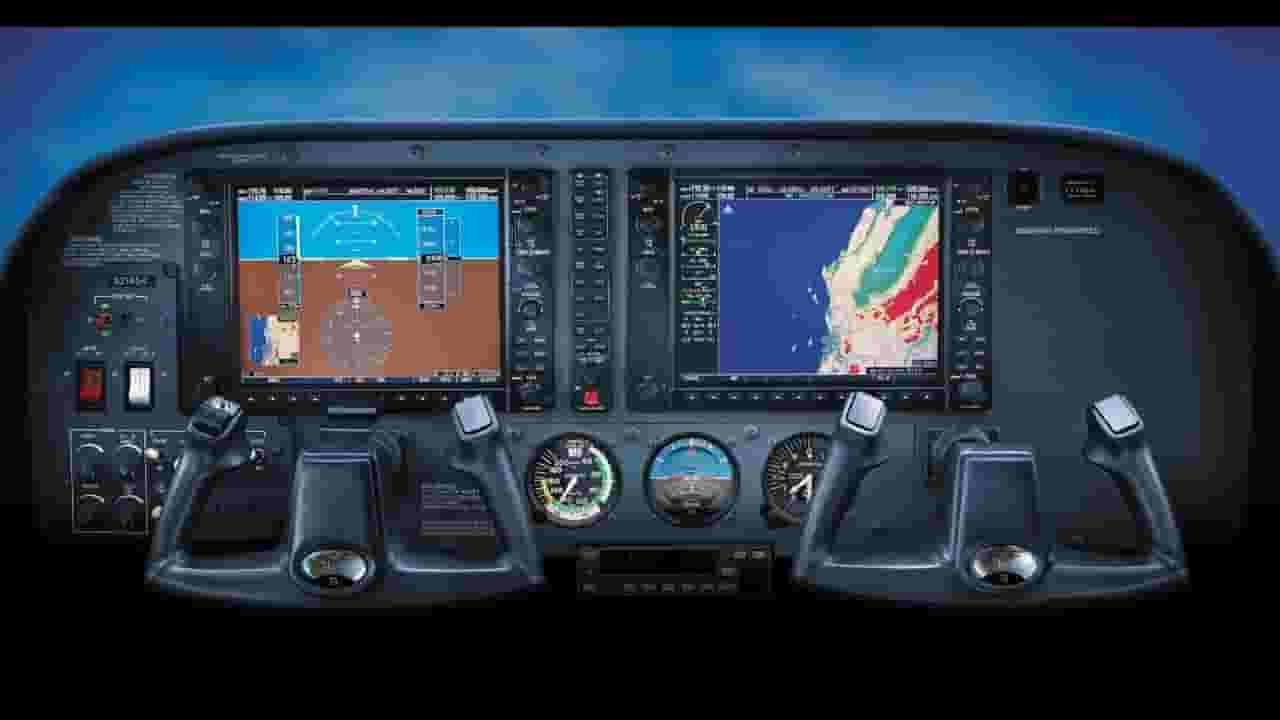
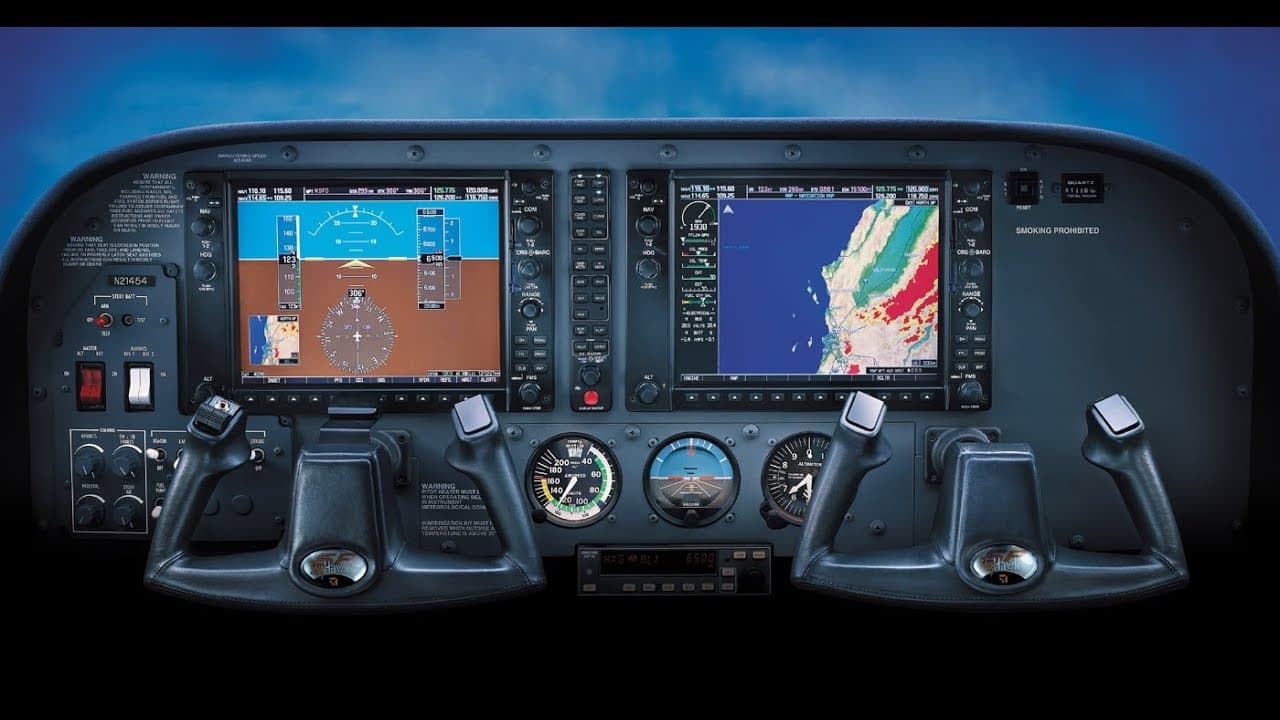
Best learning tutorial of G1000, this video is very useful for Aircraft pilot and students who are doing CPL/PPL TRAINING. About G1000: Garmin G1000 is an integrated flight instrument system typically composed of two display units, one serving as a primary flight display, and one as a multi-function display. Manufactured by Garmin, it serves as a replacement for most conventional flight instruments and avionics. Primary flight display The primary flight display shows the basic flight instruments, such as the airspeed indicator, the altimeter, the heading indicator, and course deviation indicator. A small map called the "inset map" can be enabled in the corner. The buttons on the PFD are used to set the squawk code on the transponder. The PFD can also be used for entering and activating flight plans. The PFD also has a "reversionary mode" which is capable of displaying all information shown on the MFD (for example, engine gauges and navigational information). This capability is provided in case of an MFD failure. Multi-function display (MFD) The multi-function display typically shows a moving map on the right side, and engine instrumentation on the left. Most of the other screens in the G1000 system are accessed by turning the knob on the lower right corner of the unit. Screens available from the MFD other than the map include the setup menus, information about nearest airports and NAVAIDs, Mode S traffic reports, terrain awareness, XM radio, flight plan programming, and GPS RAIM prediction.
About YouTube Real-Time View Count
With SocialCounts.org’s view counter, track your YouTube video’s live view count and YouTube likes count in real time with fast, reliable updates.
Watch every YouTube video live view count rise with our real-time YouTube views tracker—built for accuracy and minimal delay.
Follow YouTube real time views as they happen, using our dedicated view counter for YouTube videos.
Get up-to-date live view count on YouTube and see real-time growth with SocialCounts.org’s smart tracking tools.
Embed Widget
Parameters:
fullscreen=true- Fullscreen countergraph=true- Live graph chartcounter=0/1/2- Select counter (0=likes, 1=views, 2=comments)
URL
Click to copy the embed URL to your clipboard