


45,676
likes
1,595
comments
daily view 0
monthly view 0
Live Analytics
Comments 0
I went Car Shopping - Help me select a car! Analytics Table
Income Estimates for I went Car Shopping - Help me select a car!
Based on this YouTube video's total view count of 1.00M views and industry-standard rates, the estimated total earning is $706 - $2.01K through ad revenue. Historical data is not yet available to calculate daily, weekly, or monthly averages.
About I went Car Shopping - Help me select a car!
Explore I went Car Shopping - Help me select a car! with 1,008,356 views, 45,676 likes, and 1,595 comments. Experience the impact of this video content that has captured audience attention.
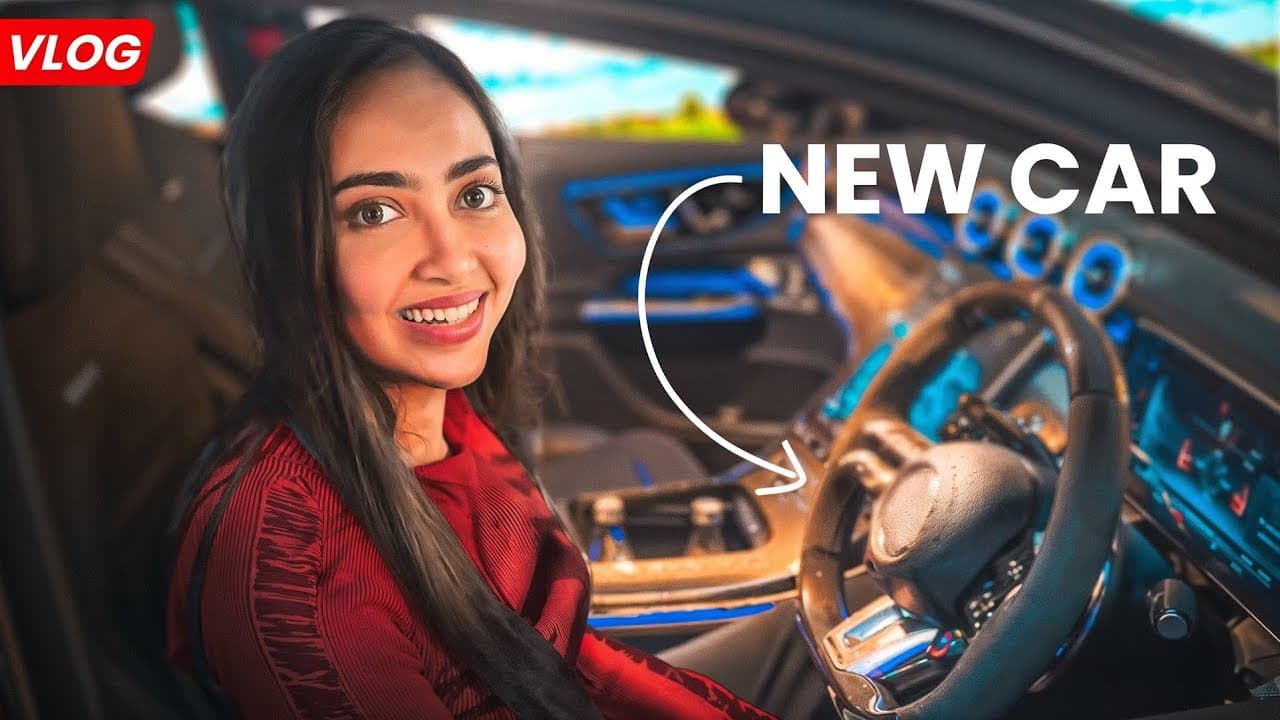
I Went Car Shopping… But There’s a Catch! 🚗💨 So… I bought a parking space for ₹30 lakhs, but I still don’t own a car. The mission? Find the perfect car that fits the spot and helps me finally learn how to drive (because, let’s be real, I’ve been a passenger princess for way too long!). From the Mahindra BE6 to the AMG GLC 43 Mercedes-Benz to the BMW 330LI and 530Ld , I took these beasts for a spin and tried to figure out which one deserves the spot (literally!). Which one should I buy? Drop your suggestions in the comments! ⬇️ #CarShopping #TestDrive #Mahindra #BMW #Mercedes #KaashPlays instagram.com/kaaashvi
About YouTube Real-Time View Count
With SocialCounts.org’s view counter, track your YouTube video’s live view count and YouTube likes count in real time with fast, reliable updates.
Watch every YouTube video live view count rise with our real-time YouTube views tracker—built for accuracy and minimal delay.
Follow YouTube real time views as they happen, using our dedicated view counter for YouTube videos.
Get up-to-date live view count on YouTube and see real-time growth with SocialCounts.org’s smart tracking tools.
Embed Widget
Parameters:
fullscreen=true- Fullscreen countergraph=true- Live graph chartcounter=0/1/2- Select counter (0=likes, 1=views, 2=comments)
URL
Click to copy the embed URL to your clipboard