

I Created an Entire Cinematic Film with AI… Just by Chatting | OpenArt Director Tutorial
29,409
Socialcounts.Org
1,198
likes
53
comments
daily view 0
monthly view 0
Live Analytics
Comments 0
I Created an Entire Cinematic Film with AI… Just by Chatting | OpenArt Director Tutorial Analytics Table
Income Estimates for I Created an Entire Cinematic Film with AI… Just by Chatting | OpenArt Director Tutorial
Based on this YouTube video's total view count of 29.4K views and industry-standard rates, the estimated total earning is $21 - $59 through ad revenue. Historical data is not yet available to calculate daily, weekly, or monthly averages.
About I Created an Entire Cinematic Film with AI… Just by Chatting | OpenArt Director Tutorial
Explore I Created an Entire Cinematic Film with AI… Just by Chatting | OpenArt Director Tutorial with 29,409 views, 1,198 likes, and 53 comments. Experience the impact of this video content that has captured audience attention.
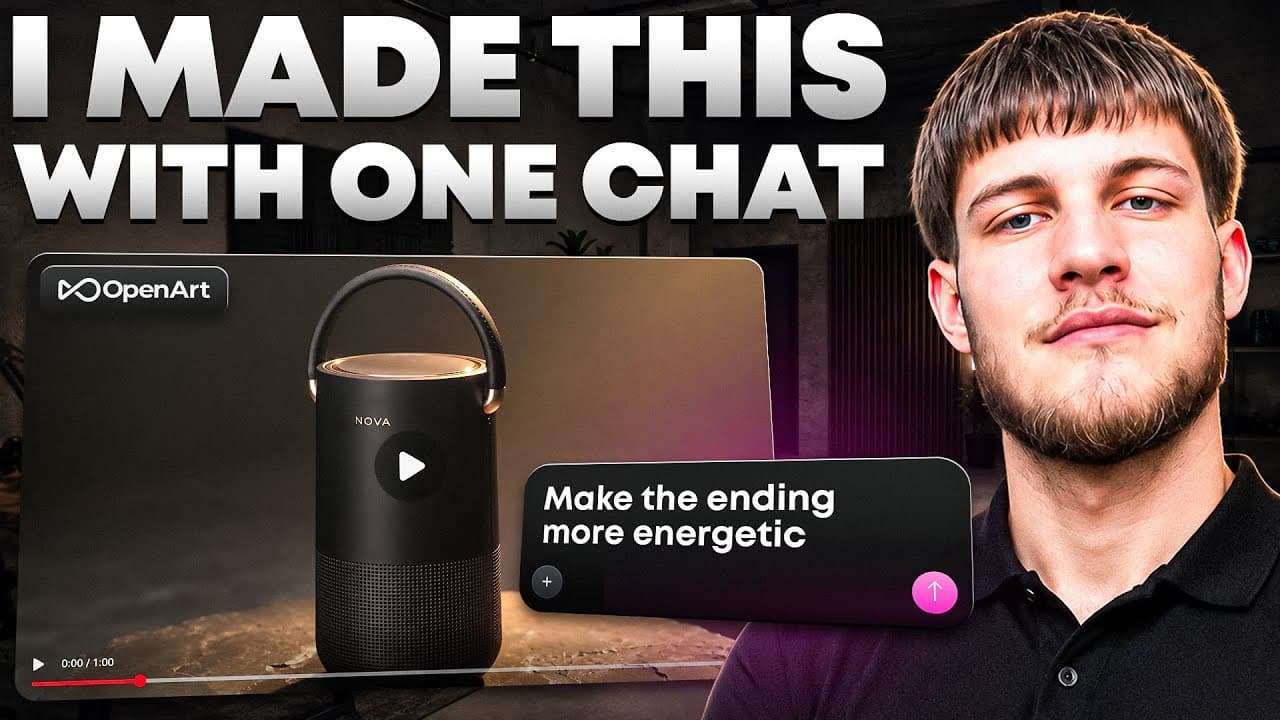
I Created an Entire Cinematic Film with AI… Just by Chatting 🤯 In this video, I test **OpenArt Director** and create a complete cinematic product advertisement from a simple idea — without manually generating every single shot. OpenArt Director lets you build complete AI videos through conversation. You can create connected scenes, maintain consistent characters and products, add music and sound effects, refine scenes through chat, and make more precise changes using the timeline editor. Upgrade to unlock UNLIMITED Seedance 2.5, MiniMax H3, Nano Banana 2 Lite & more of the latest & hottest models on OpenArt: [ https://openart.ai/home?utm_source=youtube&utm_medium=influencer&utm_campaign=infl-youtube--na-acq-web&ref=sanky-director In this tutorial, I’ll show you how I: • Turn a simple prompt into a complete cinematic story • Maintain character and product consistency • Create multiple connected AI video scenes • Direct camera movement, lighting, and visual style • Synchronize music with scene transformations • Refine the video by simply chatting with Director • Replace and adjust individual shots • Edit pacing using the built-in timeline • Create a finished cinematic product advertisement For this test, I created an advertisement for a fictional portable speaker called **NOVA**, starting inside a dark rainy apartment and gradually transforming the environment into a colorful creative studio synchronized with the music. OpenArt Director can also be used for: 🎥 Short films 🎵 AI music videos 📱 Micro-dramas 🛍️ Product advertisements 🎬 Cinematic trailers 📢 Brand campaigns 👤 UGC-style content 📚 Explainer videos If you plan on creating videos regularly, you can also check out the **Annual Wonder Plan** for a more cost-effective option. ⏱️ CHAPTERS 00:00 I Created a Film Just by Chatting 00:40 What Is OpenArt Director? 01:20 Creating the Project 01:50 Generating the Story 02:50 Refining the AI Film 03:45 Character Consistency, Music & Audio 04:40 Generating the Complete Video 05:25 My First Impression 06:10 Editing Through Chat & Timeline 07:00 Final Verdict & Use Cases Would you use AI to create a **short film, product advertisement, or music video?** Let me know in the comments. 👍 Like the video if it helped 🔔 Subscribe for more AI tools, tutorials, and workflows #OpenArt #OpenArtDirector #AIVideo #AIFilmmaking #AITools ━━━━━━━━━━━━━━━━━━━━━━━━━━ 📩 Business Contact 📧 [email protected] 🐦 X (Twitter): https://x.com/CryptoSanky 💬 Telegram: https://t.me/sankyceo 🌐 Hub: https://t.me/sankyshub 🎮 Discord: https://discord.gg/CryptoSanky7609 ━━━━━━━━━━━━━━━ ━━━━━━━━━━━ ⚠️ Disclaimer: Content is for educational purposes only — not financial advice.
About YouTube Real-Time View Count
With SocialCounts.org’s view counter, track your YouTube video’s live view count and YouTube likes count in real time with fast, reliable updates.
Watch every YouTube video live view count rise with our real-time YouTube views tracker—built for accuracy and minimal delay.
Follow YouTube real time views as they happen, using our dedicated view counter for YouTube videos.
Get up-to-date live view count on YouTube and see real-time growth with SocialCounts.org’s smart tracking tools.
Embed Widget
Parameters:
fullscreen=true- Fullscreen countergraph=true- Live graph chartcounter=0/1/2- Select counter (0=likes, 1=views, 2=comments)
URL
Click to copy the embed URL to your clipboard