

Live Analytics
Comments 0
Database Design Process Analytics Table
Income Estimates for Database Design Process
Based on this YouTube video's total view count of 531K views and industry-standard rates, the estimated total earning is $372 - $1.06K through ad revenue. Historical data is not yet available to calculate daily, weekly, or monthly averages.
About Database Design Process
Explore Database Design Process with 531,957 views, 6,246 likes, and 81 comments. Experience the impact of this video content that has captured audience attention.
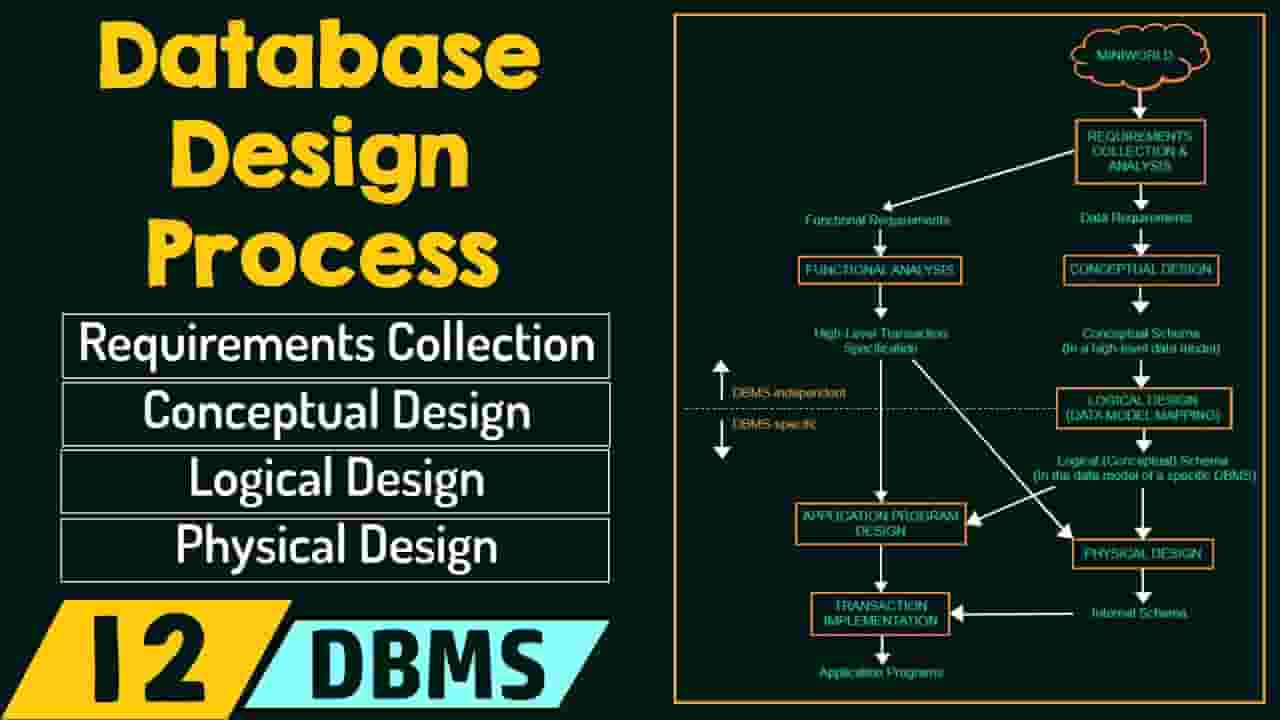
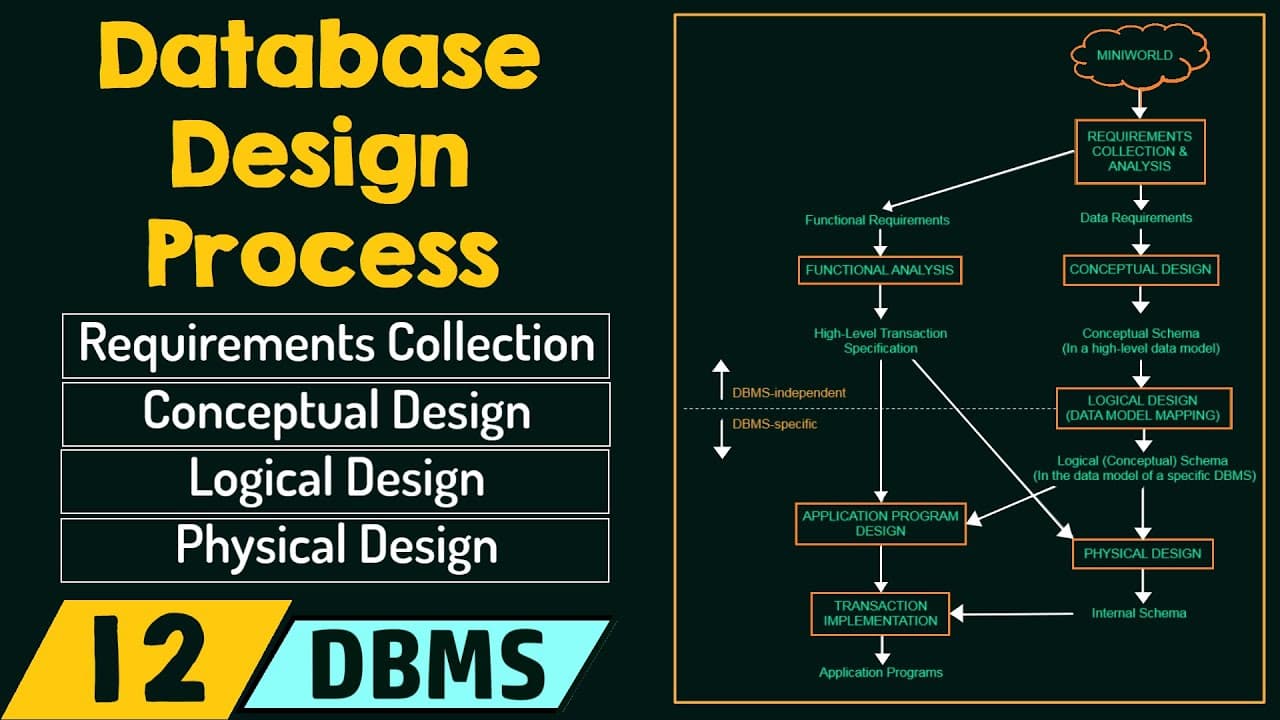
DBMS: Database Design Process Topics discussed: 1. Overview of the database design process a. Requirements Collection & Analysis. b. Functional Requirements. c. Conceptual Design. d. Logical Design/Data Model Mapping. e. Physical Design. 2. Weak Entity Types. 3. Symbols used in ER Diagram. 4. Sample Database Application (COMPANY). 5. Initial Conceptual Design of COMPANY Database. Follow Neso Academy on Instagram: @nesoacademy(https://bit.ly/2XP63OE) Contribute: http://bit.ly/3EpZgBD Memberships: https://bit.ly/2U7YSPI Discord: https://bit.ly/3HiGtJr WhatsApp: https://whatsapp.com/channel/0029Va9B1Bq4tRru0nqgtx3h Books: https://bit.ly/4cZYQil Website ► https://www.nesoacademy.org/ App ► https://play.google.com/store/apps/details?id=org.nesoacademy Facebook ► https://www.facebook.com/nesoacademy Twitter [X] ► https://x.com/nesoacademy Music: Axol x Alex Skrindo - You [NCS Release] #DBMSByNeso #DBMS #DatabaseDesignProcess
About YouTube Real-Time View Count
With SocialCounts.org’s view counter, track your YouTube video’s live view count and YouTube likes count in real time with fast, reliable updates.
Watch every YouTube video live view count rise with our real-time YouTube views tracker—built for accuracy and minimal delay.
Follow YouTube real time views as they happen, using our dedicated view counter for YouTube videos.
Get up-to-date live view count on YouTube and see real-time growth with SocialCounts.org’s smart tracking tools.
Embed Widget
Parameters:
fullscreen=true- Fullscreen countergraph=true- Live graph chartcounter=0/1/2- Select counter (0=likes, 1=views, 2=comments)
URL
Click to copy the embed URL to your clipboard