


343
likes
26
comments
daily view 0
monthly view 0
Live Analytics
Comments 0
AlDente Pro Review: The Best Way to Extend Your MacBook’s Battery Life! Analytics Table
Income Estimates for AlDente Pro Review: The Best Way to Extend Your MacBook’s Battery Life!
Based on this YouTube video's total view count of 24.0K views and industry-standard rates, the estimated total earning is $17 - $48 through ad revenue. Historical data is not yet available to calculate daily, weekly, or monthly averages.
About AlDente Pro Review: The Best Way to Extend Your MacBook’s Battery Life!
Explore AlDente Pro Review: The Best Way to Extend Your MacBook’s Battery Life! with 24,010 views, 343 likes, and 26 comments. Experience the impact of this video content that has captured audience attention.
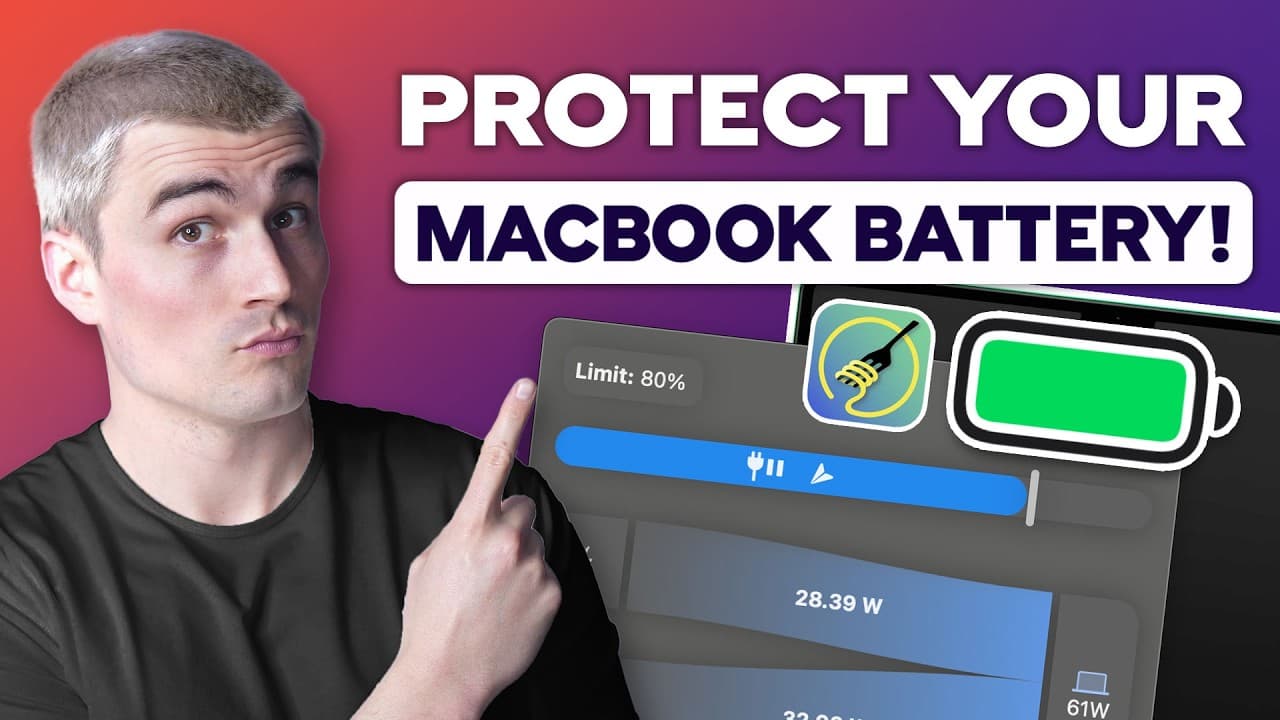
Get AlDente Pro to stop overcharging and extend battery life! Get a 7-day free trial to SetApp and get DOZENS of apps from one subscription ($9.99/mo): https://setapp.sjv.io/c/1274046/343321/5114 In this video, I’ll go over AlDente Pro, a powerful app that helps you protect your MacBook battery and extend its lifespan. Keeping your battery at 100% all the time can wear it out faster, but this app lets you set a charge limit to keep it in a healthier range. I’ll explain how AlDente Pro gives you more control than Apple’s built-in battery optimization, which doesn’t always work as expected. You’ll also see how features like Sailing Mode and Heat Protection help reduce battery wear and keep your Mac running smoothly. Be sure to watch this video all the way as I cover how AlDente Pro stops your MacBook from constantly overcharging and overheating. I’ll walk you through key features like Discharge Mode, which lets your Mac run on battery power even when plugged in, and Calibration Mode, which keeps battery readings accurate. You’ll learn how Top-Up Mode lets you temporarily charge to 100% when needed, then returns to your set limit automatically. With all these features, this app makes managing your MacBook battery simple and stress-free. AlDente Pro is the best way to take control of your MacBook’s battery health and prevent expensive replacements. It keeps your battery in the ideal range, reduces heat damage, and helps it last much longer. The Pro version unlocks advanced tools like Sailing Mode and Calibration Mode, making it worth the investment for anyone who wants to protect their device. If you want your MacBook to run efficiently for years, this app is a must-have. Don't miss the latest SaaS trends, watch our other videos: Setapp Review: The Ultimate Mac App Subscription? https://youtu.be/LWGaPPkEBHk CleanMyMac Review: The Best App to Speed Up and Secure Your Mac https://youtu.be/qUAOEG03qHw Subscribe to the channel for more SaaS reviews and recommendations! Thank you for watching and have a great day! – Eric #MacBook #AlDentePro #BatteryLife Timeline: 0:00 - Introduction 0:29 - Why Do You Need AlDente Pro? 1:23 - What Makes AlDente Stand Out? 3:31 - Real-Life Use: What People Are Saying 4:23 - Pricing: Is It Worth It? 5:23 - Who Should Use AlDente Pro? 5:49 - Walkthrough of Using AlDente Pro 7:32 - Conclusion Disclaimer: Some of the links above may be affiliate links, which means that if you click on them I may receive a small commission. The commission is paid by the retailers, at no cost to you, and this helps to support our channel and keep our videos free. Thank you! All info from our videos are compiled from online sources and our own experience, and we encourage you to do your own due diligence. We appreciate your viewership!
About YouTube Real-Time View Count
With SocialCounts.org’s view counter, track your YouTube video’s live view count and YouTube likes count in real time with fast, reliable updates.
Watch every YouTube video live view count rise with our real-time YouTube views tracker—built for accuracy and minimal delay.
Follow YouTube real time views as they happen, using our dedicated view counter for YouTube videos.
Get up-to-date live view count on YouTube and see real-time growth with SocialCounts.org’s smart tracking tools.
Embed Widget
Parameters:
fullscreen=true- Fullscreen countergraph=true- Live graph chartcounter=0/1/2- Select counter (0=likes, 1=views, 2=comments)
URL
Click to copy the embed URL to your clipboard