

9
likes
0
comments
daily view 0
monthly view 0
Live Analytics
Comments 0
Simplify Employee Scheduling & Rostering with These Powerful Tools @ConnecteamApp Analytics Table
Income Estimates for Simplify Employee Scheduling & Rostering with These Powerful Tools @ConnecteamApp
Based on this YouTube video's total view count of 772 views and industry-standard rates, the estimated total earning is $1 - $2 through ad revenue. Historical data is not yet available to calculate daily, weekly, or monthly averages.
About Simplify Employee Scheduling & Rostering with These Powerful Tools @ConnecteamApp
Explore Simplify Employee Scheduling & Rostering with These Powerful Tools @ConnecteamApp with 772 views, 9 likes, and 0 comments. Experience the impact of this video content that has captured audience attention.
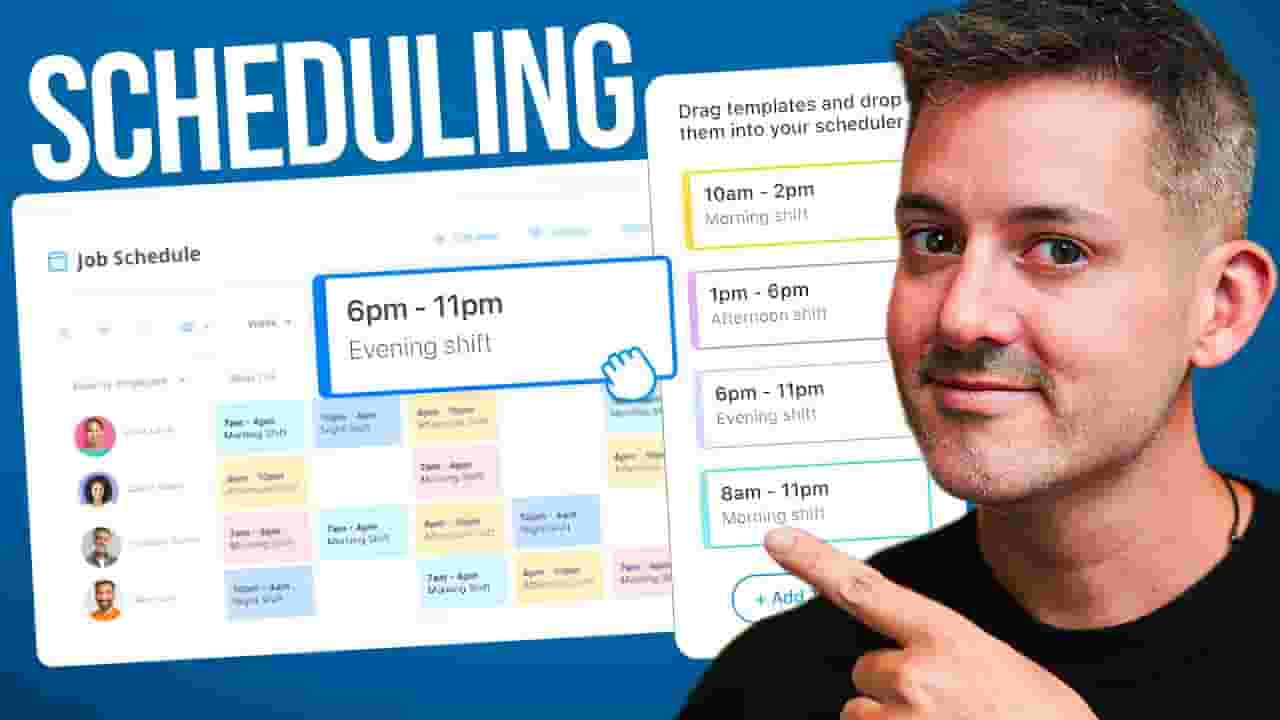
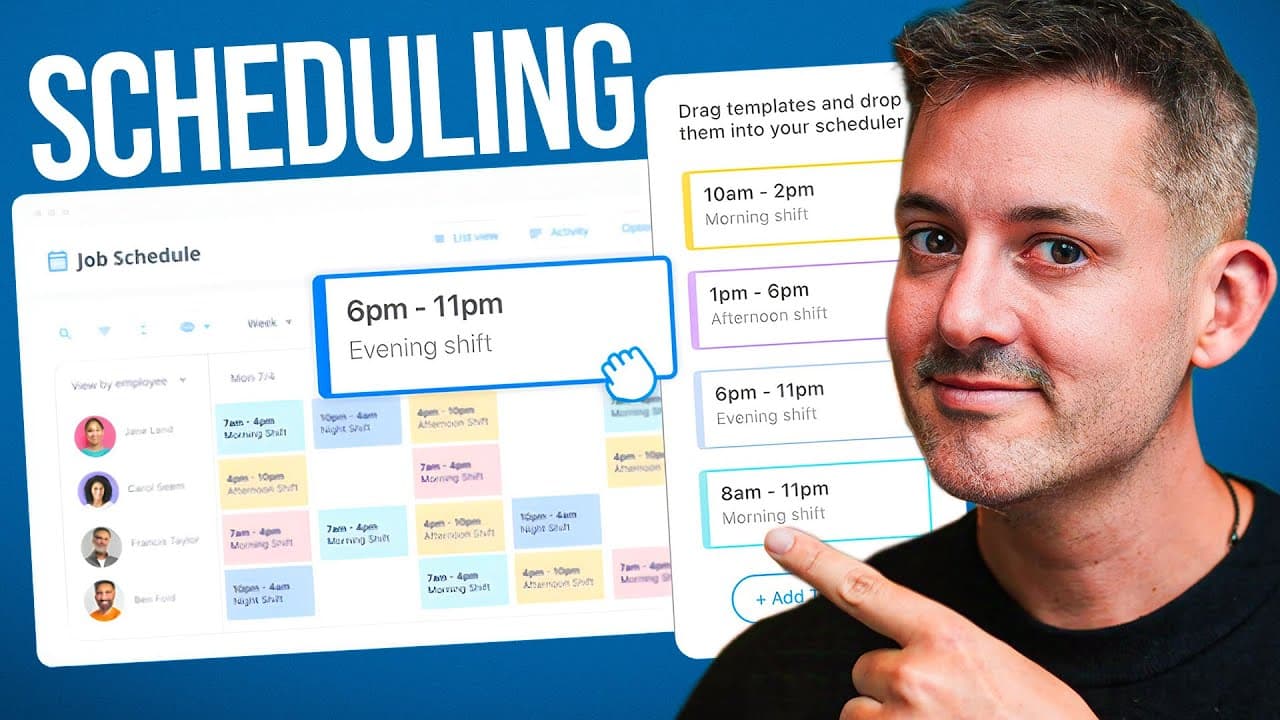
Try Connecteam (free for up to 10 employees): https://connecteam.cc/4iTJMoN Struggling with employee scheduling? Say goodbye to manual headaches and costly mistakes! 🚀 In this video, I’ll walk you through powerful tools in @ConnecteamApp that make scheduling efficient, transparent, and stress-free. From auto-assigning shifts to creating reusable templates and sharing schedules effortlessly, Connecteam helps keep your business running smoothly while keeping your team happy. Connecteam is free for teams of up to 10 employees and offers affordable plans for larger teams. Whether you’re managing seasonal schedules, shift patterns, or last-minute changes, this platform simplifies it all. What You’ll Learn: • Automating shift assignments with Auto Assign Week • Saving and loading schedules with reusable templates • Sharing schedules seamlessly via shareable links • Managing availability and confirmations from the mobile app • Reducing errors and improving team accountability Don’t let scheduling chaos slow you down—transform it into clarity and efficiency today. Start your free trial (no credit card required!) and see the difference Connecteam can make for your business. Have questions? Drop them in the comments—I reply personally! Enjoyed the video? Like and subscribe for more practical tips on building your brand and streamlining your business. Chapters: __________ 0:00 - Introduction 0:51 - Connecteam Overview 1:37 - Save Week as Template 2:47 - Sharing Schedules 3:58 - Mobile App Features 6:44 - Why Use Connecteam? Phil deconstructs digital marketing and social media to empower leaders, corporations, employees, and entrepreneurs. His insights have been featured in media outlets around the world, including CNN, Access Hollywood, Entertainment Tonight, and The Daily Mail, to name a few. Phil has worked with hundreds of brands across all industries, including a Shark on Shark Tank, a Nobel Peace Prize winner, politicians, and some of the most important names in entertainment. He frequently speaks at conferences in cities all over the globe, including London, Tokyo, Dubai, Cairo, São Paulo, Medellín, Auckland, Helsinki, and Los Angeles. × LIKE, COMMENT, AND SUBSCRIBE × ----------------------------------- FOLLOW ME ON: × INSTAGRAM → https://www.instagram.com/philpallen ----------------------------------- ADD ME: × FACEBOOK → https://facebook.com/philpallen.co × PINTEREST → https://www.pinterest.com/philpallen × TWITTER → https://twitter.com/philpallen × LINKEDIN → https://www.linkedin.com/in/philpallen ----------------------------------- × WEBSITE → https://philpallen.co × NEWSLETTER → https://www.philpallen.co/list #philpallen #connecteam #employeescheduling
About YouTube Real-Time View Count
With SocialCounts.org’s view counter, track your YouTube video’s live view count and YouTube likes count in real time with fast, reliable updates.
Watch every YouTube video live view count rise with our real-time YouTube views tracker—built for accuracy and minimal delay.
Follow YouTube real time views as they happen, using our dedicated view counter for YouTube videos.
Get up-to-date live view count on YouTube and see real-time growth with SocialCounts.org’s smart tracking tools.
Embed Widget
Parameters:
fullscreen=true- Fullscreen countergraph=true- Live graph chartcounter=0/1/2- Select counter (0=likes, 1=views, 2=comments)
URL
Click to copy the embed URL to your clipboard