

176
likes
23
comments
daily view 0
monthly view 0
Live Analytics
Comments 0
Here is How I Make DIY Motorcycle Graphics - YOU CAN TOO! Analytics Table
Income Estimates for Here is How I Make DIY Motorcycle Graphics - YOU CAN TOO!
Based on this YouTube video's total view count of 9.90K views and industry-standard rates, the estimated total earning is $7 - $20 through ad revenue. Historical data is not yet available to calculate daily, weekly, or monthly averages.
About Here is How I Make DIY Motorcycle Graphics - YOU CAN TOO!
Explore Here is How I Make DIY Motorcycle Graphics - YOU CAN TOO! with 9,901 views, 176 likes, and 23 comments. Experience the impact of this video content that has captured audience attention.
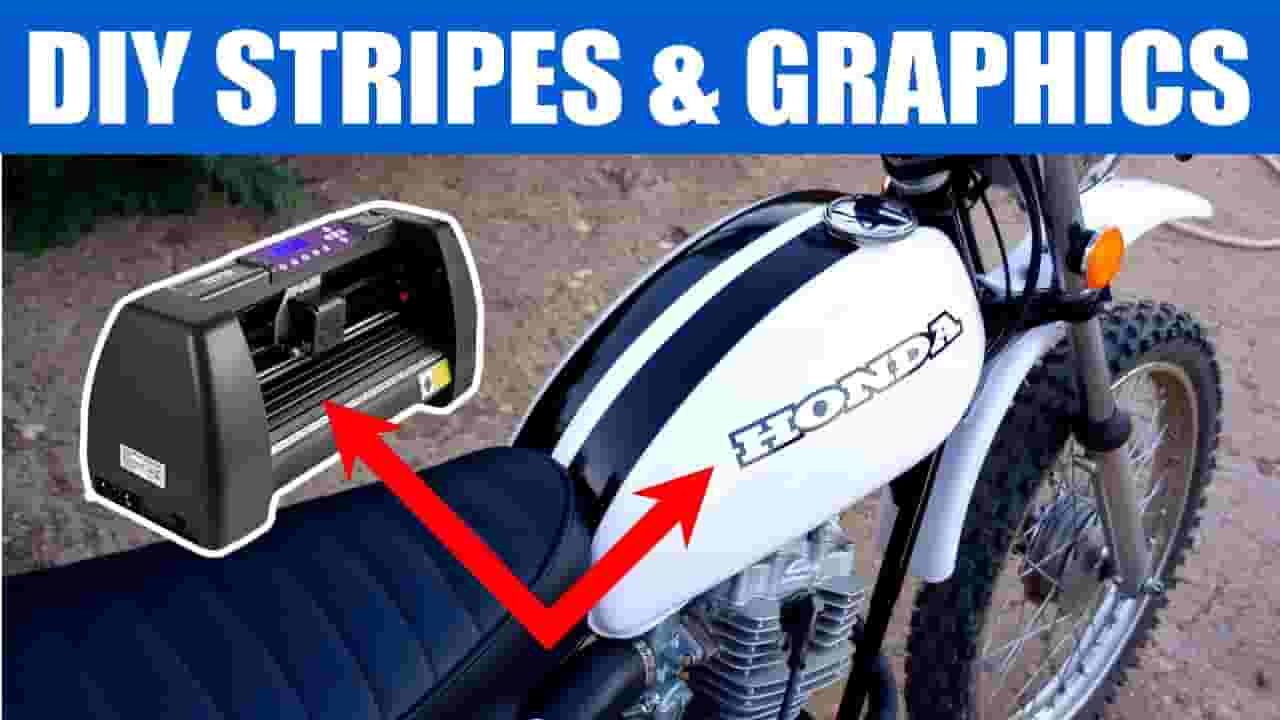
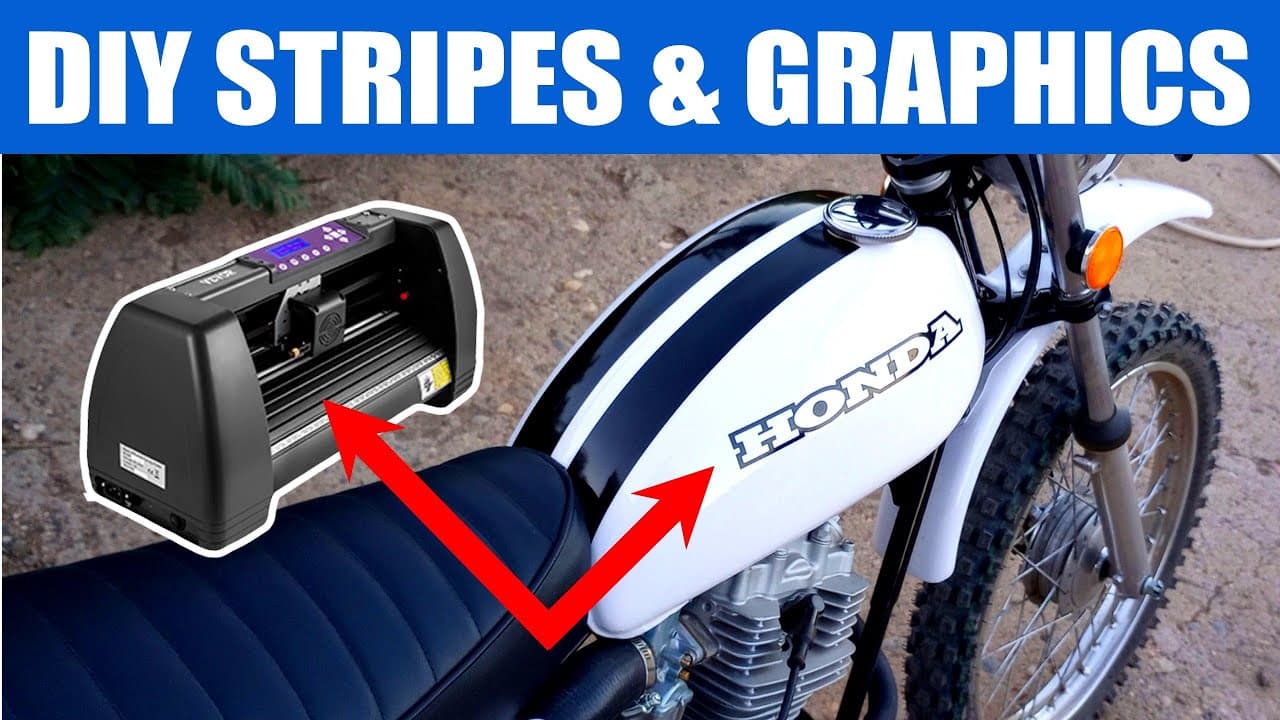
This week I am going to do a how to video and show you how I make my own custom DIY stickers, decals, graphics and stripes for motorcycles, dirt bikes, and hot rods and normal cars too! You can use methods like this to make custom gas tank graphics and stickers, side panel sticker and anything you can dream up! These graphics are going on my 1974 Honda XL100 HONDAMATIC that I just put an engine out of a 1986 Honda ATC125 Three Wheeler. The rest of the build videos of the Honda XL 100 in the video can be watched here! https://www.youtube.com/watch?v=jqNHNRAa0_8&list=PLmU1QZjQHa1v8kzemtBHGLgh4mN0H3Di8&index=1 I start out by showing the vinyl cutter I use. It is a 14" US Cutter Vinyl cutter I bought on Amazon. It is kind of an industrial version of the popular Cricut vinyl cutter that is sold at Hobby Lobby or Michaels. They are really popular with arts and crafts people. Thei cricut may be a good beginner machine if you are interesting in making your own decals at home. The US Cutter is a very nice machine but you do need to have some graphics arts, computer and sign shop experience to use them since there isn't a lot of support online. I then talk about the outdoor permanent vinyl I use for my motorcycle graphics. I use Oracal 651 permanent vinyl. I think it is the same stuff a lot of automobile manufacturers use to strip their cars. I have used the Cricut permanent vinyl before and it works nice too. The graphics arts software I use is called Inkscape. It is a free vector graphic software like Adobe Illustrator. The software that comes with the USCutter is called Vinylcut Master. It is needed to convert your graphics in to a format the cuter can understand. It comes free with the US Cutter. It takes a while to learn but it is great once you figure it out. I then show how the us cutter cuts the Oracal 651 vinyl and then weed out a couple color to make a 2 layer decal for my custom fiberglass side panels on my XL100. I use Oracal transparent Transfer tape to install the graphics on the bike. I spray a little window cleaner on the stuff I am putting the stickers on. Please share my videos, click the like button and be sure to subscribe for more fun! ---------------------------------- video contents ---------------------------------- 0:00 - Introduction 0:22 - The Vinyl and Cutter I use 1:53 - The Graphics Software I use 5:45 - Cutting the Vinyl Graphics 10:50 - Installing the Custom Graphics ------------------------------------------------------- All Bigfoot Bikes and Brews content is for entertainment purposes only. Bigfoot Bikes and Brews videos feature activities performed in controlled environments by skilled individuals. Please DO NOT attempt to duplicate, re-create, or perform anything you see in these videos. Personal injury or property damage may result trying anything you see in these videos. Bigfoot Bikes and Brews, persons shown in these videos and any contributor, ARE NOT LIABLE for any such injury or damage. Bigfoot Bikes and Brews makes no representation about the sufficiency of any safety precautions and equipment used in these videos.
About YouTube Real-Time View Count
With SocialCounts.org’s view counter, track your YouTube video’s live view count and YouTube likes count in real time with fast, reliable updates.
Watch every YouTube video live view count rise with our real-time YouTube views tracker—built for accuracy and minimal delay.
Follow YouTube real time views as they happen, using our dedicated view counter for YouTube videos.
Get up-to-date live view count on YouTube and see real-time growth with SocialCounts.org’s smart tracking tools.
Embed Widget
Parameters:
fullscreen=true- Fullscreen countergraph=true- Live graph chartcounter=0/1/2- Select counter (0=likes, 1=views, 2=comments)
URL
Click to copy the embed URL to your clipboard