


52
likes
10
comments
daily view 0
monthly view 0
Live Analytics
Comments 0
How To Use Pika Ai Image To Video 2026 (Step-By-Step Tutorial) Analytics Table
Income Estimates for How To Use Pika Ai Image To Video 2026 (Step-By-Step Tutorial)
Based on this YouTube video's total view count of 4.83K views and industry-standard rates, the estimated total earning is $3 - $10 through ad revenue. Historical data is not yet available to calculate daily, weekly, or monthly averages.
About How To Use Pika Ai Image To Video 2026 (Step-By-Step Tutorial)
Explore How To Use Pika Ai Image To Video 2026 (Step-By-Step Tutorial) with 4,836 views, 52 likes, and 10 comments. Experience the impact of this video content that has captured audience attention.
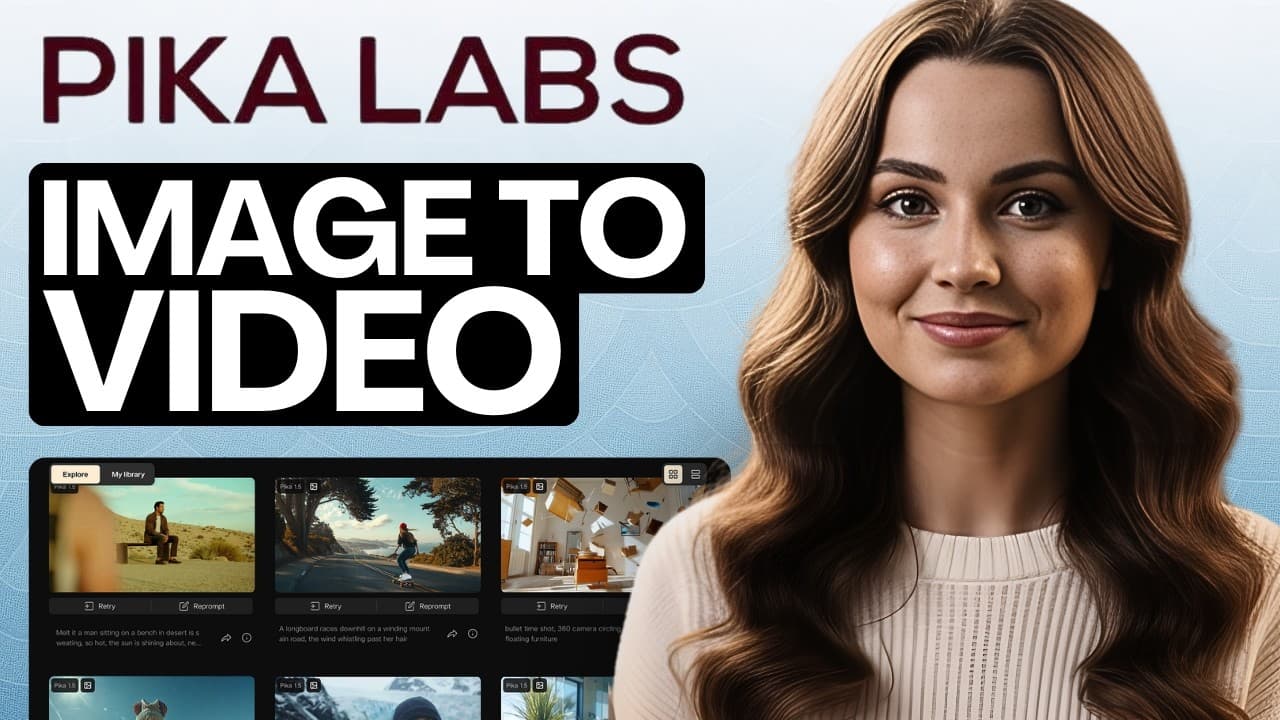
Try Pika For Free: https://pika.style/?via=muhammad-ali In this video, I’ll show you how to use Pika AI image to video in 2026, step by step, even if you’re a complete beginner. Pika AI is an image to video generation tool that takes a single static image and animates it into a short video clip by adding camera motion, depth, facial movement, and environmental effects. This step by step beginner tutorial walks you through uploading images, writing motion prompts, controlling camera movement, refining results, and exporting clips so you can start creating AI videos in 2026 without any editing experience. What You'll Learn Understand what Pika AI does and why it's the go to image to video tool for creators in 2026 Navigate the Pika dashboard Inspiration, PikaFX, and Library and know what each section does Upload images and write effective motion prompts that actually produce clean, usable results Control camera movement and motion intensity so your generated videos look natural, not artificial Refine and improve results by adjusting prompts and generating multiple variations Understand Pika's real use cases, honest limitations, and the beginner tips that save you time This tutorial is perfect if you’re searching for Pika AI image to video tutorial 2026, AI image to video generator, Pika AI guide, turn images into videos with AI, or best AI video tools. Chapters: 0:00 – What is Pika AI and why is it the most used image-to-video tool in 2026? 1:30 – How Pika AI turns a single static image into an animated video using AI motion 3:03 – How to navigate the Pika AI dashboard: Inspiration, PikaFX, and Library explained 4:36 – How to upload an image and write your first motion prompt in Pika AI 6:07 – What good Pika AI output actually looks like — live generation walkthrough 7:37 – How to refine your Pika AI results by adjusting prompts and motion intensity 9:07 – How to use the Pika AI Inspiration board to discover styles and find your look 10:37 – Real use cases for Pika AI: reels, shorts, faceless content, and product promos 12:07 – Honest limitations of Pika AI every beginner needs to know before getting frustrated 13:38 – Beginner tips: why subtle motion always beats dramatic motion in Pika AI 15:10 – How strong input images produce better results than complicated prompts 16:40 – Key takeaway: how to use Pika AI consistently for short-form content creation If you found this helpful, like the video and subscribe for more tutorials on AI tools, video creation, and content automation. For Promotions & Brand Deals, Contact: emmabranddealsfc (at) gmail (dot) com #PikaAI #AIVideo #AITools
About YouTube Real-Time View Count
With SocialCounts.org’s view counter, track your YouTube video’s live view count and YouTube likes count in real time with fast, reliable updates.
Watch every YouTube video live view count rise with our real-time YouTube views tracker—built for accuracy and minimal delay.
Follow YouTube real time views as they happen, using our dedicated view counter for YouTube videos.
Get up-to-date live view count on YouTube and see real-time growth with SocialCounts.org’s smart tracking tools.
Embed Widget
Parameters:
fullscreen=true- Fullscreen countergraph=true- Live graph chartcounter=0/1/2- Select counter (0=likes, 1=views, 2=comments)
URL
Click to copy the embed URL to your clipboard