

96
likes
45
comments
daily view 0
monthly view 0
Live Analytics
Comments 0
Solana Sniper Bot | AI Token Scanner, Risk Analysis & Phantom Trading Analytics Table
Income Estimates for Solana Sniper Bot | AI Token Scanner, Risk Analysis & Phantom Trading
Based on this YouTube video's total view count of 2.14K views and industry-standard rates, the estimated total earning is $1 - $4 through ad revenue. Historical data is not yet available to calculate daily, weekly, or monthly averages.
About Solana Sniper Bot | AI Token Scanner, Risk Analysis & Phantom Trading
Explore Solana Sniper Bot | AI Token Scanner, Risk Analysis & Phantom Trading with 2,142 views, 96 likes, and 45 comments. Experience the impact of this video content that has captured audience attention.
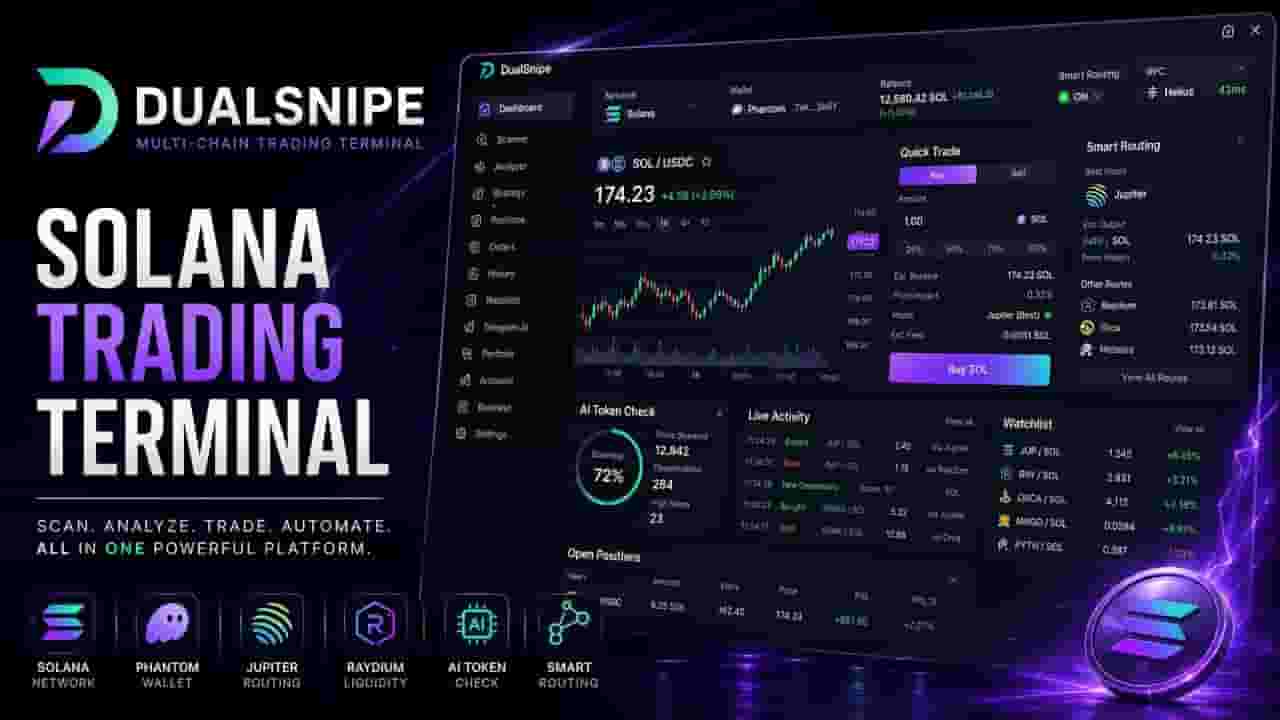
Solana Sniper Bot and AI Token Scanner for token discovery, risk analysis, strategy-based filtering, position monitoring, and crypto trading workflows on Solana. 🔽 Download for Windows: https://dualsnipe.com/download 🌐 Official Website: https://dualsnipe.com DualSnipe is a multi-chain crypto trading terminal with a dedicated Solana trading environment designed for token scanning, market analysis, configurable trading strategies, risk evaluation, position management, and trading activity tracking. In this video, we go through the Solana workflow inside DualSnipe — from accessing and installing the terminal to selecting the Solana environment, working with a Phantom-compatible wallet workflow, configuring trading parameters, launching AI Token Check, scanning token candidates, reviewing risk and market information, monitoring positions, and inspecting trading history and execution details. The Solana Token Scanner continuously organizes token candidates around the active strategy and available market information. AI Token Check helps evaluate candidates using relevant factors such as liquidity, market activity, token data, holder information, available security indicators, and configured risk conditions. DualSnipe also provides strategy controls for managing how token candidates are processed, including position sizing, slippage, Take Profit, Stop Loss, Trailing Stop, liquidity requirements, and additional filtering conditions. When a candidate requires deeper review, the Analyzer brings market information, liquidity data, holder information, risk indicators, and available token security data into a more detailed view. The terminal is designed to keep the complete Solana trading workflow in one environment — from token discovery and analysis to position monitoring and activity review. ━━━━━━━━━━━━━━━━━━━━ ⚡ KEY FEATURES • Solana Sniper Bot workflow • Solana Trading Bot tools • Solana Token Scanner • AI Token Scanner • AI Token Check • Phantom-compatible wallet workflow • Real-time Solana token discovery • Token candidate filtering • Crypto sniper workflow • Liquidity analysis • Market data monitoring • Token risk analysis • Holder concentration analysis • Available token security indicators • Configurable trading strategies • Position size controls • Slippage controls • Take Profit • Stop Loss • Trailing Stop • Position monitoring • Trading activity history • Execution record details • Multi-chain trading terminal ━━━━━━━━━━━━━━━━━━━━ ⏱ CHAPTERS 00:00 Solana Sniper Bot & DualSnipe Overview 00:10 Crypto Trading Terminal Access & Free Trial 00:20 Solana Trading Bot Workflow Overview 00:31 AI Trading Tools & Platform Features 00:49 Crypto Trading Documentation & Execution Records 01:04 Windows Installation & SHA-256 Verification 01:22 Launching the Crypto Trading Terminal 01:39 EVM & Solana Trading Network Selection 01:58 Solana Trading Bot & Phantom Workflow 02:17 Solana Dashboard & Trading Strategy Settings 02:36 Solana Token Scanner & AI Token Check 02:55 Crypto Token Filtering & Risk Analysis 03:14 Solana Token Analyzer & Security Data 03:34 Real-Time Solana Token Scanning 03:59 Token Market Data & Trading Details 04:25 Solana Position & Market Monitoring 04:42 Crypto Trading History 04:55 Execution Records & Trade Details 05:17 Trading Performance & Session Review 05:36 Multi-Chain Crypto Trading Workflow ━━━━━━━━━━━━━━━━━━━━ 🔗 OFFICIAL LINKS Windows Download: https://dualsnipe.com/download Official Website: https://dualsnipe.com Documentation: https://dualsnipe.com/docs Telegram: https://t.me/DualSnipe X / Twitter: https://x.com/dualsnipe ━━━━━━━━━━━━━━━━━━━━ DualSnipe combines the functionality of a Solana sniper bot, Solana trading terminal, AI token scanner, crypto token analyzer, strategy system, risk-analysis workflow, and position-management interface in one desktop application. For traders researching new Solana tokens, the platform provides tools for scanning token candidates, reviewing liquidity and market information, evaluating configured risk conditions, monitoring positions, and managing the wider trading workflow from a single interface. The platform also supports EVM-compatible environments, allowing separate blockchain workflows to be managed from the same application. Trading digital assets involves risk. Market and security analysis can reduce uncertainty but cannot guarantee profitability or token safety. #SolanaBot #SolanaTradingBot #SolanaSniperBot #SolanaSniper #SolanaTrading #SolanaTokenScanner #SolanaScanner #TokenSniper #CryptoSniper #CryptoTradingBot #AITokenScanner #TokenScanner #PhantomWallet #AITrading #AutomatedTrading #CryptoScanner #TokenAnalysis #RiskAnalysis
About YouTube Real-Time View Count
With SocialCounts.org’s view counter, track your YouTube video’s live view count and YouTube likes count in real time with fast, reliable updates.
Watch every YouTube video live view count rise with our real-time YouTube views tracker—built for accuracy and minimal delay.
Follow YouTube real time views as they happen, using our dedicated view counter for YouTube videos.
Get up-to-date live view count on YouTube and see real-time growth with SocialCounts.org’s smart tracking tools.
Embed Widget
Parameters:
fullscreen=true- Fullscreen countergraph=true- Live graph chartcounter=0/1/2- Select counter (0=likes, 1=views, 2=comments)
URL
Click to copy the embed URL to your clipboard