


4,887
likes
106
comments
daily view 0
monthly view 0
Live Analytics
Comments 0
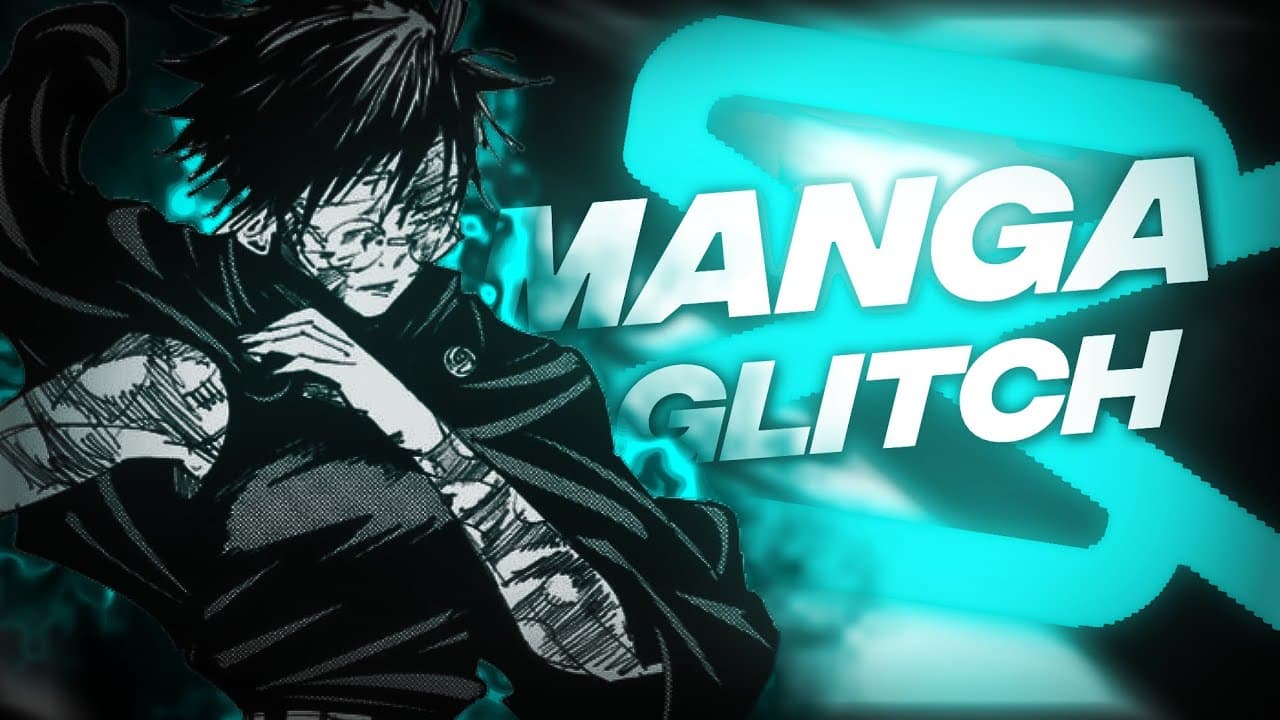
Manga Glitch Tutorial | Capcut Edit Tutorial Analytics Table
Income Estimates for Manga Glitch Tutorial | Capcut Edit Tutorial
Based on this YouTube video's total view count of 124K views and industry-standard rates, the estimated total earning is $87 - $250 through ad revenue. Historical data is not yet available to calculate daily, weekly, or monthly averages.
About Manga Glitch Tutorial | Capcut Edit Tutorial
Explore Manga Glitch Tutorial | Capcut Edit Tutorial with 124,833 views, 4,887 likes, and 106 comments. Experience the impact of this video content that has captured audience attention.
How to Make Manga Glitch Tutorial Learn how to create a manga glitch effect in your own videos with this easy-to-follow tutorial! This effect is perfect for adding a sense of excitement, suspense, or horror to your videos. What you'll need: A video editing software (e.g., Video Star, CapCut, Adobe After Effects) A manga video or image Steps: Import your manga video or image into your video editing software. Create a new layer and add a glitch effect to it. You can use a variety of different glitch effects, but some popular options include: Corrupted pixelation: This effect will make your video look like it's been corrupted. Glitched objects: This effect will cause objects in your video to glitch and distort. Chromatic aberration: This effect will separate the color channels in your video, creating a rainbow effect. Adjust the glitch effect to your liking. You can change the intensity, duration, and other settings. Place the glitch layer over your manga video or image. Export your video and enjoy! Tips: You can use multiple glitch effects to create a more complex effect. You can also use other video editing techniques, such as color correction and transitions, to enhance your effect. Experiment with different settings to find the effect that you like best. Here are some ideas for how to use manga glitch in your videos: Create a horror manga intro. Add a glitch effect to a manga fight scene. Create a manga glitch transition between two scenes. Use manga glitch to create a surreal or dreamlike effect in your video. Have fun and be creative! Bard may display inaccurate info, including about people, so double-check its responses. Your privacy & Bard
About YouTube Real-Time View Count
With SocialCounts.org’s view counter, track your YouTube video’s live view count and YouTube likes count in real time with fast, reliable updates.
Watch every YouTube video live view count rise with our real-time YouTube views tracker—built for accuracy and minimal delay.
Follow YouTube real time views as they happen, using our dedicated view counter for YouTube videos.
Get up-to-date live view count on YouTube and see real-time growth with SocialCounts.org’s smart tracking tools.
Embed Widget
Parameters:
fullscreen=true- Fullscreen countergraph=true- Live graph chartcounter=0/1/2- Select counter (0=likes, 1=views, 2=comments)
URL
Click to copy the embed URL to your clipboard