

Live Analytics
Comments 0
I 3D Printed a Working Piano Analytics Table
Income Estimates for I 3D Printed a Working Piano
Based on this YouTube video's total view count of 432K views and industry-standard rates, the estimated total earning is $302 - $864 through ad revenue. Historical data is not yet available to calculate daily, weekly, or monthly averages.
About I 3D Printed a Working Piano
Explore I 3D Printed a Working Piano with 432,085 views, 14,549 likes, and 708 comments. Experience the impact of this video content that has captured audience attention.
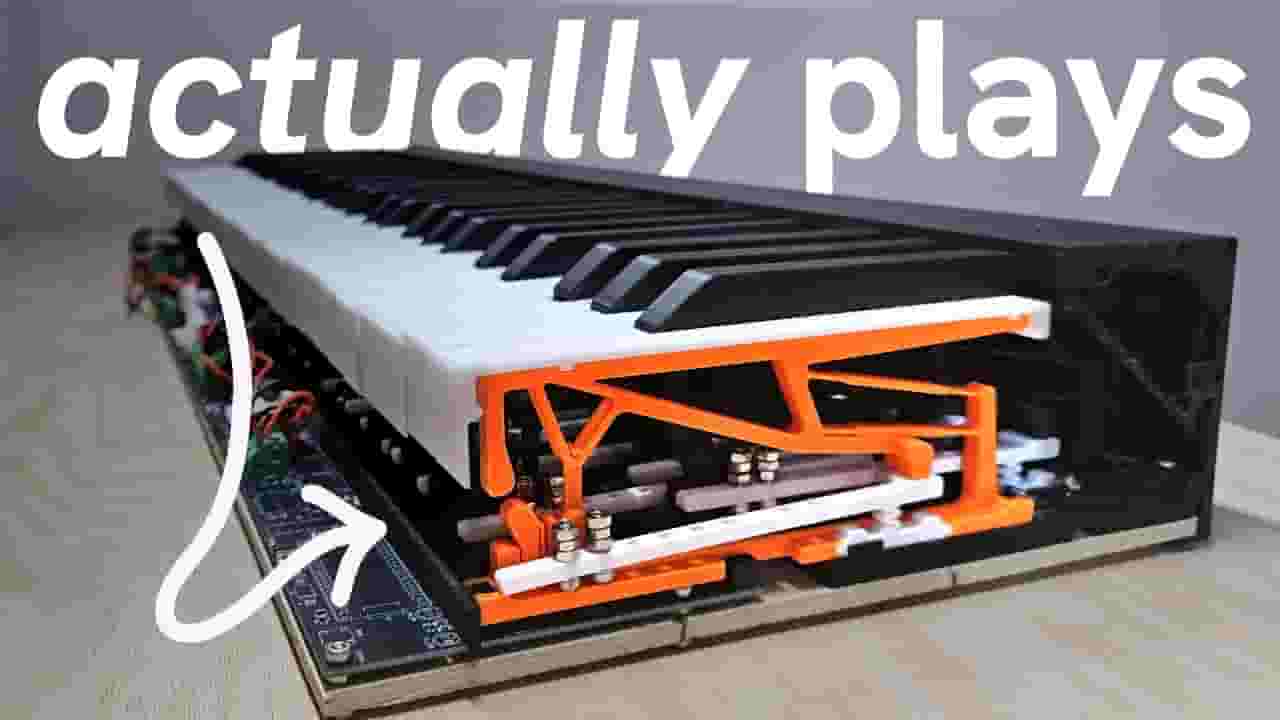
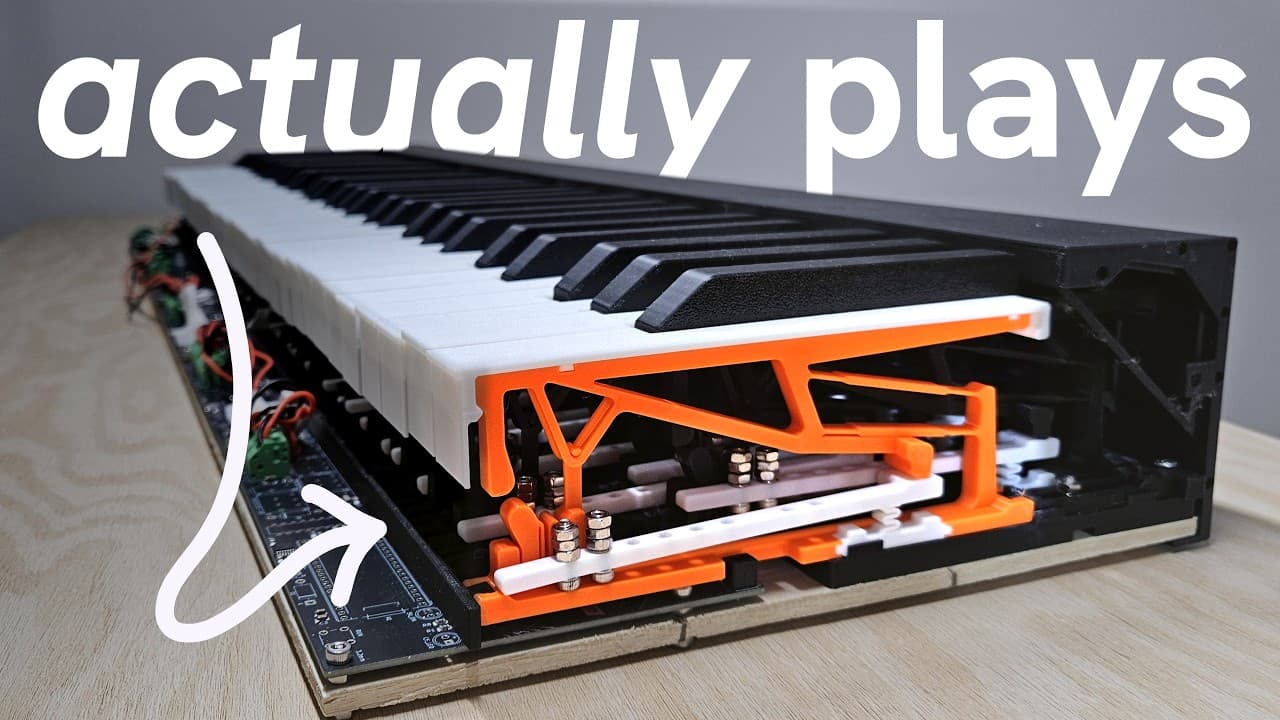
Is it possible to 3D print a piano that you can actually play? And if so, how good is it? I experimented with compliant mechanisms, modular electronics, and more in pursuit of an acoustic-esque key action at a more affordable price. Then, I brought my project to Open Sauce to see what people think! Contact: [email protected] ▀▀▀ Chapters: 0:00 Why a 3D printed piano? 0:43 Part 1: the key 2:00 Part 2: the assembly 2:56 Part 3: the electronics 4:47 Part 4: putting it together 5:30 Demo at Open Sauce ▀▀▀ Music, SFX, and media credits: https://tinyurl.com/dvtlpianoref1 Software used: DaVinci Resolve, Fusion360, Onshape, KiCad All video was filmed on my smartphone Big thank you to Mei, Dora, Vivian, Nachu, Braydon, and many others for providing footage, giving feedback on my work, making art, and/or doing volunteer work for me. ▀▀▀ #maker #opensauce #3dprinting #piano #diy
About YouTube Real-Time View Count
With SocialCounts.org’s view counter, track your YouTube video’s live view count and YouTube likes count in real time with fast, reliable updates.
Watch every YouTube video live view count rise with our real-time YouTube views tracker—built for accuracy and minimal delay.
Follow YouTube real time views as they happen, using our dedicated view counter for YouTube videos.
Get up-to-date live view count on YouTube and see real-time growth with SocialCounts.org’s smart tracking tools.
Embed Widget
Parameters:
fullscreen=true- Fullscreen countergraph=true- Live graph chartcounter=0/1/2- Select counter (0=likes, 1=views, 2=comments)
URL
Click to copy the embed URL to your clipboard