

1,701
likes
157
comments
daily view 0
monthly view 0
Live Analytics
Comments 0
Laptop With No Ethernet Port? How to Get a Wired Connection Analytics Table
Income Estimates for Laptop With No Ethernet Port? How to Get a Wired Connection
Based on this YouTube video's total view count of 149K views and industry-standard rates, the estimated total earning is $105 - $299 through ad revenue. Historical data is not yet available to calculate daily, weekly, or monthly averages.
About Laptop With No Ethernet Port? How to Get a Wired Connection
Explore Laptop With No Ethernet Port? How to Get a Wired Connection with 149,394 views, 1,701 likes, and 157 comments. Experience the impact of this video content that has captured audience attention.
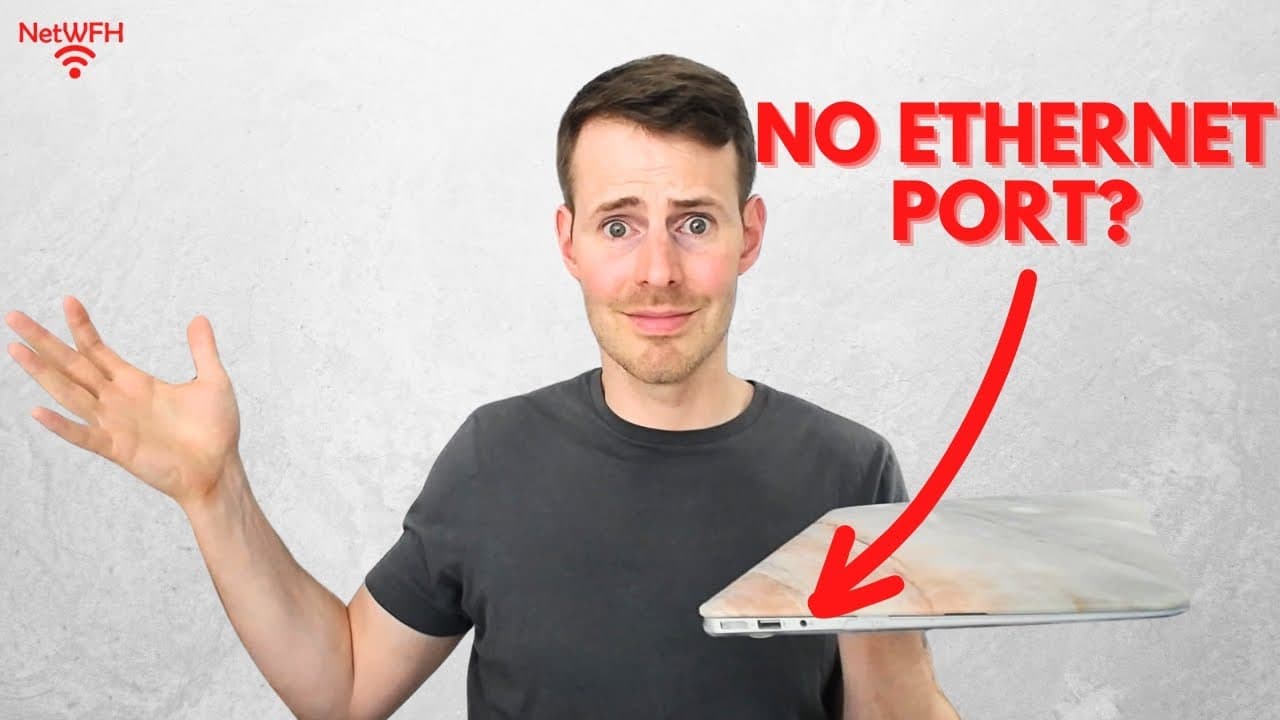
In this video, I show how you can connect a laptop with no ethernet ports to a router using an ethernet cable. For more content on similar topics, check out my YouTube channel: https://www.youtube.com/channel/UCs-hXDMwqs1Ri9Yh9QRgaqQ If you would like to read about other ways to improve your home network, check out my blog: https://www.network-from-home.com 0:00 Introduction 0:36 What you need if your laptop doesn’t have an ethernet port 1:08 How to connect your laptop and router using the adapter 2:46 How to download and install the driver for the adapter This post contains affiliate links. This means I may earn a commission should you choose to sign up for a program or make a purchase using my link. USB-C to Ethernet Port Adapter Adesso USB-C docking station: https://amzn.to/43x9ed6 USB to Ethernet Port Adapter Startech.com USB31000S USB 3.0 to ethernet adapter: https://amzn.to/3TUc9IM How to provide an ethernet connection to a laptop with no ethernet ports If your laptop doesn’t have any ethernet ports, you can still provide it with an ethernet connection. You just need to purchase a USB to ethernet adapter. If your laptop has a USB to ethernet adapter connected to it, it will use one of its USB ports to make an ethernet connection. One important note is that some USB to ethernet adapters will require you to install a driver on the laptop you plan on using it with. This driver software will allow your laptop to use the adapter when you plug it into one of its USB ports. Once the driver has been downloaded and installed, you need to plug the USB to ethernet adapter into one of your laptop’s USB ports. From there, you connect one end of an ethernet cable to the USB to ethernet adapter (which is connected to your laptop). Then you just need to connect the other end of the ethernet cable to one of the ethernet ports on your router. Once these two connections have been made, you will see the link lights on the USB to ethernet adapter start to blink. This is confirmation that the ethernet connection is working properly. Conclusion If you have any questions about the USB to ethernet adapter I used, or how to install the driver for this adapter, please leave a comment below.
About YouTube Real-Time View Count
With SocialCounts.org’s view counter, track your YouTube video’s live view count and YouTube likes count in real time with fast, reliable updates.
Watch every YouTube video live view count rise with our real-time YouTube views tracker—built for accuracy and minimal delay.
Follow YouTube real time views as they happen, using our dedicated view counter for YouTube videos.
Get up-to-date live view count on YouTube and see real-time growth with SocialCounts.org’s smart tracking tools.
Embed Widget
Parameters:
fullscreen=true- Fullscreen countergraph=true- Live graph chartcounter=0/1/2- Select counter (0=likes, 1=views, 2=comments)
URL
Click to copy the embed URL to your clipboard