

2,648
likes
240
comments
daily view 0
monthly view 0
Live Analytics
Comments 0
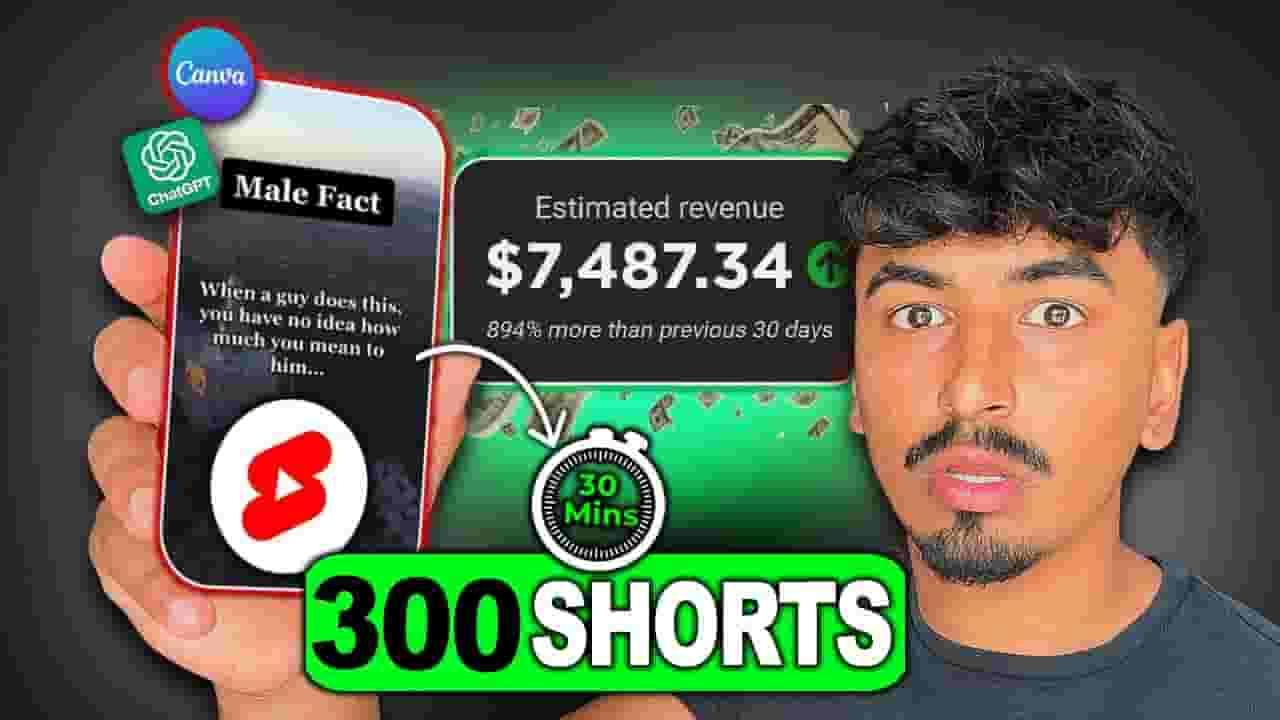
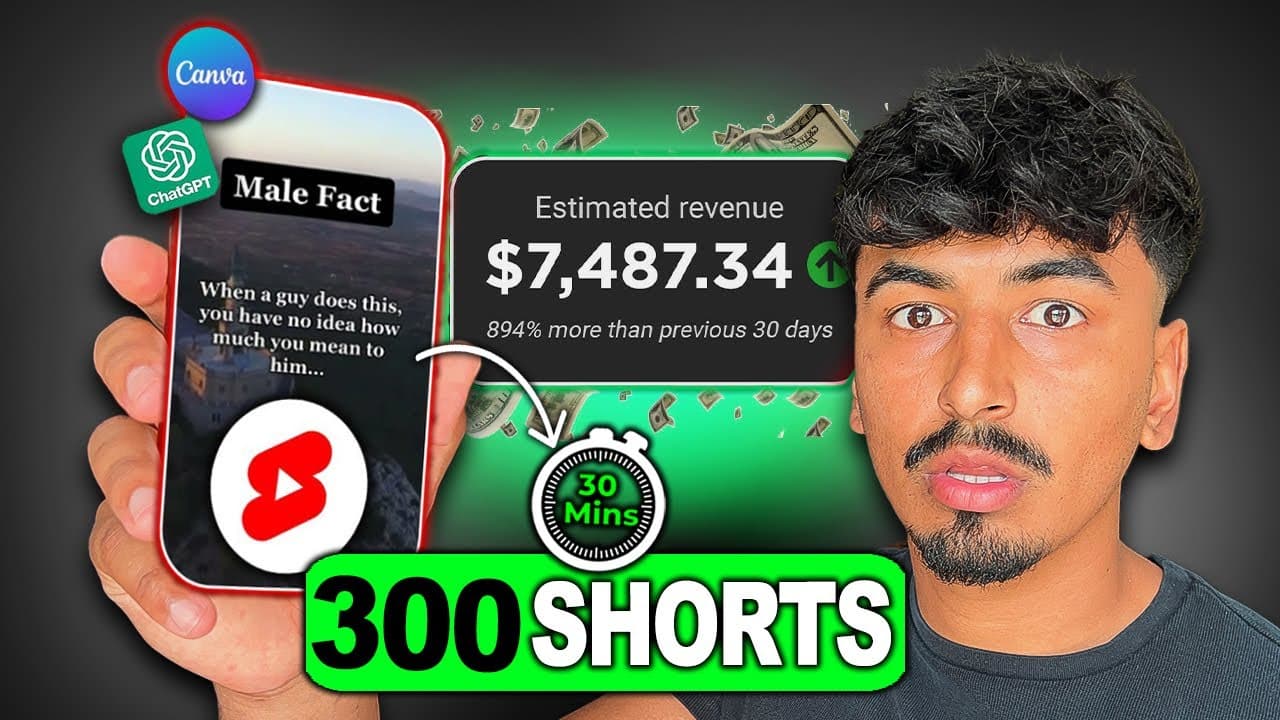
How To Create 300 VIRAL Shorts in 30 MINUTES using Chat GPT & Canva ($100/Day ALL From Your Phone!) Analytics Table
Income Estimates for How To Create 300 VIRAL Shorts in 30 MINUTES using Chat GPT & Canva ($100/Day ALL From Your Phone!)
Based on this YouTube video's total view count of 60.9K views and industry-standard rates, the estimated total earning is $43 - $122 through ad revenue. Historical data is not yet available to calculate daily, weekly, or monthly averages.
About How To Create 300 VIRAL Shorts in 30 MINUTES using Chat GPT & Canva ($100/Day ALL From Your Phone!)
Explore How To Create 300 VIRAL Shorts in 30 MINUTES using Chat GPT & Canva ($100/Day ALL From Your Phone!) with 60,982 views, 2,648 likes, and 240 comments. Experience the impact of this video content that has captured audience attention.
➤ Download CapCut - https://bit.ly/jonnyshaplandcapcut ➤ Join my New Skool Community: https://www.skool.com/aicreatorpreneur ➤ Make money with AI Music: https://bit.ly/anthemsacademy Free Canva Templates ➤ https://jonnyshapland.systeme.io/girlandboyfactstemplates Google Doc ➤ https://bit.ly/3NjVSKb Free Weekly Planner Download: ➤ https://jonny-shapland.ck.page/f67c09ec74 ➤ Join my Discord: https://bit.ly/46qcKpd 👋 Welcome to the ultimate guide on creating viral YouTube Shorts, Instagram, and TikTok content! In this video, I will walk you through a detailed case study of a viral page that generates over $25,000 a month by posting ridiculously easy-to-make Shorts. You'll learn their exact method, and I'll even provide pre-built templates for you to follow along with, all from the convenience of your phone! 🎬 Summary: If you're looking to make money online through short-form content and build passive income streams on YouTube, Instagram, and TikTok, this video is a must-watch. I will share an in-depth breakdown of a highly successful viral page's strategy and show you how to replicate their results. Using the power of YouTube Shorts Automation and leveraging the potential of Chat GPT and Canva, I will guide you through the process of creating 300 viral Shorts in just 30 minutes. You'll discover how to use AI-driven automation, take advantage of Canva's powerful design capabilities, and tap into the immense potential of viral content creation. Throughout the video, I'll provide step-by-step instructions, practical tips, and pre-built templates to simplify your workflow and help you achieve remarkable results. Get ready to unlock the secrets to generating significant income from short-form content! 🙌 Thank you for watching this video! I hope you found the strategies and techniques shared valuable and inspiring. If you enjoyed the content, please give it a thumbs up and subscribe to my channel for more insightful videos. Don't forget to check out my website here for additional resources to help you on your journey to making money online. If you found this video helpful then make sure to subscribe! Subscribe here: https://www.youtube.com/@JonnyShapland #makemoneyonline #youtubeshorts Follow me: Twitter: https://twitter.com/shapperscrypto Instagram: https://www.instagram.com/jonnyshapland Tik Tok : https://www.tiktok.com/@jonnyshapland My jump rope: https://shredrope.co.uk/ My portable ice tub: http://bit.ly/417QKNr Tags (Ignore): youtube automation youtube automation step by step youtube shorts automation instagram theme page instagram theme page business youtube shorts business canva chatgpt make money online create content with ai canva tutorial make money online 2023 faceless youtube channel
About YouTube Real-Time View Count
With SocialCounts.org’s view counter, track your YouTube video’s live view count and YouTube likes count in real time with fast, reliable updates.
Watch every YouTube video live view count rise with our real-time YouTube views tracker—built for accuracy and minimal delay.
Follow YouTube real time views as they happen, using our dedicated view counter for YouTube videos.
Get up-to-date live view count on YouTube and see real-time growth with SocialCounts.org’s smart tracking tools.
Embed Widget
Parameters:
fullscreen=true- Fullscreen countergraph=true- Live graph chartcounter=0/1/2- Select counter (0=likes, 1=views, 2=comments)
URL
Click to copy the embed URL to your clipboard