


2,999
likes
165
comments
daily view 0
monthly view 0
Live Analytics
Comments 0
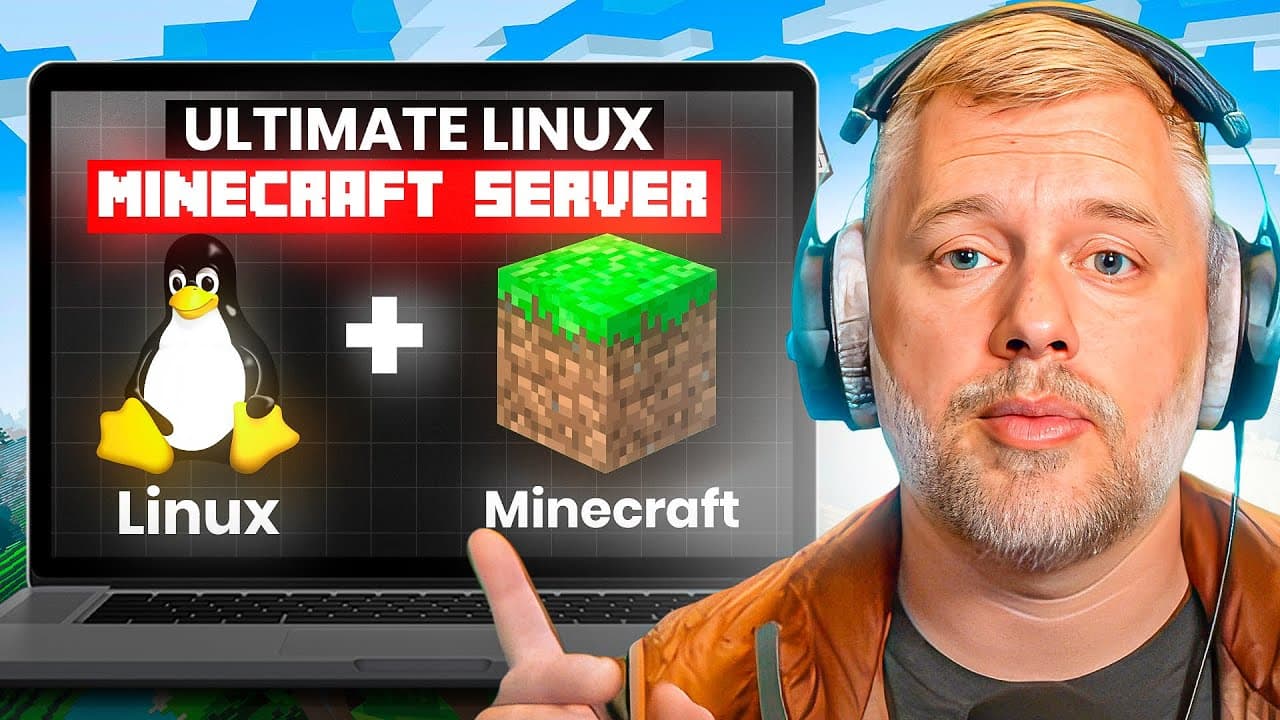
Ultimate Linux Minecraft Server: Step-by-Step Guide! Analytics Table
Income Estimates for Ultimate Linux Minecraft Server: Step-by-Step Guide!
Based on this YouTube video's total view count of 144K views and industry-standard rates, the estimated total earning is $101 - $290 through ad revenue. Historical data is not yet available to calculate daily, weekly, or monthly averages.
About Ultimate Linux Minecraft Server: Step-by-Step Guide!
Explore Ultimate Linux Minecraft Server: Step-by-Step Guide! with 144,850 views, 2,999 likes, and 165 comments. Experience the impact of this video content that has captured audience attention.
Ever wanted to setup Minecraft to build giant empires with your best friends? Find out how to have your own Linux server in less than 30 minutes! Links below: Updated 2026 server guide: Windows, Linux, virtual machines, and Crafty Controller — https://youtu.be/Bu62orrDBFk Proxmox: https://www.proxmox.com/ Docker Minecraft Server: https://github.com/itzg/docker-minecraft-server Ubuntu Server 22.04: https://releases.ubuntu.com/jammy/ Current mini PC recommendation - Beelink EQi: https://amzn.to/4vXWBUl Samsung 128GB Black USB key - the only one I trust to install Linux: https://amzn.to/3H2ngLX Dell S2725QS 4k IPS Monitor (ridiculously good for under $300): https://amzn.to/43dPOel Timestamps: 0:00 - Introduction & Overview 0:10 - Why Use Linux for a Minecraft Server? 0:42 - Hardware Requirements for Minecraft Servers 1:26 - Setting Up a Virtual Machine for Minecraft 1:58 - Proxmox Virtual Machine Setup 2:37 - Choosing the Right Ubuntu ISO Version 3:04 - Configuring Virtual Machine Settings 4:00 - Network Setup & IP Address Details 5:00 - Installing Ubuntu Server on the Virtual Machine 7:00 - Disk Partitioning and Encryption Setup 9:15 - Creating the User and Setting the Hostname 10:05 - Enabling SSH Access for Remote Management 10:55 - Installing Docker for Minecraft 12:05 - Accessing the Virtual Machine via SSH 13:40 - Setting Up Docker Permissions and Groups 16:00 - Creating a Docker Compose File for Minecraft 17:30 - Configuring Environment Variables for the Server 19:00 - Setting Up Ports, Memory, and White List 20:00 - Docker Compose Setup and Starting the Server 22:10 - Checking Server Logs and Testing Minecraft Connection 23:50 - Running the Minecraft Client on Linux 24:45 - Adding Yourself as Admin (OP) on the Server 25:35 - Managing the Server via Docker & Command Line 26:45 - Future Customization and Configuration Tips
About YouTube Real-Time View Count
With SocialCounts.org’s view counter, track your YouTube video’s live view count and YouTube likes count in real time with fast, reliable updates.
Watch every YouTube video live view count rise with our real-time YouTube views tracker—built for accuracy and minimal delay.
Follow YouTube real time views as they happen, using our dedicated view counter for YouTube videos.
Get up-to-date live view count on YouTube and see real-time growth with SocialCounts.org’s smart tracking tools.
Embed Widget
Parameters:
fullscreen=true- Fullscreen countergraph=true- Live graph chartcounter=0/1/2- Select counter (0=likes, 1=views, 2=comments)
URL
Click to copy the embed URL to your clipboard