

2
likes
1
comments
daily view 0
monthly view 0
Live Analytics
Comments 0
Download PDF Watermark Creator - Protecting & Branding Your PDF Files Analytics Table
Income Estimates for Download PDF Watermark Creator - Protecting & Branding Your PDF Files
Based on this YouTube video's total view count of 4.10K views and industry-standard rates, the estimated total earning is $3 - $8 through ad revenue. Historical data is not yet available to calculate daily, weekly, or monthly averages.
About Download PDF Watermark Creator - Protecting & Branding Your PDF Files
Explore Download PDF Watermark Creator - Protecting & Branding Your PDF Files with 4,105 views, 2 likes, and 1 comments. Experience the impact of this video content that has captured audience attention.
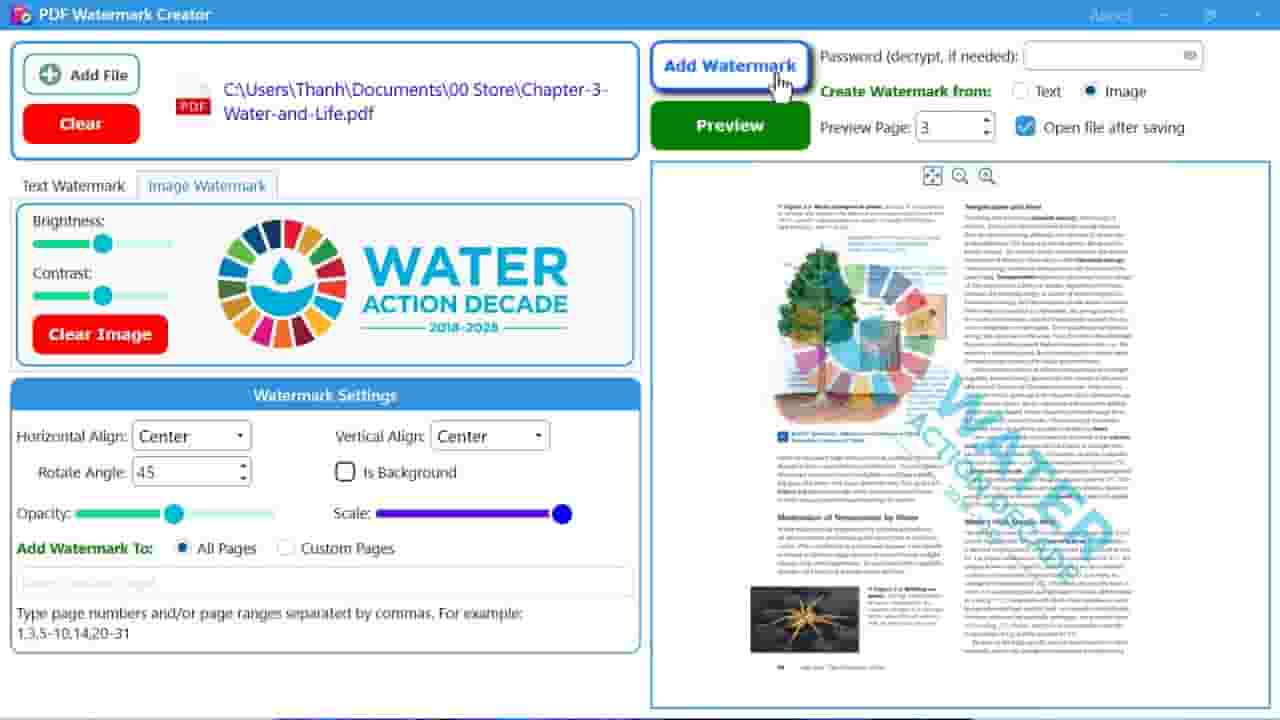
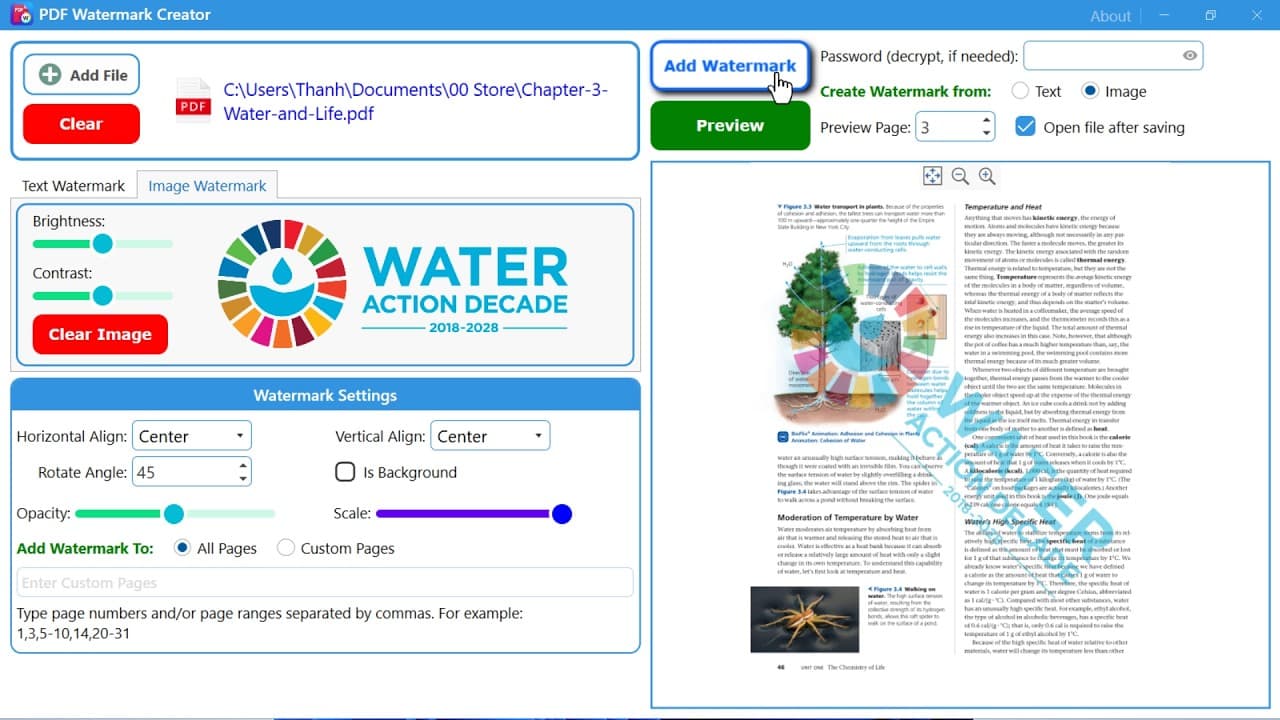
In today’s digital world, PDF documents are everywhere. Businesses share invoices and contracts in PDF format, students submit assignments as PDFs, designers distribute portfolios digitally, and companies publish reports, eBooks, manuals, and presentations online. While PDFs are convenient and universally compatible, they also create an important challenge: how do you protect your documents from unauthorized use, copying, or redistribution? That is where a PDF Watermark Creator becomes essential. A PDF Watermark Creator helps users add visible text or image overlays to PDF documents for protection, branding, copyright notices, confidentiality warnings, and professional presentation. Whether you want to stamp “CONFIDENTIAL,” insert your company logo, add a copyright message, or apply custom branding across multiple pages, watermarking software provides a fast and reliable solution. PDF Watermark Creator is a software application that allows users to insert watermarks into PDF documents. These watermarks can include: Text Logos Images Stamps Background overlays Transparent branding Security labels Dates and timestamps Watermarks may appear: Across the center of a page In the header or footer Diagonally across content Behind document text On selected pages only On all pages automatically The software typically supports batch processing, enabling users to watermark hundreds or thousands of PDF files at once. Modern PDF watermarking software includes many powerful features beyond simple text stamping. Text Watermarks Add customizable text overlays with options such as: Font style Font size Font color Transparency Rotation Alignment Positioning Example watermarks: CONFIDENTIAL SAMPLE DO NOT COPY PROPERTY OF COMPANY COPYRIGHT 2026 Image Watermarks Insert: Logos Signatures Stamps Brand icons Transparent PNG files Image watermark features often include: Opacity adjustment Resizing Rotation Position control Opacity settings help create professional-looking watermarks without obscuring document readability. Users can create: Subtle background marks Light branding overlays Semi-transparent security notices Page Selection Users can choose: All pages First page only Last page only Odd pages Even pages Custom page ranges This flexibility improves document presentation. Watermark Positioning Position controls help place watermarks: Center Top-left Top-right Bottom-left Bottom-right Diagonal Custom coordinates Live Preview Most modern tools include real-time preview functionality, allowing users to see watermark placement before processing files. Downloading a PDF Watermark Creator is one of the smartest decisions for anyone working with digital documents regularly. Whether you are protecting confidential files, building brand recognition, distributing eBooks, managing legal records, or improving workflow efficiency, watermarking software offers enormous practical value. Modern PDF watermark tools provide: Fast batch processing Professional branding Flexible customization Improved document security Easy automation Better workflow management From freelancers and educators to large enterprises and government agencies, nearly every industry benefits from reliable PDF watermarking software. As digital document sharing continues to grow worldwide, watermarking is no longer optional — it has become an essential part of professional document management. If you are searching for a dependable solution, downloading a high-quality PDF Watermark Creator can help you secure, organize, and professionalize your PDF workflows with speed and efficiency.
About YouTube Real-Time View Count
With SocialCounts.org’s view counter, track your YouTube video’s live view count and YouTube likes count in real time with fast, reliable updates.
Watch every YouTube video live view count rise with our real-time YouTube views tracker—built for accuracy and minimal delay.
Follow YouTube real time views as they happen, using our dedicated view counter for YouTube videos.
Get up-to-date live view count on YouTube and see real-time growth with SocialCounts.org’s smart tracking tools.
Embed Widget
Parameters:
fullscreen=true- Fullscreen countergraph=true- Live graph chartcounter=0/1/2- Select counter (0=likes, 1=views, 2=comments)
URL
Click to copy the embed URL to your clipboard