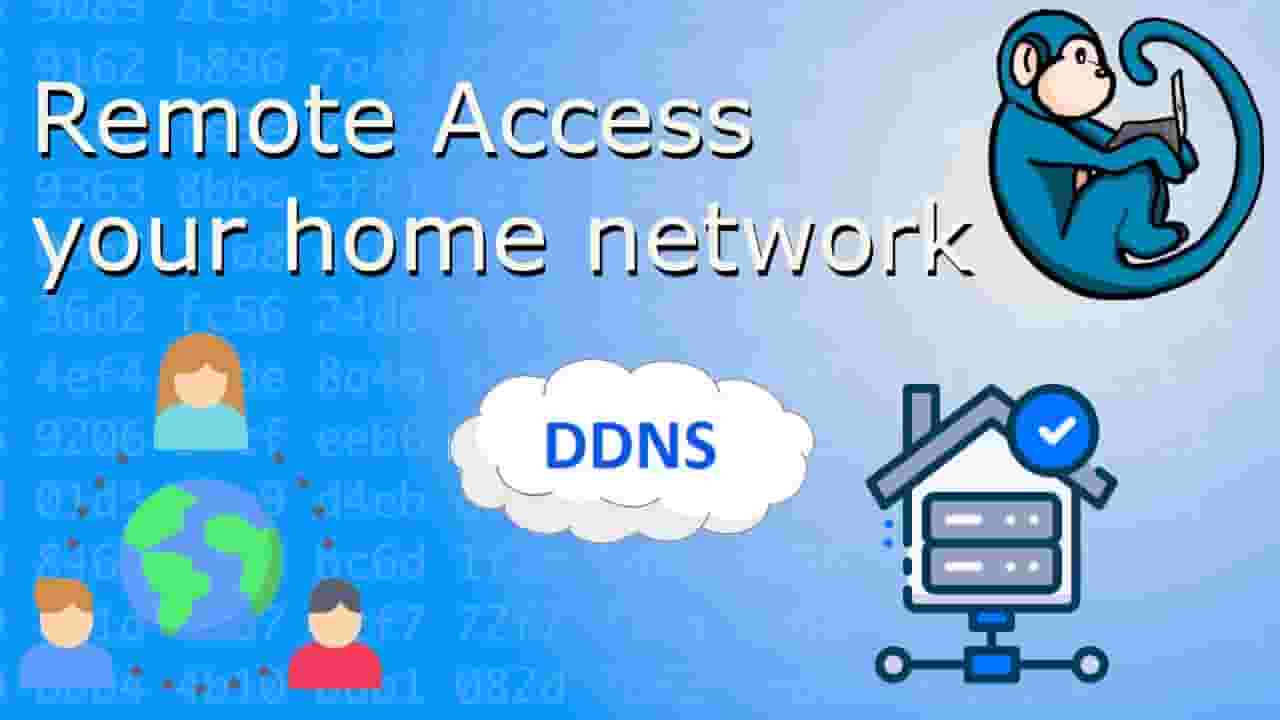
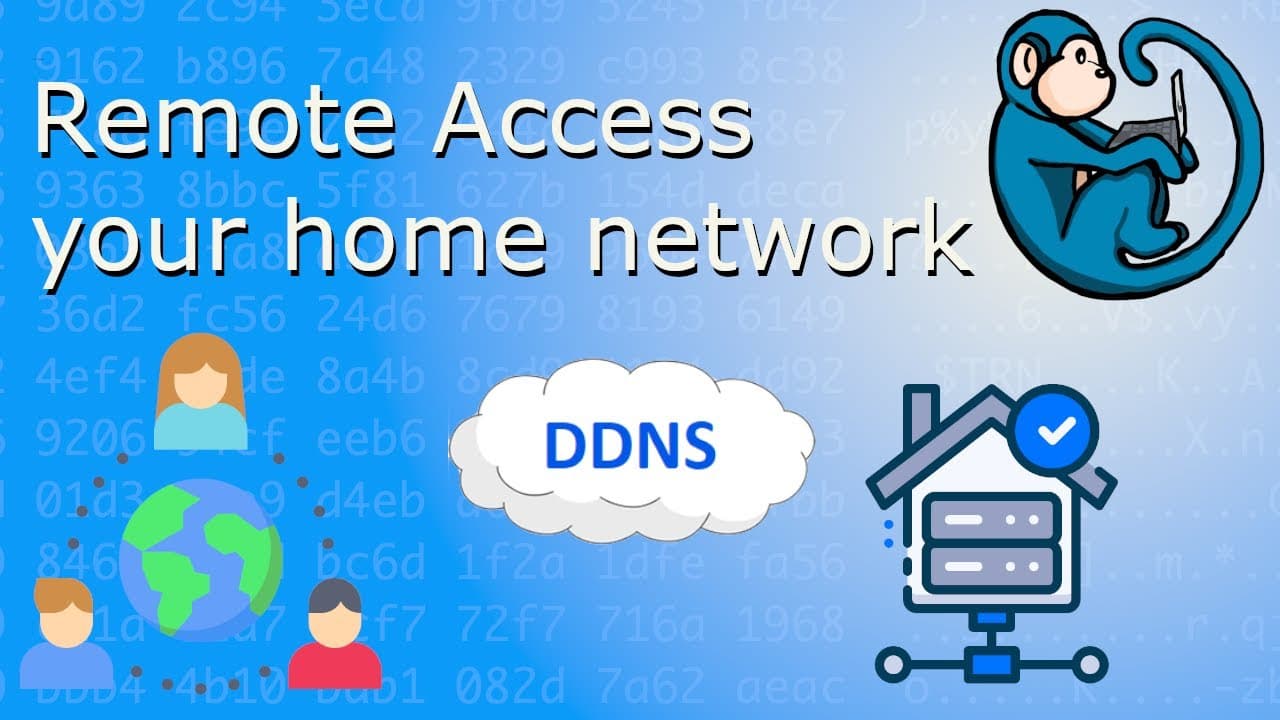


Using Dynamic Domain Name System (DDNS) to access your home network from the Internet
16,093
Socialcounts.Org
276
likes
18
comments
daily view 0
monthly view 0
Live Analytics
Comments 0
Using Dynamic Domain Name System (DDNS) to access your home network from the Internet Analytics Table
Income Estimates for Using Dynamic Domain Name System (DDNS) to access your home network from the Internet
Based on this YouTube video's total view count of 16.0K views and industry-standard rates, the estimated total earning is $11 - $32 through ad revenue. Historical data is not yet available to calculate daily, weekly, or monthly averages.
About Using Dynamic Domain Name System (DDNS) to access your home network from the Internet
Explore Using Dynamic Domain Name System (DDNS) to access your home network from the Internet with 16,093 views, 276 likes, and 18 comments. Experience the impact of this video content that has captured audience attention.
Using DDNS to access your home network from the Internet - Proxmox tutorial series ♥️ SUBSCRIBE for more videos: https://www.youtube.com/bluemonkey4n6?sub_confirmation=1 Difficulty Level: Intermediate Prerequisites: basic understanding of virtualization using Proxmox Prerequisites: basic understanding of linux command line. Prerequisites: basic understanding of networking. In this video, we will be installing using Dynamic Domain Name System (DDNS) to allow access to your home network from the general Internet. This would allow you to use VPN or Jellyfin or other services on your home network from the outside world. Video timeline 00:00 intro 02:12 DDNS setup using Dynu DNS 03:21 What's my public IP? 04:43 Automatically update DDNS via crontab 09:15 Router config for Port Forwarding 11:49 Summary Other videos related in this topic: DNS Basics tutorial: https://youtu.be/YRchoAYy9cg Proxmox Jellyfin tutorial: https://youtu.be/uu9PvIBYrWk Proxmox basic tutorial: https://youtu.be/FsPYgZYXyZw Proxmox local DNS tutorial: https://youtu.be/2KYeUCorJ-M Cron jobs tutorial: https://youtu.be/KSn0dyCMOYg 🔨 Gear I use: Wyze Cam v4.0: https://amzn.to/3wZvBLF Wyze Cam v3.0: https://amzn.to/48HmOMB GL-iNet Mango portable travel router: https://amzn.to/3Fa5iCY Statik Travel Power Bank: https://amzn.to/41ncF4N ThinkTank Cable Management 10 v2.0: https://amzn.to/45BwN4v DISCLAIMER: Links in this video description might be affiliate links. If you purchase a product or service using one of these links, I may receive a small commission at no additional cost to you. Thank you for your support! Icons made by freepik from @flaticon http://www.flaticon.com/authors/freepik Icons made by Smashicons from @flaticon http://www.flaticon.com/authors/smashicons Global icons created by amonrat rungreangfangsai - Flaticon Seo and web icons created by kerismaker - Flaticon Music by Lensko: Let’s Go #homelab #Proxmox #DDNS
About YouTube Real-Time View Count
With SocialCounts.org’s view counter, track your YouTube video’s live view count and YouTube likes count in real time with fast, reliable updates.
Watch every YouTube video live view count rise with our real-time YouTube views tracker—built for accuracy and minimal delay.
Follow YouTube real time views as they happen, using our dedicated view counter for YouTube videos.
Get up-to-date live view count on YouTube and see real-time growth with SocialCounts.org’s smart tracking tools.
Embed Widget
Parameters:
fullscreen=true- Fullscreen countergraph=true- Live graph chartcounter=0/1/2- Select counter (0=likes, 1=views, 2=comments)
URL
Click to copy the embed URL to your clipboard