

4
likes
2
comments
daily view 0
monthly view 0
Live Analytics
Comments 0
How Will I Name These Preview 2 Effects? #3 Analytics Table
Income Estimates for How Will I Name These Preview 2 Effects? #3
Based on this YouTube video's total view count of 269 views and industry-standard rates, the estimated total earning is $0 - $1 through ad revenue. Historical data is not yet available to calculate daily, weekly, or monthly averages.
About How Will I Name These Preview 2 Effects? #3
Explore How Will I Name These Preview 2 Effects? #3 with 269 views, 4 likes, and 2 comments. Experience the impact of this video content that has captured audience attention.
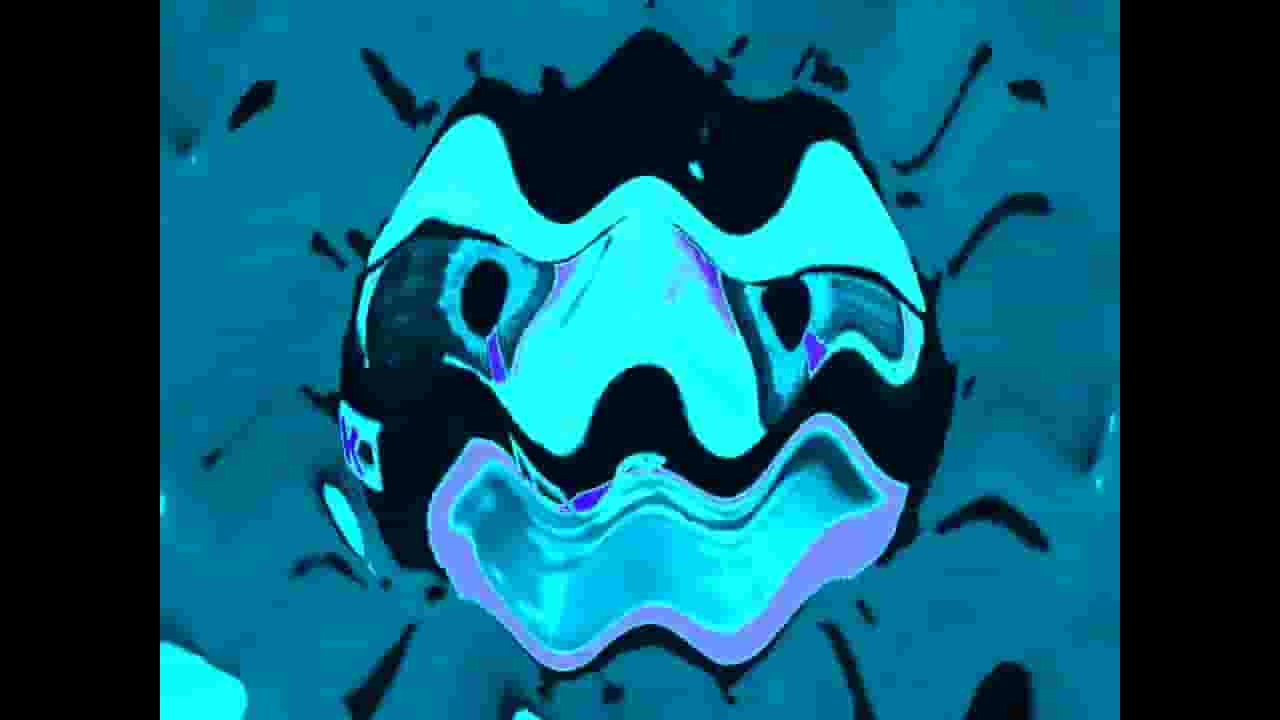
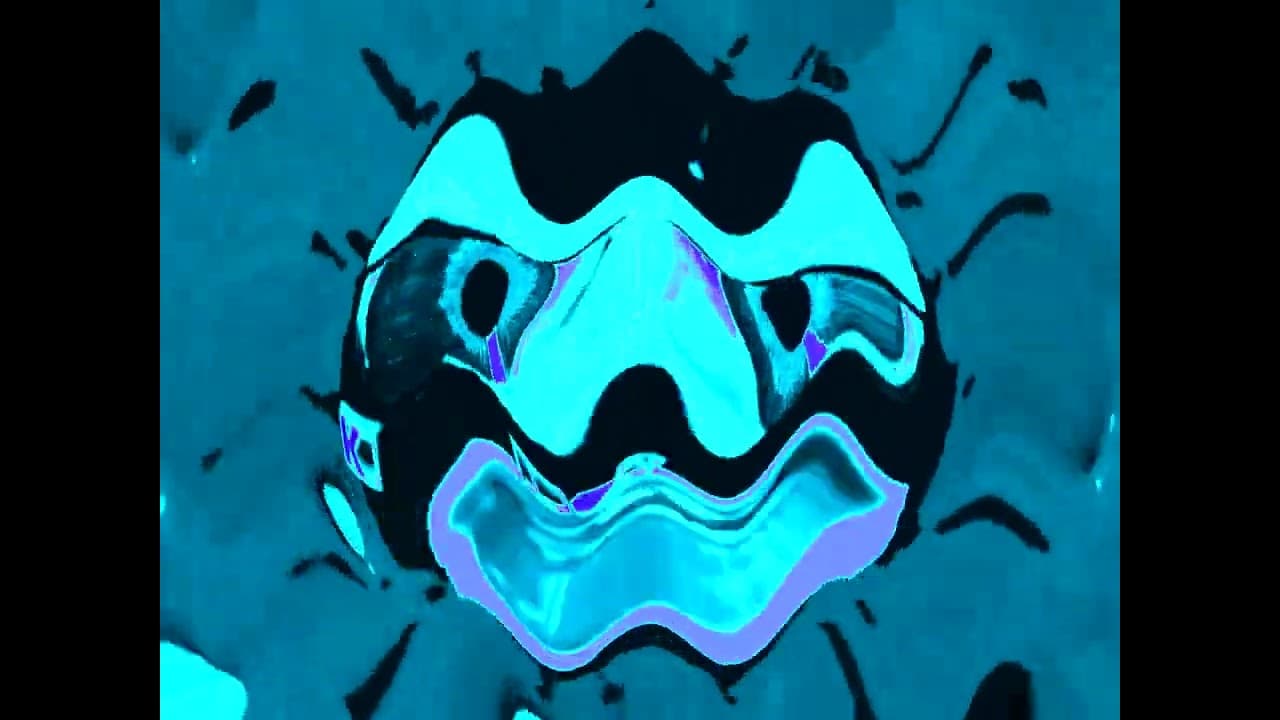
⌜🏷️ ⋮ Effect Details⌟ Effect Name: Are you sure (X) is in Mari Group? Creator: MagentaAzureBlueStarGamer6857 Creation Date: October 29, 2026 Name By: @AzulEditor2026 ⌜🧩 ⋮ Software Requirements⌟ NewBlueFX Vegas Pro ⌜📖 ⋮ Instructions⌟ ▸ 🎥 ⋮ VideoFX 1. ⋮ Channel Blend - Distribute Green Channel 2. ⋮ Gradient Map 0: Black 1: R: 49, G: 229, B: 80, A: 255 2: R: 0, G: 63, B: 1, A: 255 3: R: 0, G: 177, B: 146, A: 255 4: White 3. ⋮ NewBlue - Wiggle (DXT/OFX) - (X) Turned Red While Exercising A 4. ⋮ NewBlue - Wiggle (DXT/OFX) - (X) Turned Red While Exercising B ▸ 🔊 ⋮ AudioFX 1. ⋮ Properties Method: elastique Stretch attributes: Pro 2. ⋮ Pitches +1.00 ----------------------------------------------------------------------------------------------------------------------------------------------------- ⌜🏷️ ⋮ Effect Details⌟ Effect Name: Blue Miserable Invert Swirl Creator: MagentaAzureBlueStarGamer6857 Creation Date: October 29, 2026 Name By: @MrMenFan677 ⌜🧩 ⋮ Software Requirements⌟ NewBlueFX Vegas Pro ⌜📖 ⋮ Instructions⌟ ▸ 🎥 ⋮ VideoFX 1. ⋮ Mirror - Reflect Left 2. ⋮ Swirl Amount: 0.152 3. ⋮ Invert - 100% Inversion Or Default 4. ⋮ NewBlue - Colorize (DXT/OFX) Color A: 244, 1.0, 1.0 Strength A: 100.00 Color B: 200, 1.0, 1.0 Strength B: 100.00 Color C: 293, 1.0, 1.0 Strength C: 100.00 Smoothing: 53.74 Saturation: 100.00 5. ⋮ Median - Light Noise Reduction ▸ 🔊 ⋮ AudioFX 1. ⋮ Properties Method: elastique Stretch attributes: Pro 2. ⋮ Pitches -2.00 ----------------------------------------------------------------------------------------------------------------------------------------------------- ⌜🏷️ ⋮ Effect Details⌟ Effect Name: Hips Major 2.0 Creator: MagentaAzureBlueStarGamer6857 Creation Date: October 29, 2026 Name By: @AzulEditor2026 ⌜🧩 ⋮ Software Requirements⌟ NewBlueFX Vegas Pro ⌜📖 ⋮ Instructions⌟ ▸ 🎥 ⋮ VideoFX 1. ⋮ NewBlue - Ripple (DXT/OFX) Center: 0.50, 0.50 Amplitude: 76.87 Frequency: 10.88 Speed: 76.87 Fade: 0.00 Shading: 0.00 Warp: 0.00 2. ⋮ NewBlue - Wiggle (DXT/OFX) Rate: 51.70 Strength: 34.01 Drift: 53.06 Crop: 0.00 Edges: Replicate Orientation: Horizontal 3. ⋮ Gradient Map 0: Black 1: R: 0, G: 181, B: 240, A: 255 2: Cyan 3: R: 121, G: 120, B: 255, A: 255 4: Blue ▸ 🔊 ⋮ AudioFX 1. ⋮ Properties Method: elastique Stretch attributes: Pro 2. ⋮ Pitches +3.00 ----------------------------------------------------------------------------------------------------------------------------------------------------- ⌜🏷️ ⋮ Effect Details⌟ Effect Name: TV Purple Swirly Simulation Creator: MagentaAzureBlueStarGamer6857 Creation Date: October 27, 2026 Name By: @AzulEditor2026 ⌜🧩 ⋮ Software Requirements⌟ Vegas Pro ⌜📖 ⋮ Instructions⌟ ▸ 🎥 ⋮ VideoFX 1. ⋮ Gradient Map 0: White 1: R: 38, G: 38, B: 38, A: 255 2: R: 207, G: 90, B: 255, A: 255 3: R: 75, G: 0, B: 43, A; 255 2. ⋮ Swirl Amount: 0.065 3. ⋮ TV Simulator Detail zoom: 1.0000 Aperture grill: 0.0000 Interlacing: 0.0000 Line sync: 0.9000 Vertical sync: 1.0000 Scan phasing: 0.0000 Phosphorescence: 0.0000 Static: 0.0000 ▸ 🔊 ⋮ AudioFX 1. ⋮ Properties Method: elastique Stretch attributes: Pro 2. ⋮ Pitches +2.00 ----------------------------------------------------------------------------------------------------------------------------------------------------- ⌜🏷️ ⋮ Effect Details⌟ Effect Name: Angry Bowl Effect Creator: MagentaAzureBlueStarGamer6857 Creation Date: October 29, 2026 Name By: @AzulEditor2026 ⌜🧩 ⋮ Software Requirements⌟ Vegas Pro ⌜📖 ⋮ Instructions⌟ ▸ 🎥 ⋮ VideoFX 1. ⋮ Channel Blend - Distribute Red Channel 2. ⋮ Color Corrector Low: 155.72, 1.000 Mid: 92.02, 1.000 3. ⋮ Pinch/Punch - Maximum Punch 4. ⋮ Pinch/Punch - Maximum Pinch ▸ 🔊 ⋮ AudioFX Keep The Audio Unchanged. ⌜📖 ⋮ Additional Info⌟ Inspiration: https://www.youtube.com/@klaskycsupoinstructions
About YouTube Real-Time View Count
With SocialCounts.org’s view counter, track your YouTube video’s live view count and YouTube likes count in real time with fast, reliable updates.
Watch every YouTube video live view count rise with our real-time YouTube views tracker—built for accuracy and minimal delay.
Follow YouTube real time views as they happen, using our dedicated view counter for YouTube videos.
Get up-to-date live view count on YouTube and see real-time growth with SocialCounts.org’s smart tracking tools.
Embed Widget
Parameters:
fullscreen=true- Fullscreen countergraph=true- Live graph chartcounter=0/1/2- Select counter (0=likes, 1=views, 2=comments)
URL
Click to copy the embed URL to your clipboard