

1,596
likes
70
comments
daily view 0
monthly view 0
Live Analytics
Comments 0
How to Use Balsamiq Wireframes: A Beginner-Friendly Tutorial! Analytics Table
Income Estimates for How to Use Balsamiq Wireframes: A Beginner-Friendly Tutorial!
Based on this YouTube video's total view count of 159K views and industry-standard rates, the estimated total earning is $112 - $320 through ad revenue. Historical data is not yet available to calculate daily, weekly, or monthly averages.
About How to Use Balsamiq Wireframes: A Beginner-Friendly Tutorial!
Explore How to Use Balsamiq Wireframes: A Beginner-Friendly Tutorial! with 159,935 views, 1,596 likes, and 70 comments. Experience the impact of this video content that has captured audience attention.
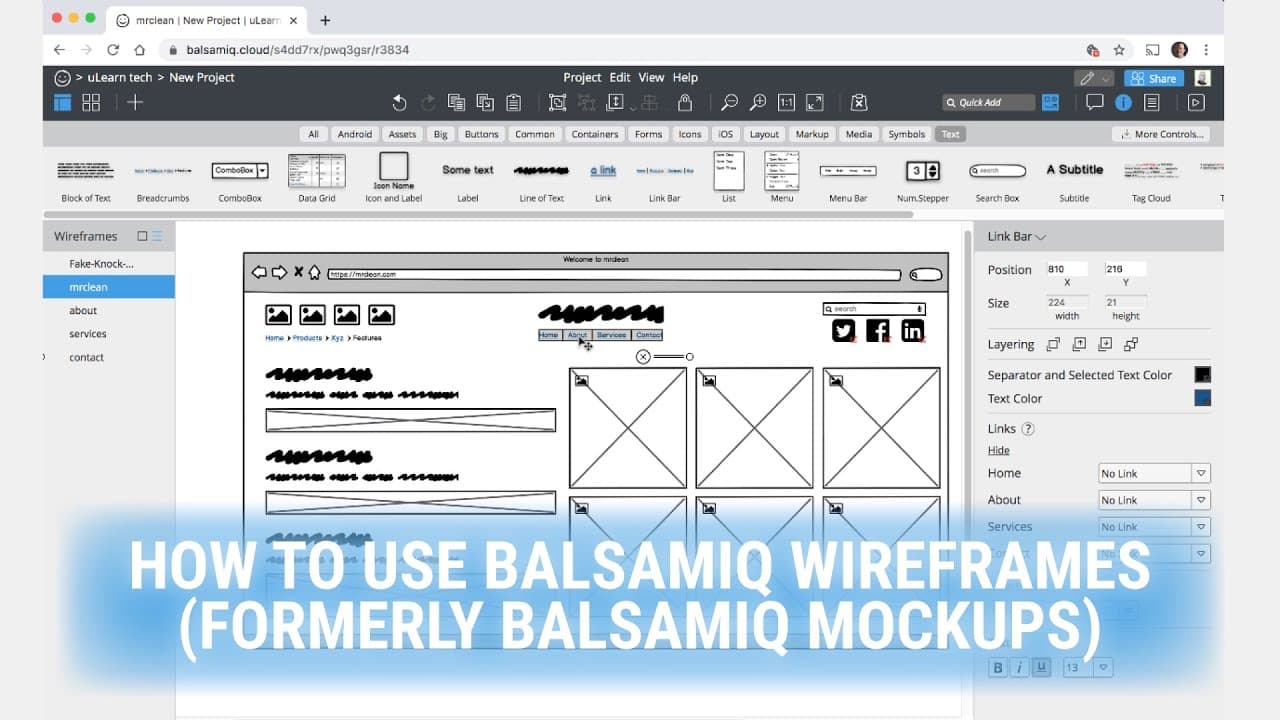
Explore the comprehensive the art of wireframing. A wireframe is about functionality. It can be a straightforward sketch that demonstrates what sort of things you can do in your design. Think, a blueprint for a website. Normally, I will not use colour or place images in a wireframe. In this video, you will learn how to use Balsamiq Wireframes formerly known as Balsamiq Mockups, beginner tutorial. The whole idea is to keep it simple in black and white; we don't want clients getting bend out of shape based on the wireframe. We merely want to found out from clients what functions the UI elements they want, how the visual design is going to look like, and which technical features will be needed. Once the client agrees to the wireframe, and you are in the right direction of the project, a mockup should be created as well. A mockup is a genuine representation of what the website will look like in the end. The final design can look exactly like the mockup, or be a variation of it after version revisions. Warning, some people prefer to draw the mockups using graphic software; others do it straight in HTML/CSS. But be forewarned, if you go straight to wireframe to coding the site, and the customer doesn't like, you may need to eat the time. Meaning, you won't get paid to re-do all the work. 🔔 Subscribe for more tips just like this: http://bit.ly/ulearn-subscribe #️⃣ Relevant hashtags: #balsamiq, #balsamiqmockups, #balsamiqwireframes, #wireframes, #balsamiqdemo, #balsamiqtutorial, #learnbalsamiq, #ux, #userexperience, #wireframing 🎥 Watch our most recent videos: http://bit.ly/ulearn-videos 🎓 If you love the channel but want to learn even more, read our blog for in-depth tutorials: https://ulearn.tech/blog Thank you for watching this video. For more content just like this make sure to subscribe to the channel, so that you're the first to be notified when there are new videos released: 🔔 http://bit.ly/ulearn-subscribe ulearn.tech #balsamiq #balsamiqwireframes #howtousebalsamiq #wireframes
About YouTube Real-Time View Count
With SocialCounts.org’s view counter, track your YouTube video’s live view count and YouTube likes count in real time with fast, reliable updates.
Watch every YouTube video live view count rise with our real-time YouTube views tracker—built for accuracy and minimal delay.
Follow YouTube real time views as they happen, using our dedicated view counter for YouTube videos.
Get up-to-date live view count on YouTube and see real-time growth with SocialCounts.org’s smart tracking tools.
Embed Widget
Parameters:
fullscreen=true- Fullscreen countergraph=true- Live graph chartcounter=0/1/2- Select counter (0=likes, 1=views, 2=comments)
URL
Click to copy the embed URL to your clipboard