

5,473
likes
458
comments
daily view 0
monthly view 0
Live Analytics
Comments 0
Use Your iPad as the ONLY Display for Mac Mini (4 Ways) Analytics Table
Income Estimates for Use Your iPad as the ONLY Display for Mac Mini (4 Ways)
Based on this YouTube video's total view count of 203K views and industry-standard rates, the estimated total earning is $143 - $407 through ad revenue. Historical data is not yet available to calculate daily, weekly, or monthly averages.
About Use Your iPad as the ONLY Display for Mac Mini (4 Ways)
Explore Use Your iPad as the ONLY Display for Mac Mini (4 Ways) with 203,637 views, 5,473 likes, and 458 comments. Experience the impact of this video content that has captured audience attention.
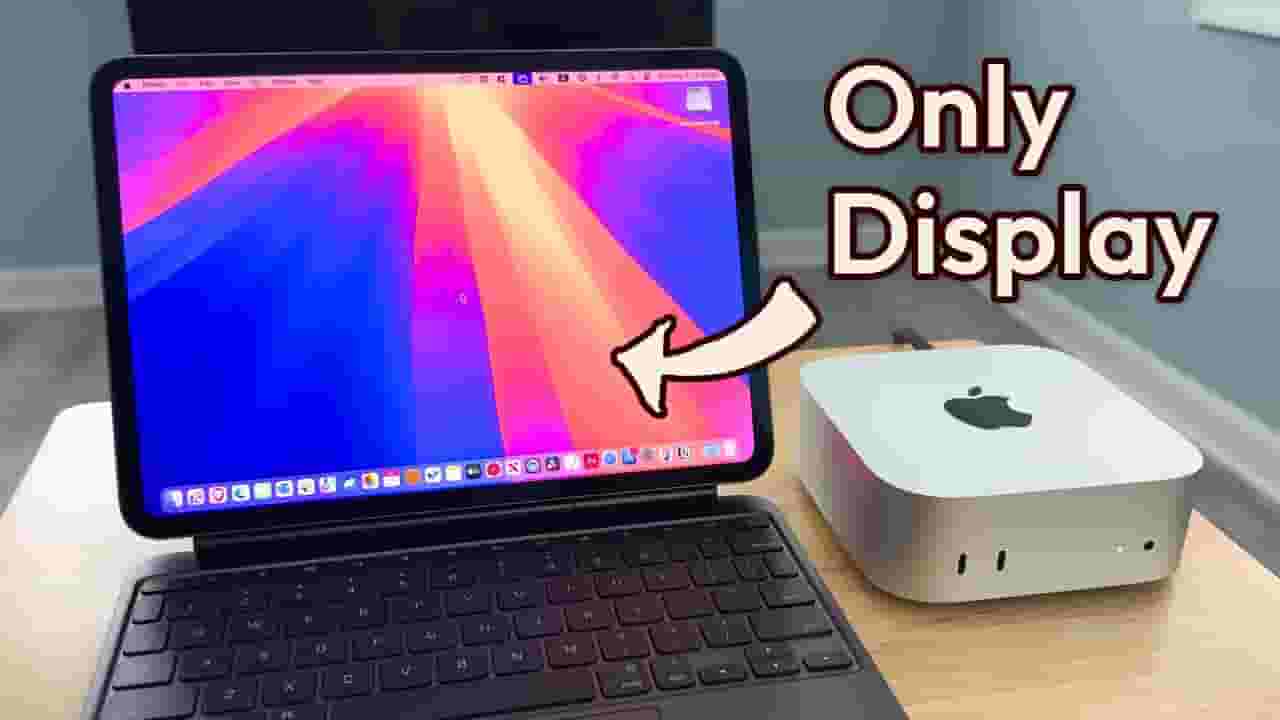
Here are 4 easy and low-cost ways to use your iPad as the ONLY monitor for your Mac mini. Whether you're looking for the best image quality or want to control macOS using your iPad's touchscreen, there's a solution here for you. Most of these methods don't require any extra hardware and offer a surprisingly smooth macOS experience right on your iPad—perfect for minimal setups, portability, or working on the go. Accessories you might need: HDMI Capture Card: https://amzn.to/4kmjevR HDMI Cable: https://amzn.to/475B438 HDMI Dummy Plug: https://amzn.to/3JTj8iH My Favorite Portable Bluetooth Keyboard (with Trackpad): https://jiashitradingcoltd.pxf.io/EEQPYn (Use code LEO20 for 20% off) NEW! Sidecar Now Supports Single-Finger Touch (macOS 27): https://www.youtube.com/watch?v=Yb3yaoimzzU&list=PL3f3LZH8C4UsA8GzXtPedhbCSiQ2WGoBh You Can Now Use Trackpad with Sidecar (macOS 27): https://www.youtube.com/watch?v=L1o07cLRFOo&list=PL3f3LZH8C4UsA8GzXtPedhbCSiQ2WGoBh Products I mentioned: Mac mini M4: https://amzn.to/4lcS2Rn iPad Pro M5 (11-inch): https://amzn.to/4oBg8XD iPad Air M3 (11-inch): https://amzn.to/4ezr04e iPad (A16): https://amzn.to/4lEAPAa iPad mini (A17 Pro): https://amzn.to/4knlRO4 Have questions? Let me know in the comments! How to set up a HEADLESS Mac Mini for iPad remote access: https://www.youtube.com/watch?v=qA-6vsMl6EU&list=PL3f3LZH8C4UvekuNvn08CHlKXGpQWHFCc Why I chose M4 iPad Pro + M4 mac mini instead of a MacBook: https://www.youtube.com/watch?v=E75Ea0tH0Y0&list=PL3f3LZH8C4UsA8GzXtPedhbCSiQ2WGoBh My M4 Mac mini PORTABLE and BUDGET Setup: https://www.youtube.com/watch?v=VvDKd3W4XNs&list=PL3f3LZH8C4UsA8GzXtPedhbCSiQ2WGoBh More iPad Videos: https://www.youtube.com/playlist?list=PL3f3LZH8C4UvekuNvn08CHlKXGpQWHFCc More Mac mini Videos: https://www.youtube.com/playlist?list=PL3f3LZH8C4UvZRxJXEeohYHC5_jEvQH8D Find me here: YouTube: https://youtube.com/leoouyang Instagram: https://www.instagram.com/leoyouyang Timecodes: 00:00 - Intro 00:21 - Method 1: HDMI Capture Card 02:33 - Method 2: Apple Sidecar 07:27 - Method 3: Yam Display 08:48 - Method 4: Remote Desktop (Jump Desktop) 11:45 - My Favorite Method 12:15 - Things to Keep in Mind #ipad #macmini #apple The links in the description include affiliate links, which means I may earn a small commission if you make a purchase through them, at no extra cost to you. Thank you for supporting the channel!
About YouTube Real-Time View Count
With SocialCounts.org’s view counter, track your YouTube video’s live view count and YouTube likes count in real time with fast, reliable updates.
Watch every YouTube video live view count rise with our real-time YouTube views tracker—built for accuracy and minimal delay.
Follow YouTube real time views as they happen, using our dedicated view counter for YouTube videos.
Get up-to-date live view count on YouTube and see real-time growth with SocialCounts.org’s smart tracking tools.
Embed Widget
Parameters:
fullscreen=true- Fullscreen countergraph=true- Live graph chartcounter=0/1/2- Select counter (0=likes, 1=views, 2=comments)
URL
Click to copy the embed URL to your clipboard