
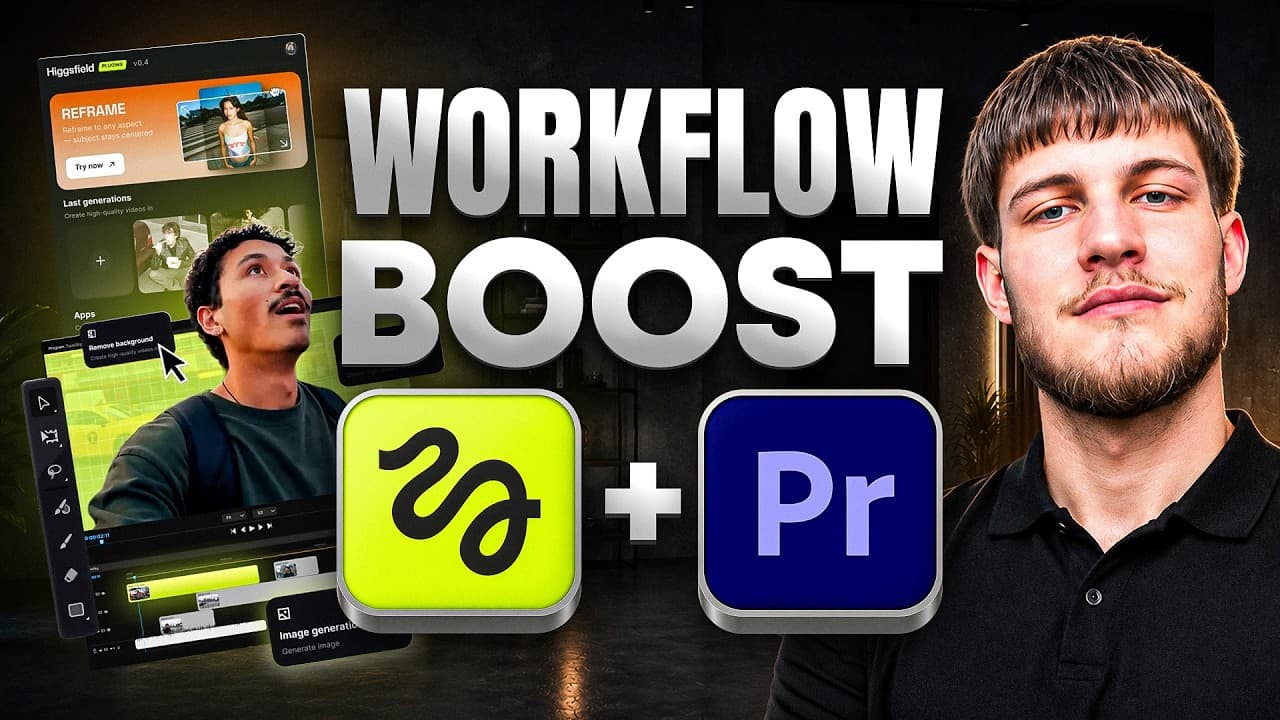


I Edited an Entire Video Without Leaving Premiere Pro (Higgsfield Adobe Plugin)
21,210
Socialcounts.Org
1,131
likes
79
comments
daily view 0
monthly view 0
Live Analytics
Comments 0
I Edited an Entire Video Without Leaving Premiere Pro (Higgsfield Adobe Plugin) Analytics Table
Income Estimates for I Edited an Entire Video Without Leaving Premiere Pro (Higgsfield Adobe Plugin)
Based on this YouTube video's total view count of 21.2K views and industry-standard rates, the estimated total earning is $15 - $42 through ad revenue. Historical data is not yet available to calculate daily, weekly, or monthly averages.
About I Edited an Entire Video Without Leaving Premiere Pro (Higgsfield Adobe Plugin)
Explore I Edited an Entire Video Without Leaving Premiere Pro (Higgsfield Adobe Plugin) with 21,210 views, 1,131 likes, and 79 comments. Experience the impact of this video content that has captured audience attention.
👉 Download Higgsfield Adobe Plugins FREE: https://higgsfield.ai/s/higgsfield-adobe-plugins-yt-sankyverse-IPcbHB Today I'm testing the brand-new Higgsfield Adobe Plugins to see if they can actually speed up a real editing workflow inside Adobe Premiere Pro. Instead of exporting clips, uploading them to different AI tools, downloading the results, and importing everything back, Higgsfield brings powerful AI directly into your editing timeline. In this video I'll show you how I use features like AI Reframe, Background Removal, Upscaling, Draw to Edit, and AI Video Editing without ever leaving Premiere Pro. Whether you're creating YouTube videos, TikToks, Instagram Reels, client projects, or professional commercial edits, this plugin can significantly speed up post-production. ✅ Available for macOS & Windows ✅ Works with Adobe Premiere Pro 2024+ and Adobe After Effects 2024+ ✅ Free installation If you edit videos regularly, definitely give it a try. What You'll See In This Video • Installing the Higgsfield Adobe Plugin • Running AI directly inside Premiere Pro • AI Reframe for multiple aspect ratios • Remove Background without a green screen • AI Upscale for higher-quality footage • Draw to Edit using simple brush strokes • AI-powered video editing with text prompts • My honest thoughts after using it Why Higgsfield Is Different Unlike most AI tools that require exporting your footage to a website, Higgsfield works directly inside Adobe. Simply select a clip, run the AI, and continue editing without breaking your workflow. The plugin includes access to powerful AI models such as Seedance 2.0, GPT Image 2, Nano Banana Pro, Nano Banana 2, Soul 2.0, and more—all available directly inside Premiere Pro and After Effects. 00:00 Cold Open – Why AI Slows Down Editing 00:15 Finished Result Preview 00:45 Installing Higgsfield Adobe Plugins 01:20 Plugin Tour & Overview 02:20 Starting the Real Edit 02:45 AI Reframe Demo 04:15 Remove Background Demo 05:00 AI Upscale Demo 06:40 Draw to Edit Demo 07:50 AI Edit Video Demo 09:00 Final Project Showcase 09:25 Why Editing Inside Premiere Matters 09:45 Who Should Use Higgsfield? 10:00 Final Verdict 10:45 Outro & Call to Action 11:00 End Screen #Higgsfield #PremierePro #AfterEffects #AIEditing #VideoEditing #Adobe #AI #ContentCreator #PremiereProPlugin Higgsfield Adobe Plugin, AI video editing, Premiere Pro AI plugin, After Effects AI, AI video tools, Higgsfield AI, AI editing plugin, AI upscale video, remove background AI ━━━━━━━━━━━━━━━━━━━━━━━━━━ 📩 Business Contact 📧 [email protected] 🐦 X (Twitter): https://x.com/CryptoSanky 💬 Telegram: https://t.me/sankyceo 🌐 Hub: https://t.me/sankyshub 🎮 Discord: https://discord.gg/CryptoSanky7609 ━━━━━━━━━━━━━━━ ━━━━━━━━━━━ ⚠️ Disclaimer: Content is for educational purposes only — not financial advice.
About YouTube Real-Time View Count
With SocialCounts.org’s view counter, track your YouTube video’s live view count and YouTube likes count in real time with fast, reliable updates.
Watch every YouTube video live view count rise with our real-time YouTube views tracker—built for accuracy and minimal delay.
Follow YouTube real time views as they happen, using our dedicated view counter for YouTube videos.
Get up-to-date live view count on YouTube and see real-time growth with SocialCounts.org’s smart tracking tools.
Embed Widget
Parameters:
fullscreen=true- Fullscreen countergraph=true- Live graph chartcounter=0/1/2- Select counter (0=likes, 1=views, 2=comments)
URL
Click to copy the embed URL to your clipboard