


892
likes
69
comments
daily view 0
monthly view 0
Live Analytics
Comments 0
How to Use ChatGPT Agent Mode (Step-by-Step Tutorial) Analytics Table
Income Estimates for How to Use ChatGPT Agent Mode (Step-by-Step Tutorial)
Based on this YouTube video's total view count of 188K views and industry-standard rates, the estimated total earning is $132 - $377 through ad revenue. Historical data is not yet available to calculate daily, weekly, or monthly averages.
About How to Use ChatGPT Agent Mode (Step-by-Step Tutorial)
Explore How to Use ChatGPT Agent Mode (Step-by-Step Tutorial) with 188,615 views, 892 likes, and 69 comments. Experience the impact of this video content that has captured audience attention.
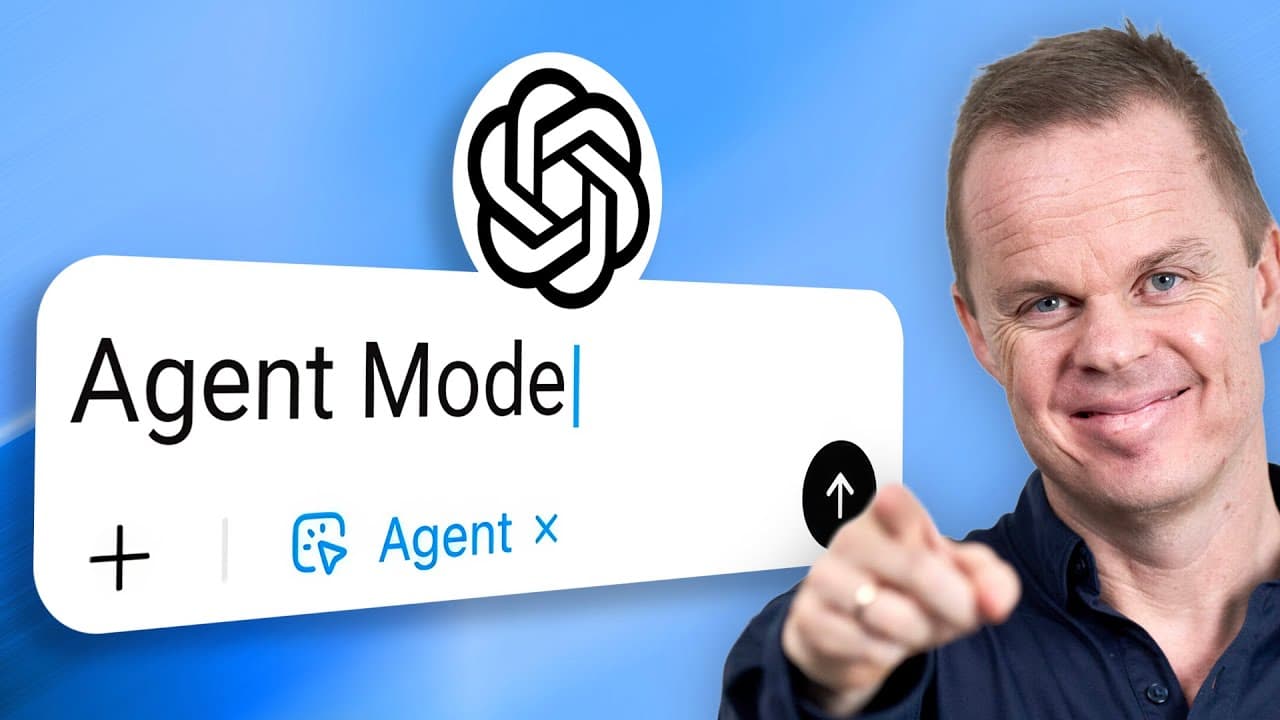
Using ChatGPT Agent Mode starts with a click on Tools, and this step-by-step tutorial then gives the agent four tasks: A research report, a PowerPoint presentation, shopping on Etsy and a SharePoint policy comparison. My ChatGPT e-learning is in my community, 7-day free trial: https://iloveautomation.ai/community Agent mode sits under Tools and currently needs a paid plan: Plus, Team, Pro or Enterprise. Pick one of the suggested prompts or write your own, and ChatGPT sets up a virtual machine in a closed environment at OpenAI where the agent works. Follow the live view, move the slider to go back through the steps, or click the three dots and choose "Activity" to read every step the agent took. The first task compares the cultural rise of Labubu with Beanie Babies and returns a long report with visual comparisons 11 minutes later. Next, the agent opens a web page with nine courses, clicks the cookie popup, extracts each course and builds a PowerPoint presentation that you can play, skip through or download. A shopping prompt then finds five hand-painted ceramic vases on Etsy within a budget of $120 and with free shipping, gathers the URLs and fills the cart. Last, connect SharePoint under Settings and Connectors, and the agent compares Danish parental leave law found online with an internal HR policy. TOP LEARNINGS 🔹 Find agent mode under Tools 🔹 Inspect every step in the activity log 🔹 Connect SharePoint so the agent can use company data When the shopping task is done, click the three dots and choose "Take over browser" to step into the virtual machine ChatGPT uses: View the cart, remove the vases you do not want and check that shipping is free. The four tasks in the video take between 4 and 21 minutes each, and the agent works alone without corrections from you. Name the source directly in the prompt. With several connectors, the agent otherwise takes what it finds most relevant, and it is not certain that it looks in SharePoint. For a better presentation design, upload your company template. CHAPTERS 0:00 Find agent mode in ChatGPT 0:35 First prompt: A research report 1:05 Virtual machine and live view 2:00 Report result and activity log 3:00 Create a PowerPoint presentation 5:10 Presentation result in PowerPoint 6:35 Online shopping on Etsy 7:40 Shopping result and Take over browser 9:05 Connect SharePoint company data 11:00 Use SharePoint as a source in agent mode 12:45 HR policy comparison result #AI #Automation #ChatGPT
About YouTube Real-Time View Count
With SocialCounts.org’s view counter, track your YouTube video’s live view count and YouTube likes count in real time with fast, reliable updates.
Watch every YouTube video live view count rise with our real-time YouTube views tracker—built for accuracy and minimal delay.
Follow YouTube real time views as they happen, using our dedicated view counter for YouTube videos.
Get up-to-date live view count on YouTube and see real-time growth with SocialCounts.org’s smart tracking tools.
Embed Widget
Parameters:
fullscreen=true- Fullscreen countergraph=true- Live graph chartcounter=0/1/2- Select counter (0=likes, 1=views, 2=comments)
URL
Click to copy the embed URL to your clipboard