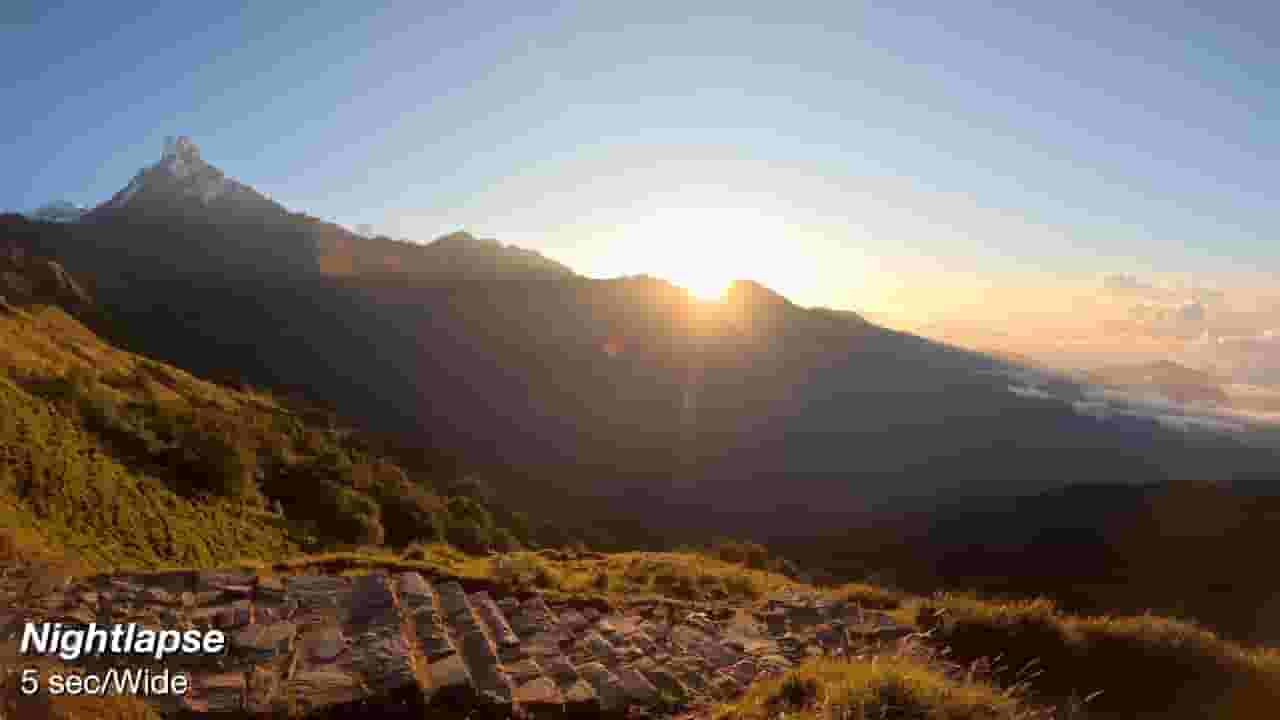
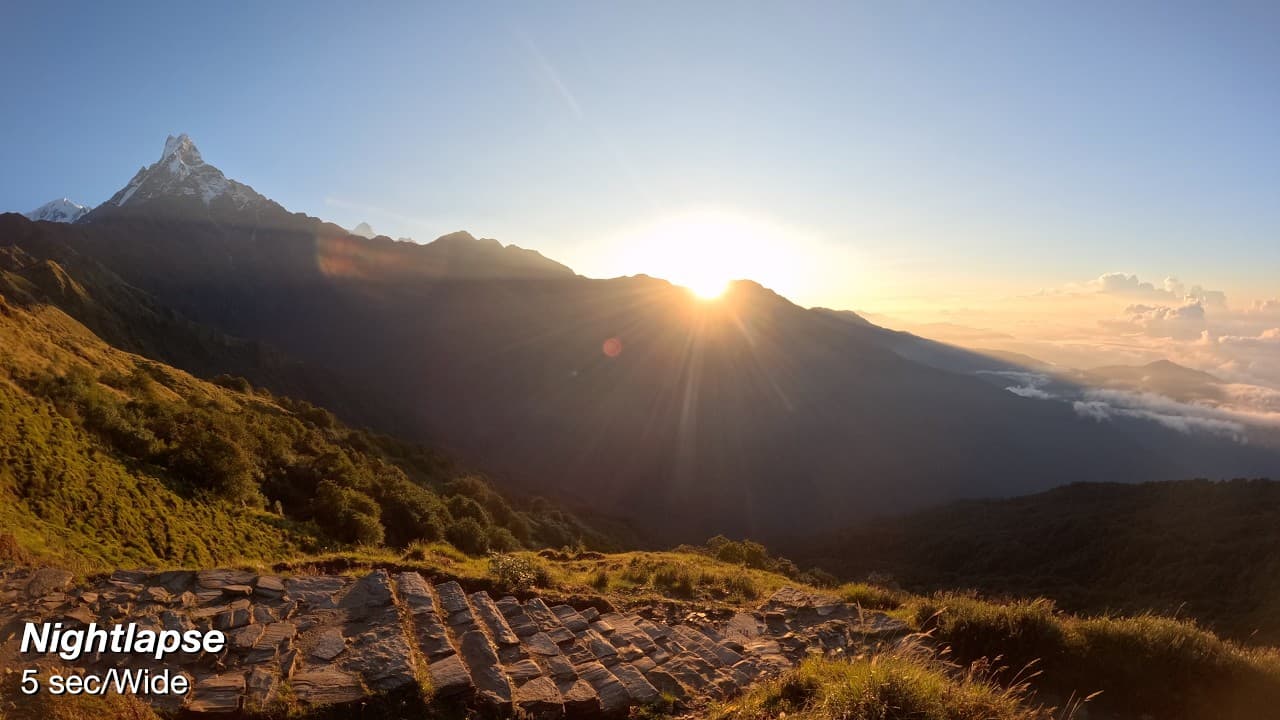


GoPro 13 Sample Timelapse, Timewarp & Night Lapse Video (Unedited with Settings)
25,856
Socialcounts.Org
253
likes
21
comments
daily view 0
monthly view 0
Live Analytics
Comments 0
GoPro 13 Sample Timelapse, Timewarp & Night Lapse Video (Unedited with Settings) Analytics Table
Income Estimates for GoPro 13 Sample Timelapse, Timewarp & Night Lapse Video (Unedited with Settings)
Based on this YouTube video's total view count of 25.8K views and industry-standard rates, the estimated total earning is $18 - $52 through ad revenue. Historical data is not yet available to calculate daily, weekly, or monthly averages.
About GoPro 13 Sample Timelapse, Timewarp & Night Lapse Video (Unedited with Settings)
Explore GoPro 13 Sample Timelapse, Timewarp & Night Lapse Video (Unedited with Settings) with 25,856 views, 253 likes, and 21 comments. Experience the impact of this video content that has captured audience attention.
My GoPro timelapse, timewarp and night lapse settings and tips ⬇️ Get the GOPRO 13 & support my channel (affiliate link) https://prf.hn/l/deB3pR5/ Many people overlook the GoPro 13's ability to record timelapses, but it's small size makes it very easy to mount inconspicuously to capture unique angles over extended periods of time. I put together this quick video to share the settings that I use when doing timelapses. 100% filmed in Nepal using the GoPro HERO 13. ⚙️ TIPS & SETTINGS 1) In general — 1 or 2 seconds for people and cars, 5 or 10 seconds for clouds, & 15+ seconds for capturing the changes of sunlight across a landscape 2) I almost always use Nightlapse mode when setting up a timelapse at sunrise or sunset. It enables the GoPro to better be able to continue capturing when the sun is below the horizon. 3) Always film in 5.3K so you can crop in afterwards if needed. Use 8:7 aspect ratio if you might want to post on social media as well as YouTube. 4) Keep the camera as steady as possible when doing timewarps for the best possible results. 10x, 15x and 30x works best (but 30x takes a while to generate enough usable video as essentially every 30sec of recording = 1 sec of video. 5) My favorite mount for capturing timelapses and nightlapses with the GoPro 13 (or other models) is the GoPro Jaw + Gooseneck. https://amzn.to/3N2YStu Music via SoundStripe - https://soundstripe.com/?fpr=digitaltechreviews 📸 instagram - http://instagram.com/digitaltechreviewsandtips 🕺 tiktok - https://www.tiktok.com/@digitaltechreviews ❎ x - https://twitter.com/#!/DigiTechReviews If you have any questions, comments, or whatever else, feel free to leave it in the comments below. Also, make sure to SUBSCRIBE to my channel for more tech videos, tips, unboxings, and quality tests. THANKS FOR WATCHING! 📨 Business inquiries: [email protected]
About YouTube Real-Time View Count
With SocialCounts.org’s view counter, track your YouTube video’s live view count and YouTube likes count in real time with fast, reliable updates.
Watch every YouTube video live view count rise with our real-time YouTube views tracker—built for accuracy and minimal delay.
Follow YouTube real time views as they happen, using our dedicated view counter for YouTube videos.
Get up-to-date live view count on YouTube and see real-time growth with SocialCounts.org’s smart tracking tools.
Embed Widget
Parameters:
fullscreen=true- Fullscreen countergraph=true- Live graph chartcounter=0/1/2- Select counter (0=likes, 1=views, 2=comments)
URL
Click to copy the embed URL to your clipboard