

14
likes
1
comments
daily view 0
monthly view 0
Live Analytics
Comments 0
Trending Ghost Ai Photo Editing | Instagram trending Ghost Ai photo editing Analytics Table
Income Estimates for Trending Ghost Ai Photo Editing | Instagram trending Ghost Ai photo editing
Based on this YouTube video's total view count of 455 views and industry-standard rates, the estimated total earning is $0 - $1 through ad revenue. Historical data is not yet available to calculate daily, weekly, or monthly averages.
About Trending Ghost Ai Photo Editing | Instagram trending Ghost Ai photo editing
Explore Trending Ghost Ai Photo Editing | Instagram trending Ghost Ai photo editing with 455 views, 14 likes, and 1 comments. Experience the impact of this video content that has captured audience attention.
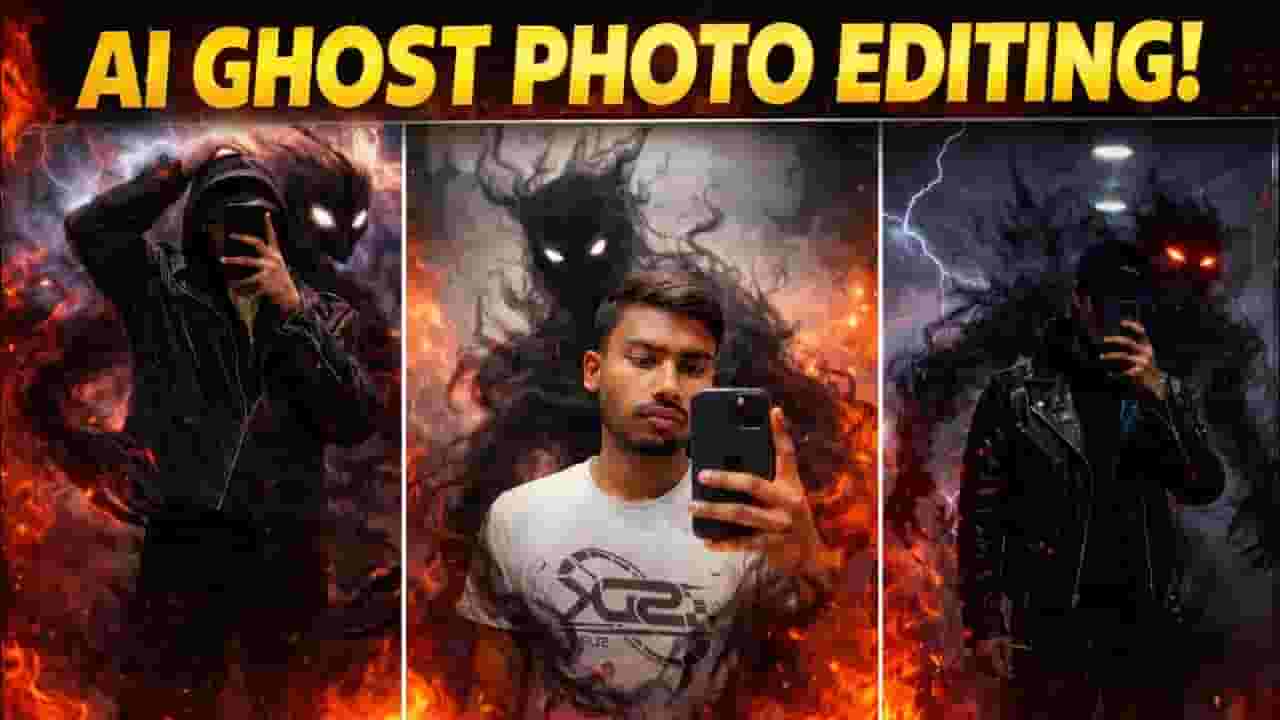
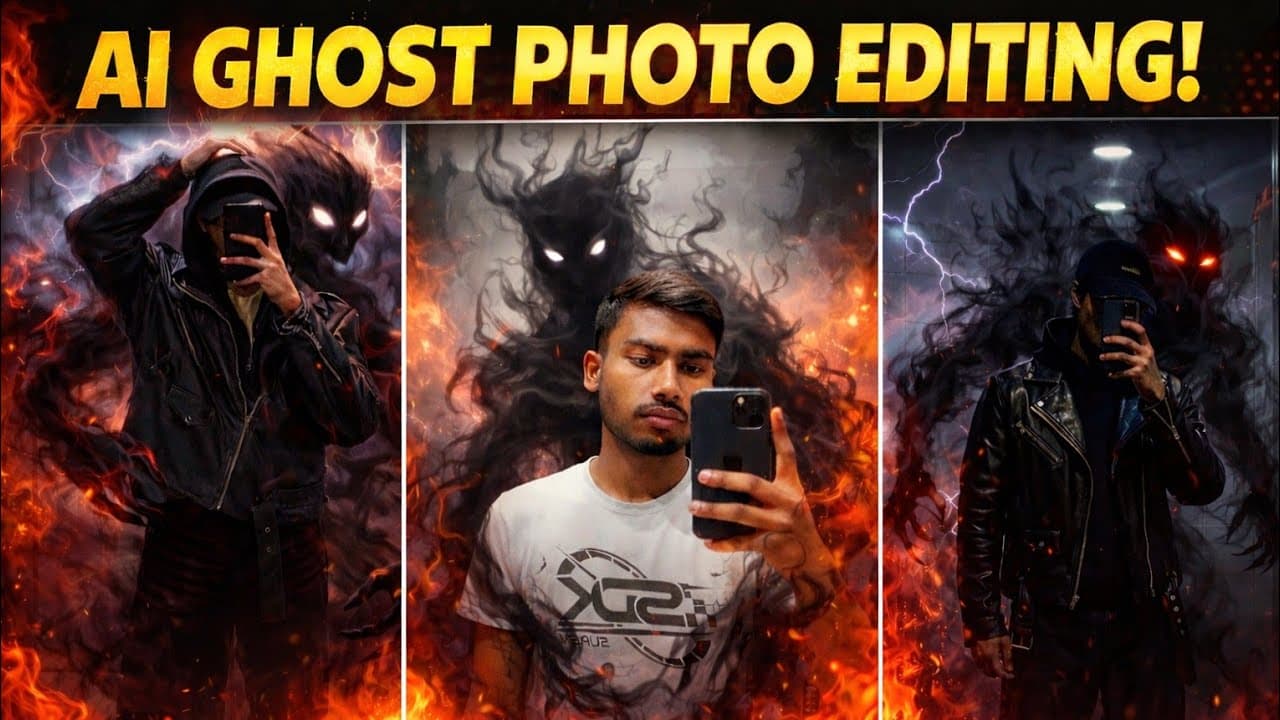
Trending Ghost Ai Photo Editing | Instagram trending Ghost Ai photo editing TELEGRAM 👇 https://t.me/amarsinghedit INSTAGRAM 👇 https://www.instagram.com/amar__singh__34?igsh=MXc4bDN0ZGRjdjhiMA== PROMPT 👇 Add a dark shadow monster made of black smoke behind the person only, without changing the original photo at all. Do not modify the face, body, clothes, pose, lighting, or background. A mysterious smoky creature emerging from behind the person, glowing white eyes, semi-transparent black smoke, blending naturally with the scene. The monster must look like a supernatural shadow entity, cinematic dark fantasy style, realistic smoke effects, perfectly integrated, realistic shadows and depth, photorealistic, high. Or. Transform this mirror selfie into a dark, cinematic fantasy scene. -Keepthe person exactly the same same face, pose, outfit, lighting, and background. Add a shadowy, smoke-like demonic entity emerging from behind the person's back. The entity should be made of swirling black smoke, semi-transparent, with glowing white eyes. The smoke wraps around the body and flows down to the floor naturally, blending with the environment. Maintain realistic shadows, reflections, and depth so the creature feels part of the scene. Dark, moody atmosphere, high contrast, cinematic lighting, ultra-realistic, 4K quality. No change to facial features, clothing, or camera angle. -------------------- 🚫 DISCLAIMER 🚫------------------ 👇 Copyright Disclaimer under Section 107 of the copyright act 1976, allowance is made for fair use for purposes such as criticism, comment, news reporting, scholarship, and research. Fair use is a use permitted by copyright statute that might otherwise be infringing. Non-profit, educational or personal use tips the balance in favour of fair use. Thanks for watching 🎦 YOUR KEYWORDS 📌 how to make AI ghost photo AI ghost effect photo editing tutorial Gemini AI image editing tutorial Instagram trending AI edit 2026 AI dark smoke effect photo edit horror AI photo editing shadow ghost AI edit AI monster behind person edit realistic ghost AI photo mobile AI photo editing tutorial AI ghost photo editing ghost AI photo edit AI photo editing tutorial Instagram AI photo editing trending AI photo edit Gemini AI photo editing AI fantasy photo edit cinematic ghost effect edit AI supernatural photo edit dark fantasy AI edit gemini photo prompt gemini photo editing ghost gemini prompt amar singh edit ai ghost photo editing tutorial ghost gemini prompt TAGS 📌 #AIGhostEdit #AIPhotoEditing #GhostEffect #AIMagicEdit #GeminiAI #TrendingAIEdit #FantasyPhotoEdit #DarkEdit #AIGenerated #PhotoEditingTutorial #aighostphotoediting
About YouTube Real-Time View Count
With SocialCounts.org’s view counter, track your YouTube video’s live view count and YouTube likes count in real time with fast, reliable updates.
Watch every YouTube video live view count rise with our real-time YouTube views tracker—built for accuracy and minimal delay.
Follow YouTube real time views as they happen, using our dedicated view counter for YouTube videos.
Get up-to-date live view count on YouTube and see real-time growth with SocialCounts.org’s smart tracking tools.
Embed Widget
Parameters:
fullscreen=true- Fullscreen countergraph=true- Live graph chartcounter=0/1/2- Select counter (0=likes, 1=views, 2=comments)
URL
Click to copy the embed URL to your clipboard