

Kling 3.0 Elements Explained: How to Build Cinematic AI Video Workflows in Weavy
16,136
Socialcounts.Org
392
likes
37
comments
daily view 0
monthly view 0
Live Analytics
Comments 0
Kling 3.0 Elements Explained: How to Build Cinematic AI Video Workflows in Weavy Analytics Table
Income Estimates for Kling 3.0 Elements Explained: How to Build Cinematic AI Video Workflows in Weavy
Based on this YouTube video's total view count of 16.1K views and industry-standard rates, the estimated total earning is $11 - $32 through ad revenue. Historical data is not yet available to calculate daily, weekly, or monthly averages.
About Kling 3.0 Elements Explained: How to Build Cinematic AI Video Workflows in Weavy
Explore Kling 3.0 Elements Explained: How to Build Cinematic AI Video Workflows in Weavy with 16,136 views, 392 likes, and 37 comments. Experience the impact of this video content that has captured audience attention.
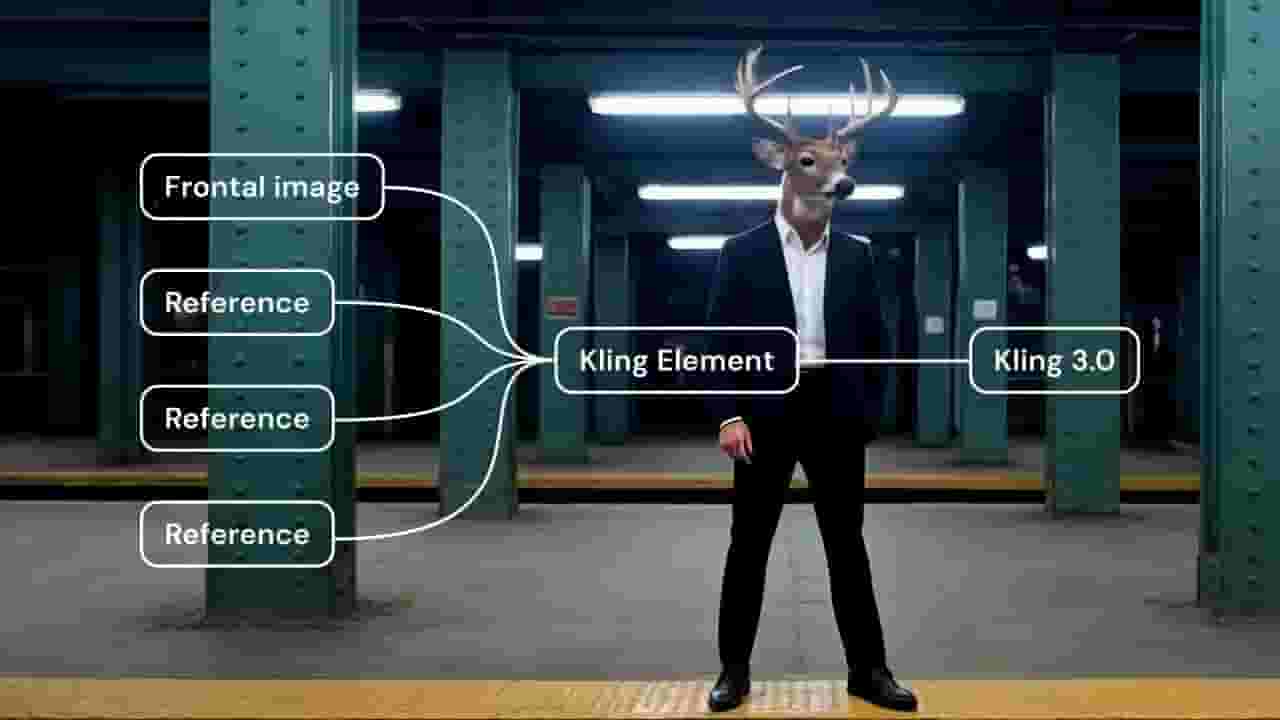
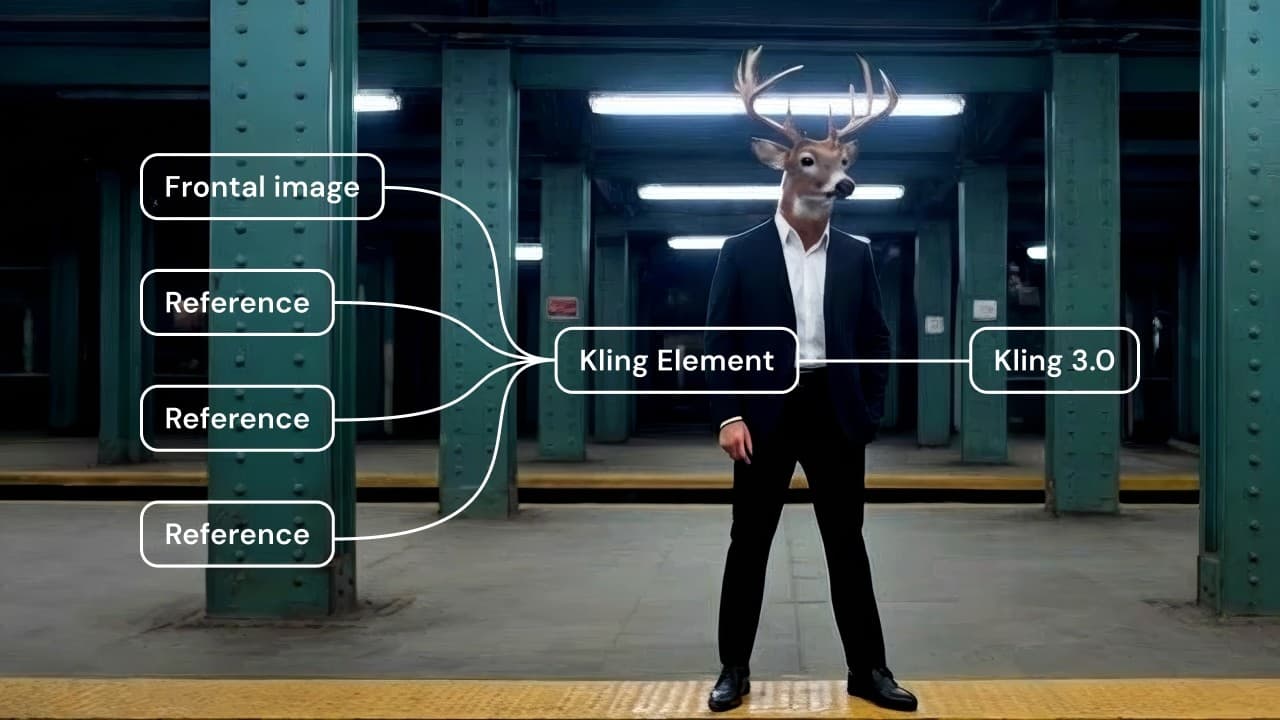
In this Weavy tutorial, you’ll learn how to use Kling 3.0 Elements to create consistent cinematic AI videos. Duplicate our example workflow and test it yourself: https://tinyurl.com/3js49b26 Kling Elements solves one of the biggest problems in AI video generation: visual drift. With Elements, you define the important subjects in your scene once, and the system keeps them consistent throughout the entire video. In this step-by-step walkthrough, you'll learn how to: • Lock in a character or product so it stays consistent across scenes • Reference Elements in your prompts • Provide multi-angle references so the model understands 3D form • Generate multiple cinematic clips with stable subjects • Combine clips into a cohesive narrative video • Utilize Elements with first and last frames for best results Whether you're experimenting with Kling 3.0 for the first time or building advanced creative workflows in Weavy, this tutorial will show you how to move from random clips to coherent visual storytelling. ⏱ Chapters 00:00 – The Problem with AI Video Drift 01:05 – What Kling 3.0 Elements Actually Do 02:10 – Creating Your First Elements Node 03:40 – Extracting Characters & Subjects 05:20 – Multi-Angle References for Better Consistency 07:30 – Building the Scene Workflow 10:10 – Generating Multi-Scene Videos with Kling 12:40 – Stitching Clips into a Final Video 14:00 – Adding Overlays & Final Export 🔗 Workflow Used in This Tutorial Kling Elements Workflow: https://tinyurl.com/3js49b26 Duplicate the workflow, experiment with your own characters and scenes, and start building your own cinematic AI video system. Join the Weavy Discord server: https://discord.gg/jB6vn2ewxW --- 📚 Covered in this tutorial • How to use Kling 3.0 Elements in Weavy • How to maintain character consistency in AI video • How to generate cinematic scenes with structured prompts • How to build scalable AI video workflows • How to reduce prompt engineering and increase generation success --- Workflow featured: https://app.weavy.ai/flow/4dwSphvWk8s9p6xiHnb1GP/?utm_source=social&utm_medium=youtube&utm_campaign=kling_elements&utm_content=03_26_kling_elements_tut&utm_term=HnGADNc8tmU ___________________________ Weavy | Artistic Intelligence Turn your creative vision into scalable workflows. Access all AI models and professional editing tools in one node based platform. Start now: https://www.weavy.ai/ Weavy is now a part of Figma, soon to be Figma Weave.
About YouTube Real-Time View Count
With SocialCounts.org’s view counter, track your YouTube video’s live view count and YouTube likes count in real time with fast, reliable updates.
Watch every YouTube video live view count rise with our real-time YouTube views tracker—built for accuracy and minimal delay.
Follow YouTube real time views as they happen, using our dedicated view counter for YouTube videos.
Get up-to-date live view count on YouTube and see real-time growth with SocialCounts.org’s smart tracking tools.
Embed Widget
Parameters:
fullscreen=true- Fullscreen countergraph=true- Live graph chartcounter=0/1/2- Select counter (0=likes, 1=views, 2=comments)
URL
Click to copy the embed URL to your clipboard