

2,093
likes
67
comments
daily view 0
monthly view 0
Live Analytics
Comments 0
01 - Get Started & Downloads - TouchDesigner Tutorial: Beginner Crash Course Analytics Table
Income Estimates for 01 - Get Started & Downloads - TouchDesigner Tutorial: Beginner Crash Course
Based on this YouTube video's total view count of 155K views and industry-standard rates, the estimated total earning is $109 - $312 through ad revenue. Historical data is not yet available to calculate daily, weekly, or monthly averages.
About 01 - Get Started & Downloads - TouchDesigner Tutorial: Beginner Crash Course
Explore 01 - Get Started & Downloads - TouchDesigner Tutorial: Beginner Crash Course with 155,937 views, 2,093 likes, and 67 comments. Experience the impact of this video content that has captured audience attention.
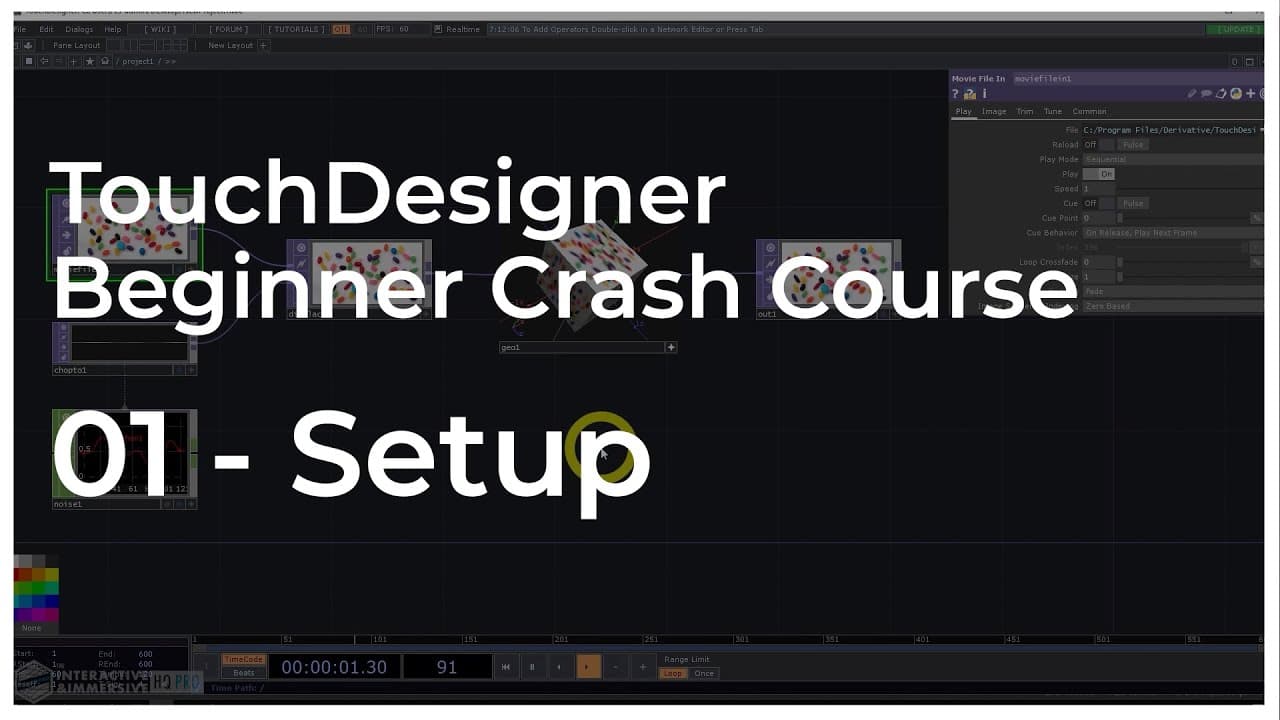
Get access to over 300+ hours of structured, professional course content, 200+ hours of Accelerator Session masterclass recordings, and access to a private mentorship community with experienced pros like Matthew Ragan and Elburz Sorkhabi: http://iihq.tv/Trial Course Downloads: https://iihq.tv/BeginnerDownloads TouchDesigner Beginner Crash Course Content 00 - Introduction: https://youtu.be/g20Qwg8gMBE 01 - Get Started & Downloads: https://youtu.be/JcbAaAqXvgc 02 - Mouse Navigation: https://youtu.be/U1Idt5mijoo 03 - Creating Operators: https://youtu.be/W6hqZStsWKE 04 - Network Navigation: https://youtu.be/Z4MVw1S-f5A 05 - Signal Flow: https://youtu.be/Q2vLuj7gxEw 06 - Hotkey Notes: https://youtu.be/5mkq2afnjHM 07 - Operator basics: https://youtu.be/w5X41zgrYXk 08 - Parameters & Operator Info: https://youtu.be/i8pZAhpowMo 09 - TouchDesigner User Interface: https://youtu.be/V5A2cEpaD7o 10 - Working with TOPs: https://youtu.be/xsXBO6JQVWU 11 - Working with CHOPs: https://youtu.be/TdLSkdNuCTc 12 - Viewer Background Settings: https://youtu.be/B2O4UrhWB5I 13 - Working with COMPs: https://youtu.be/AxDVoKFzL_k 14 - Working with DATs: https://youtu.be/wsK_ur6OqTg 15 - Working with SOPs and MATs: https://youtu.be/WgEZgNhYzqY 16 - Working with POPs: https://youtu.be/YhJGxcGDzKQ 17 - Outputting Content: https://youtu.be/qI1w4510yzc 18 - Network Utilities and Annotations: https://youtu.be/da1T1kDyZLY 19 - Next Steps: https://youtu.be/XpHgnxTVYrI 20 - Create background content in TouchDesigner quickly and easily: https://youtu.be/hDHui-lxRw0 21 - Trails & Frame Delays in TouchDesigner: https://youtu.be/6Kj8HFEBcTA 22 - Reactive GPU Particles in TouchDesigner: https://youtu.be/g5DM80G5MT0 23 - Generative Geometric Design in TouchDesigner: https://youtu.be/coS_lvjnD4w 24 - Audio Reactive Analog Content in TouchDesigner Tutorial with Crystal Jow: https://youtu.be/eNtrtn9urb4 25- Generative Visuals with Particles & Kinect in TouchDesigner with Crystal Jow: https://youtu.be/mY7DavB0z2c 26 - 2D Texture Slicing in TouchDesigner: https://youtu.be/_Rk2KgX1iws What You'll Learn in the TouchDesigner Beginner Crash Course: - The fundamentals of the TouchDesigner paradigm: Never used a node-based programming environment before? I walk you through the basics of TouchDesigner logic and workflows, explaining exactly what nodes and wires are and how they work. This includes a walkthrough of the basic settings and preferences you can leverage in TouchDesigner that set you up for success and make your life easier. - Discover all seven of the operator families used by TouchDesigner, and how they integrate with the TouchDesigner workflow. I’ll walk you through an example project for each of them. Operator families include… Signal processing and channel data (CHOPs) Compositing and texture manipulation (TOPs) Procedural 3d and rendering (SOPs) GPU-accelerated Procedural 3D systems and rendering (POPs) Data processing (DATs) Materials and shading (MATs) User interface and controls (COMPs) - Real time generative graphics basics: From generating graphics using dynamic noise data in real-time to audio-responsive 3D geometry, we’ll go through multiple examples of how to start creating beautiful generative content in TouchDesigner. Interactive, immersive, generative media is the reason you’re investing in learning TouchDesigner, and my course helps you get started creating it right away. - Simple, day-1 preset system: Most TouchDesigner preset systems are too complicated for beginners. With my day-1 preset system, anyone can start creating presets without any prior TouchDesigner experience, which is a massive advantage most people don’t have when they’re starting out. - Time-saving keyboard shortcuts and application tricks: This should be intuitive, but it’s not. Having these under your belt from the get-go is huge time-saver. - Document your projects like a pro: Using the new Annotations and Comment features you can leave documentation, notes, and descriptions of what different areas of the project are doing. You can group operators together inside of an Annotation and move them around the network as a single unit, which makes large projects much easier to work in! #interactiveimmersivehq #touchdesigner #touchdesignertutorial
About YouTube Real-Time View Count
With SocialCounts.org’s view counter, track your YouTube video’s live view count and YouTube likes count in real time with fast, reliable updates.
Watch every YouTube video live view count rise with our real-time YouTube views tracker—built for accuracy and minimal delay.
Follow YouTube real time views as they happen, using our dedicated view counter for YouTube videos.
Get up-to-date live view count on YouTube and see real-time growth with SocialCounts.org’s smart tracking tools.
Embed Widget
Parameters:
fullscreen=true- Fullscreen countergraph=true- Live graph chartcounter=0/1/2- Select counter (0=likes, 1=views, 2=comments)
URL
Click to copy the embed URL to your clipboard