

6,208
likes
141
comments
daily view 0
monthly view 0
Live Analytics
Comments 0
How to Use Tracking Markers and Remove Them (After Effects) Analytics Table
Income Estimates for How to Use Tracking Markers and Remove Them (After Effects)
Based on this YouTube video's total view count of 194K views and industry-standard rates, the estimated total earning is $136 - $388 through ad revenue. Historical data is not yet available to calculate daily, weekly, or monthly averages.
About How to Use Tracking Markers and Remove Them (After Effects)
Explore How to Use Tracking Markers and Remove Them (After Effects) with 194,018 views, 6,208 likes, and 141 comments. Experience the impact of this video content that has captured audience attention.
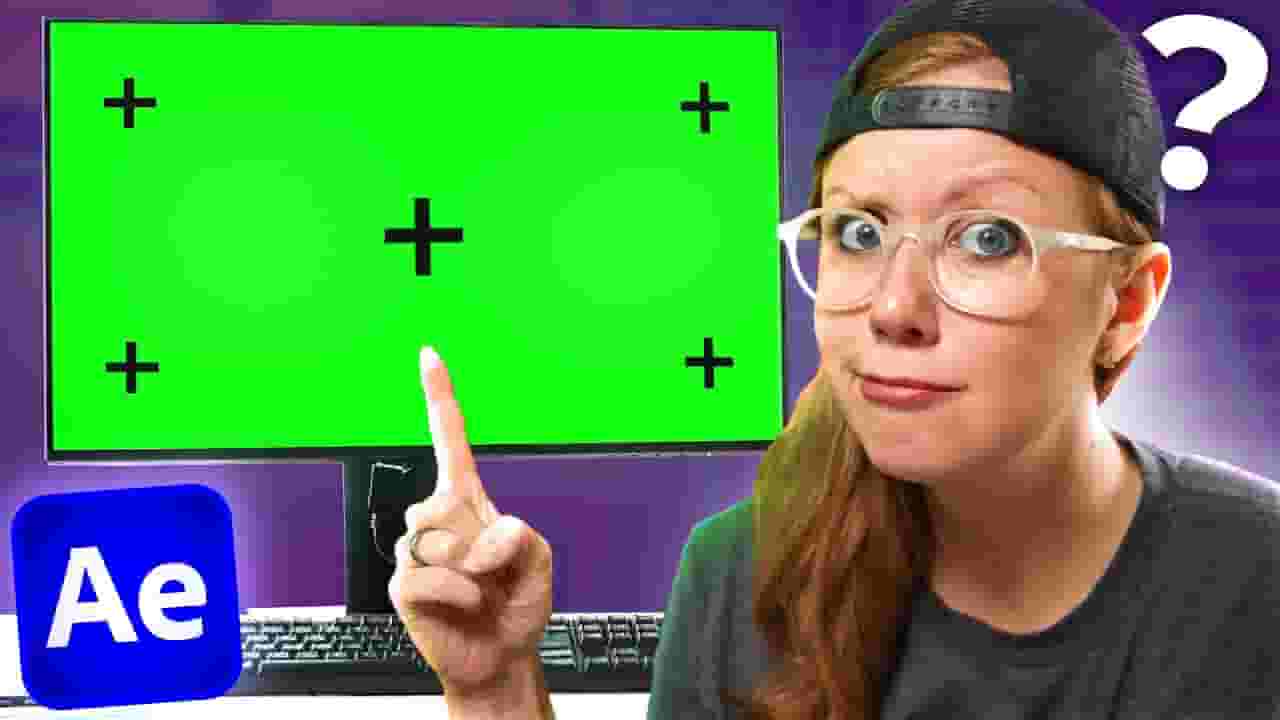
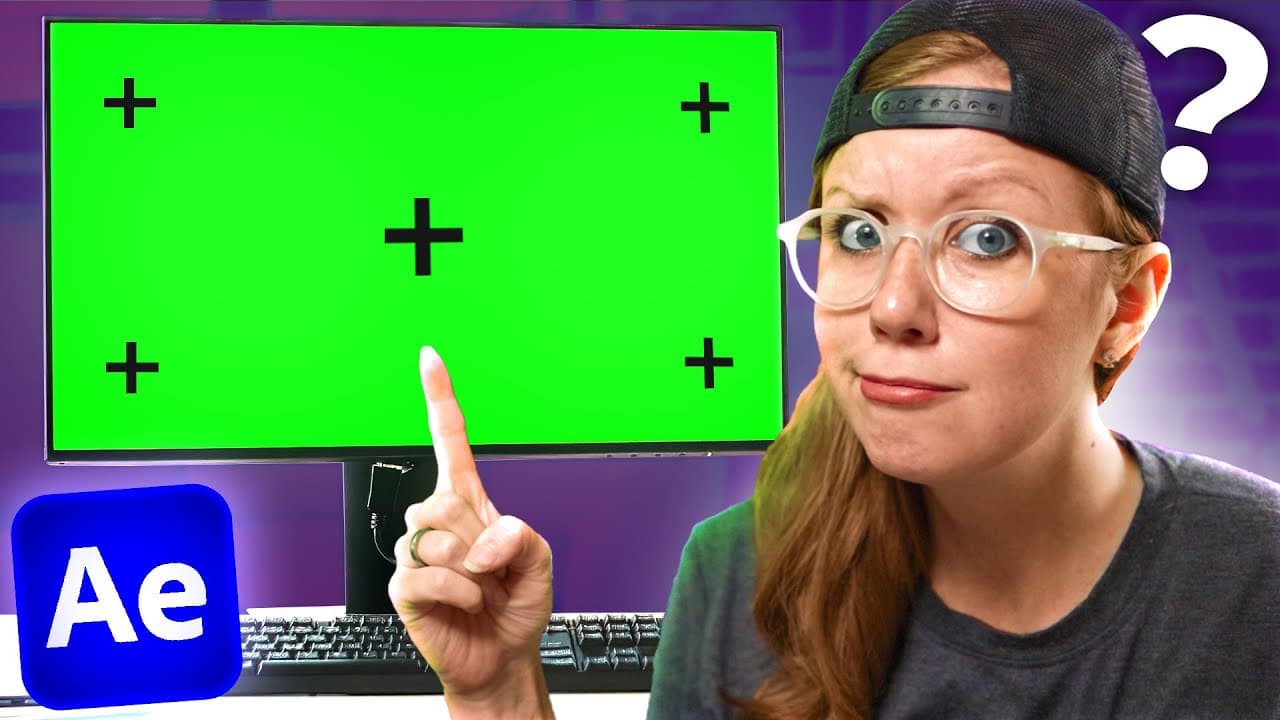
What are Tracking Markers? How do you use them to create vfx composites? And how do you remove them from your green screen or blue screen footage? All of these questions and more will be answered in today's video. Thanks to Storyblocks for sponsoring this video! Download unlimited stock media at one set price with Storyblocks: https://storyblocks.com/premieregal Take your video editing skills to the next level! Check out my upcoming Premiere Pro course here 👉👉👉 https://go.premieregal.com/pr-course?utm_source=youtube&utm_medium=video_description&utm_campaign=pr_course_launch&referrer=how-to-use-tracking-markers-and-remove-them-after-effects In this video we will use Adobe After Effects to motion track and remove tracking markers for three different shots. Try Adobe After Effects for VFX: https://prf.hn/l/W4pOX0Q ______________________________________ TIMECODE CHAPTERS 00:00:00 - Introduction 00:00:15 - Understanding Motion Tracking 00:01:09 - Using Tracking Points in After Effects 00:01:14 - Working with Stock Footage and Tracking Points 00:01:55 - Adding Elements to a Tracked Scene 00:03:59 - Tracking Screens and Making Composites 00:04:54 - Dealing with Problems in Post-Production 00:06:13 - Improving Screen Realism 00:07:40 - Working without Tracking Markers 00:08:14 - Using Storyblocks for Post-Production 00:09:06 - 3D Tracking 00:12:56 - Conclusion ______________________________________ PREMIERE GAL'S EDITING TOOLS Keyboard Covers for Macbook Pro Editors: https://premieregal.com/covers Gal Premiere Pro Editing Keyboard: https://premieregal.com/keyboard Music for Video: https://fm.pxf.io/premieregalfreetrial We currently use Brevidy for Animating captions: https://bit.ly/brevidycaptions Equipment and Camera Gear: https://premieregal.com/gear ______________________________________ FOLLOW ME ON SOCIAL ➜ http://twitter.com/Premiere_Gal ➜ http://facebook.com/PremiereGal ➜ http://instagram.com/Premiere_Gal Website ➜ http://premieregal.com For sponsors: [email protected] Affiliate Disclaimer: Some of these links in this description are affiliate links. I'll earn a small commission if you make a purchase and it's no additional cost to you. #vfx #aftereffects #greenscreen
About YouTube Real-Time View Count
With SocialCounts.org’s view counter, track your YouTube video’s live view count and YouTube likes count in real time with fast, reliable updates.
Watch every YouTube video live view count rise with our real-time YouTube views tracker—built for accuracy and minimal delay.
Follow YouTube real time views as they happen, using our dedicated view counter for YouTube videos.
Get up-to-date live view count on YouTube and see real-time growth with SocialCounts.org’s smart tracking tools.
Embed Widget
Parameters:
fullscreen=true- Fullscreen countergraph=true- Live graph chartcounter=0/1/2- Select counter (0=likes, 1=views, 2=comments)
URL
Click to copy the embed URL to your clipboard