

7
likes
8
comments
daily view 0
monthly view 0
Live Analytics
Comments 0
Timing attacks perfectly in #goodgameempire PvP, PvE, Beyond The Horizon & Rift Raid events Analytics Table
Income Estimates for Timing attacks perfectly in #goodgameempire PvP, PvE, Beyond The Horizon & Rift Raid events
Based on this YouTube video's total view count of 2.92K views and industry-standard rates, the estimated total earning is $2 - $6 through ad revenue. Historical data is not yet available to calculate daily, weekly, or monthly averages.
About Timing attacks perfectly in #goodgameempire PvP, PvE, Beyond The Horizon & Rift Raid events
Explore Timing attacks perfectly in #goodgameempire PvP, PvE, Beyond The Horizon & Rift Raid events with 2,926 views, 7 likes, and 8 comments. Experience the impact of this video content that has captured audience attention.
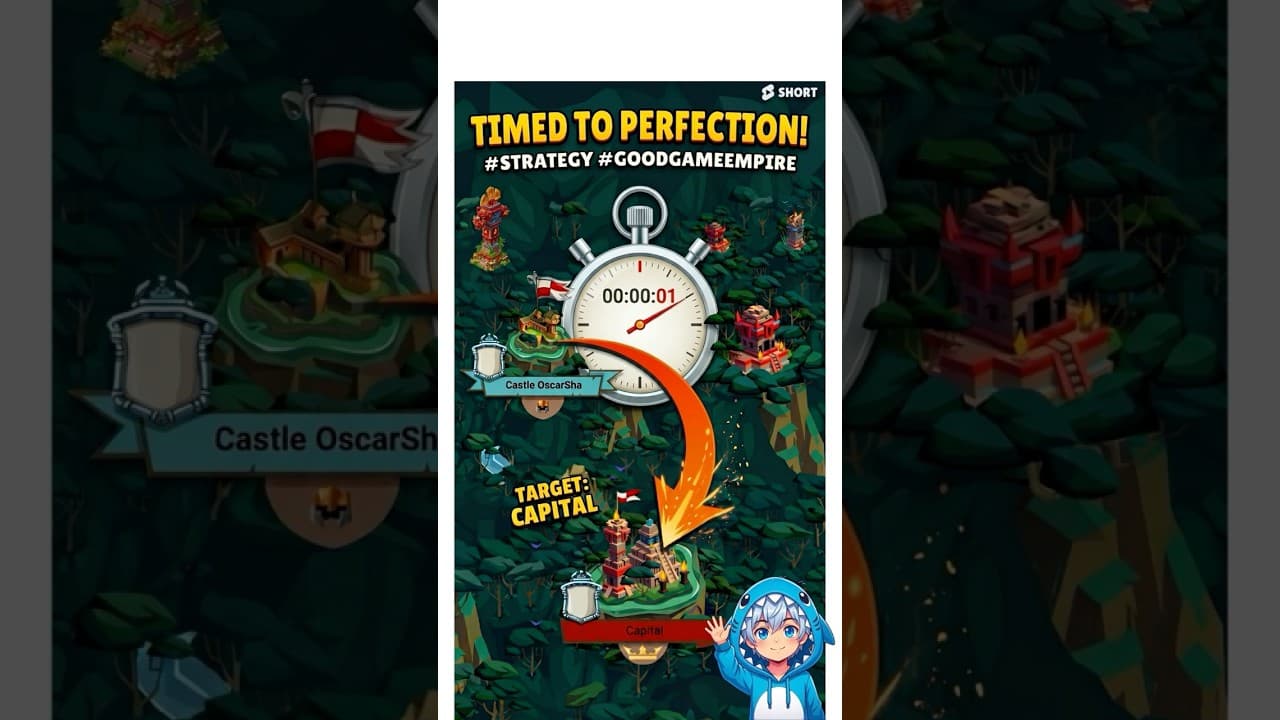
How to use a timer to time attacks to the precise second for PvP and PvE, BTH, Rift and Capture Defence The timer I use: https://www.timeanddate.com The GoodgameEmpire subreddit: https://www.reddit.com/r/GoodgameEmpire/ Transcript here: Today I'm going to show you how to time your attacks to the exact second in Goodgame Empire. This strategy is perfect for Beyond the Horizon capital attacks or for when your team needs to trade points in a specific order. It is also incredibly useful for attacking an outpost or Landmark the exact second after an initial attack to clear out the occupying force or for organizing highly coordinated mass attacks of course. Before you start, you need to make sure your computer's date and time settings are completely accurate. You can verify this by going to the website Time dot is. If it says your time is off, refresh your system or adjust your settings until it is exact, Syncing in the Date and Time Menu should help. Once that is done, open up a countdown timer set to your target event, I will link the one I use in the description. This could be for a mass attack or when capital points refresh, as long as the target time is within the next twelve hours. The execution strategy is all about watching the seconds. Your countdown timer will be on the left, and your attack screen will be on the right. You need to click the slow down button on your attack the exact moment the seconds match on both screens. Pressing slow down locks in that arrival second. From there, spend two hundred rubies to add the necessary minutes and hours to reach your final target time, such as twenty-three thirty G-M-T. The seconds will remain perfectly synced as you do this. Missing by a single second is usually acceptable, but make sure the attack lands after the capital updates, not before. Once you have verified the timing, go ahead and send it. To make this process much faster, you should set up multiple presets using different troops and tools with varying speeds. If you try to hit the exact same second every time, you will have to wait a full minute between each attack. At V-I-P level ten with V-I-P commanders, sending all 300 VIP commanders normally takes about five hours. However, having different seconds presets available gives you more windows to hit, which can cut that grinding time down to three or four hours. In my opinion, a synchronized mass attack looks much more professional and feels far more impactful than sending attacks randomly. A highly effective tactical strategy is timing toolburners or sacrifice attacks to land exactly one second before your main mass attack. This forces real players to deal with "No time for weaklings" pop-up quests, leaving them distracted and unable to defend properly when your massive main attack lands a second later. Thanks for watching my video on how to time attacks to the second. Share this with a friend who needs to learn the strategy, and subscribe to get notified for future uploads. You can also check out the Goodgame Empire subreddit on Reddit to ask questions, catch unreleased content, or post memes. Let me know what you want to see next and leave your feedback in the comments. Have a great day, and happy hunting!
About YouTube Real-Time View Count
With SocialCounts.org’s view counter, track your YouTube video’s live view count and YouTube likes count in real time with fast, reliable updates.
Watch every YouTube video live view count rise with our real-time YouTube views tracker—built for accuracy and minimal delay.
Follow YouTube real time views as they happen, using our dedicated view counter for YouTube videos.
Get up-to-date live view count on YouTube and see real-time growth with SocialCounts.org’s smart tracking tools.
Embed Widget
Parameters:
fullscreen=true- Fullscreen countergraph=true- Live graph chartcounter=0/1/2- Select counter (0=likes, 1=views, 2=comments)
URL
Click to copy the embed URL to your clipboard