

4,757
likes
174
comments
daily view 0
monthly view 0
Live Analytics
Comments 0
DIY Gobos – Easy and creative portrait lighting tricks to improve your portraits and modeling shots Analytics Table
Income Estimates for DIY Gobos – Easy and creative portrait lighting tricks to improve your portraits and modeling shots
Based on this YouTube video's total view count of 187K views and industry-standard rates, the estimated total earning is $131 - $375 through ad revenue. Historical data is not yet available to calculate daily, weekly, or monthly averages.
About DIY Gobos – Easy and creative portrait lighting tricks to improve your portraits and modeling shots
Explore DIY Gobos – Easy and creative portrait lighting tricks to improve your portraits and modeling shots with 187,383 views, 4,757 likes, and 174 comments. Experience the impact of this video content that has captured audience attention.
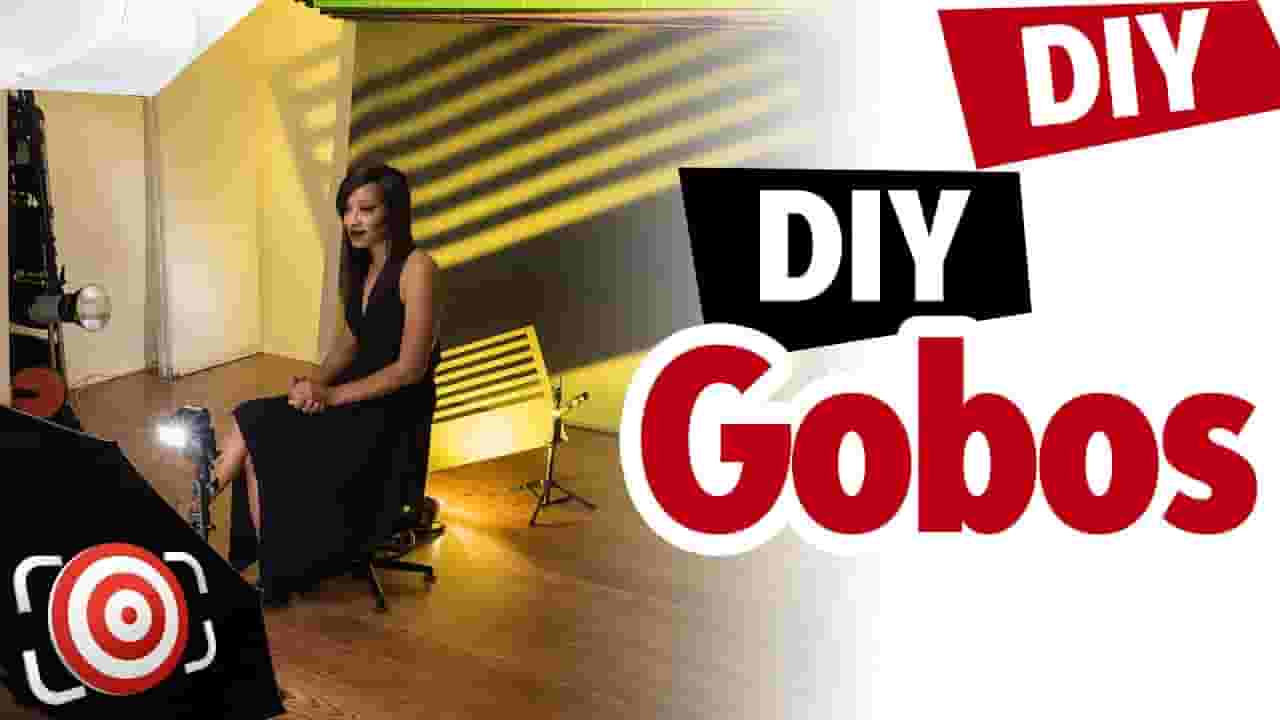
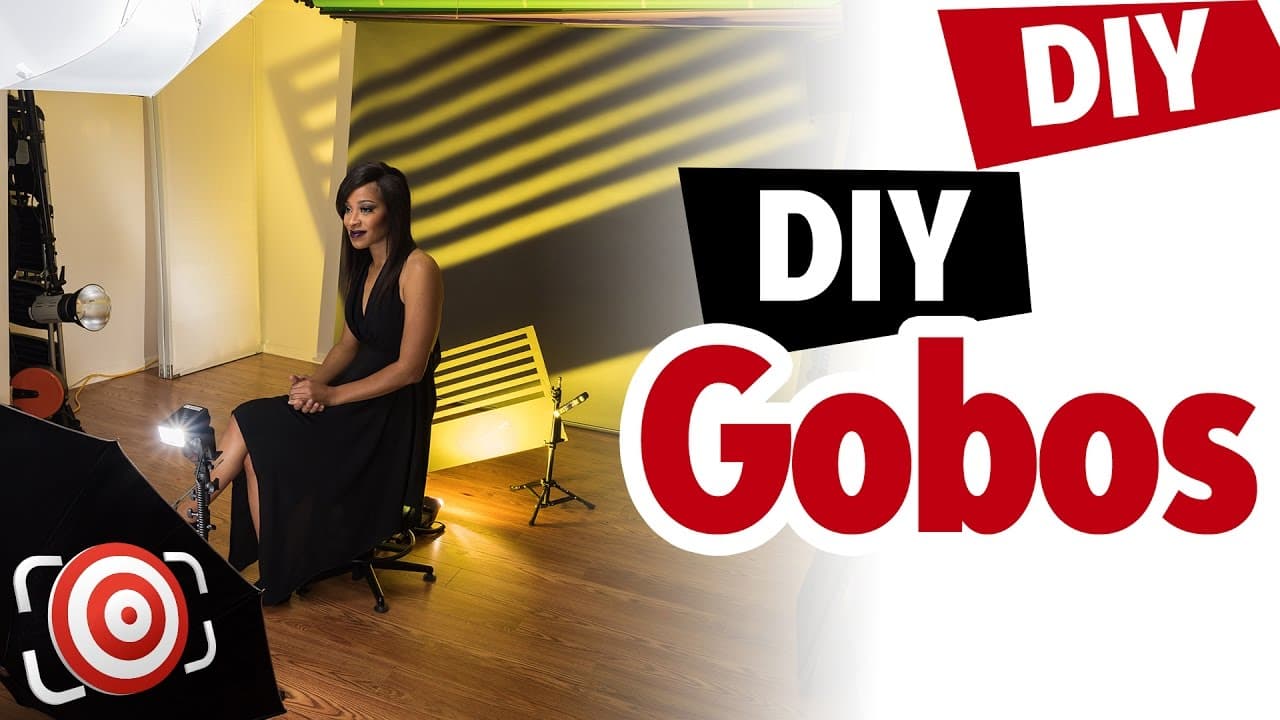
DIY GOBOS easy to make and a great way to improve you portraits or modeling shots. A gobo is a light modifier. Of course you can purchase a gadget like the Light-Blaster that I talked about in this video: but it too has a limited amount of gobos available and while you can make your own - I love the Light Blaster for its ability to project your own images as backgrounds. Or your best option for gobos is to make your own. That way, the results in your portraits and modeling shots are unique to YOU and your photography. One of the easiest ways to make a gobo is to use the same material that we use for the Walmart Reflectors - Foam Board. You can get 20” x 30” sheets at Walmart for just under two dollars or get a slightly thinner version at Dollar Stores for just a buck. You will need an Exacto knife which you can find at Art and Office Supply stores or at Amazon and a straight edge ruler. It’s also a good idea to use a cutting mat or at least some old cardboard under the foam board when you cut it so that you don’t ruin your table top or floor. Simply draw out the shape that you want to use on the foam core. After you draw your shape - use your Exacto knife to cut out the design and then place your gobo between your light and the background like you see here - or between the light and your subject like you see here. Now some of you are going to ask me - How close should the light be to the gobo and how far from the background or subject should the gobo be. This DIY lighting tutorial will show you that there is no single answer for that. You have to experiment and play with the d.i.y gobos to see what YOU like. Hopefully by now you have realized that you can use a cheap set of Mini blinds that you can get at Amazon for 10 bucks to create window light like you see here. Again, there is no “this is the right way" distance and power settings… you have to experiment - the settings and distance will be determined by the size of your portrait studio and photography equipment and most of all - your taste.. You can also add colored gels to your lights like you see here - I have a blue gel aimed at the background on camera left and an orange gel firing though the gobo, or in this example I have a blue gel on camera left and an orange gel on the camera right strobe just like in the last shot, but then I taped a yellow gel over the slots on the gobo. There are no rules - experiment! Take the Toilet Paper GOBO Challenge! Become a member of my Facebook Group and submit your portrait or modeling shot using Toilet Paper as a GOBO Be sure to hashtag your shot: #ToiletPaperGOBOChallenge LINKS MENTIONED IN THIS VIDEO Light Blaster Video: https://youtu.be/niok9_nPRuw Gobo History Video: https://youtu.be/m5_T_TPPogc Walmart Reflector Video: https://youtu.be/hD8y6FI3HIM Mini Blinds at Amazon: http://amzn.to/2fR2Qbk Light Blaster at Amazon: http://amzn.to/2g3UgSr Exacto Knives at Amazon: http://amzn.to/2fV63SB Self Healing Cutting Mats at Amazon: http://amzn.to/2gQpOPH - - - - - - - - - - - - - - - - - - - - - - - - - - - - - - - - - - - - - - - - DON'T MISS OUT ON MORE WAYS TO LEARN MY WEBSITE: https://www.JoeEdelman.com This includes my portfolio, over 300 articles, and interviews! WANNA SEE MY GEAR? https://www.joeedelman.com/my-photography-gear - - - - - - - - - - - - - - - - - - - - - - - - - - - - - - - - - - - - - - - - LET'S CONNECT! Follow on INSTAGRAM: https://www.instagram.com/joeedelman/ Follow on FACEBOOK: https://www.facebook.com/thejoeedelman/ Follow on THREADS: https://www.threads.net/@joeedelman Follow on X / TWITTER: https://www.twitter.com/joeedelman Check my boards on PINTEREST: https://www.pinterest.com/thejoeedelman/ Connect on LINKEDIN: https://www.linkedin.com/in/thejoeedelman/ - - - - - - - - - - - - - - - - - - - - - - - - - - - - - - - - - - - - - - - - FTC Disclosure: No sponsors have paid for or provided equipment or material shown in this video #ishootpeople #joeedelman
About YouTube Real-Time View Count
With SocialCounts.org’s view counter, track your YouTube video’s live view count and YouTube likes count in real time with fast, reliable updates.
Watch every YouTube video live view count rise with our real-time YouTube views tracker—built for accuracy and minimal delay.
Follow YouTube real time views as they happen, using our dedicated view counter for YouTube videos.
Get up-to-date live view count on YouTube and see real-time growth with SocialCounts.org’s smart tracking tools.
Embed Widget
Parameters:
fullscreen=true- Fullscreen countergraph=true- Live graph chartcounter=0/1/2- Select counter (0=likes, 1=views, 2=comments)
URL
Click to copy the embed URL to your clipboard