
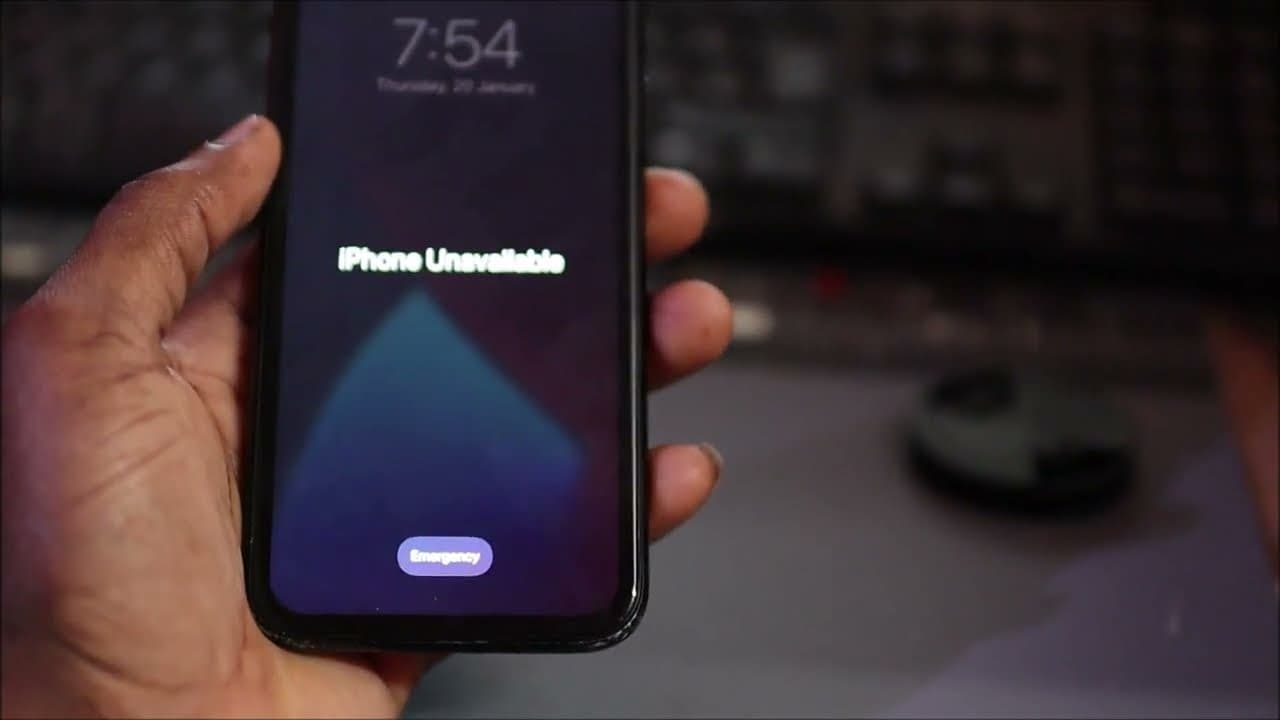


iPhone Unavailable fix -All iPhone 14 15 16 17 Pro Max-iPhone says unavailable on lock screen
1,024,500
Socialcounts.Org
7,635
likes
707
comments
daily view 0
monthly view 0
Live Analytics
Comments 0
iPhone Unavailable fix -All iPhone 14 15 16 17 Pro Max-iPhone says unavailable on lock screen Analytics Table
Income Estimates for iPhone Unavailable fix -All iPhone 14 15 16 17 Pro Max-iPhone says unavailable on lock screen
Based on this YouTube video's total view count of 1.02M views and industry-standard rates, the estimated total earning is $717 - $2.05K through ad revenue. Historical data is not yet available to calculate daily, weekly, or monthly averages.
About iPhone Unavailable fix -All iPhone 14 15 16 17 Pro Max-iPhone says unavailable on lock screen
Explore iPhone Unavailable fix -All iPhone 14 15 16 17 Pro Max-iPhone says unavailable on lock screen with 1,024,500 views, 7,635 likes, and 707 comments. Experience the impact of this video content that has captured audience attention.
Subscribe Here https://goo.gl/Qp13Qn Updating video step by step how to fix iPhone unavailable https://youtu.be/jLCf3umIg44 0:20 Turn on and put phone into recovery mode 0:50 Download latest ios for your iphone 1:07 Restore and update 2:00 Restored and Updated Iphone What you need visionOS, or iOS 15.2 or iPadOS 15.2 or later Find My previously enabled on your device* An active cellular or Wi-Fi connection Your Apple Account and password Reset your iPhone in iOS 17 or later If you're using an eSIM on iOS 16 or earlier, contact your carrier before trying these steps and ask for a QR code to set up your eSIM again. From your device's Lock Screen, try to enter your passcode until the "[Device] Unavailable" screen appears. When you're able to, tap Forgot Passcode? On the Security Lockout screen, tap Start [Device] Reset to confirm. You can only reach the Security Lockout screen if you have an active cellular or Wi-Fi connection and previously enabled Find My on your device. Enter your Apple Account password to sign out of your Apple Account on your device. Tap Erase [Device] to permanently delete all of your data and settings. If you use an eSIM with iOS 17 or later, you can also choose to keep your eSIM and erase your data, or to delete your eSIM and erase your data. When your device restarts, follow the onscreen instructions to set up your device again, restore your data and setting from a backup if you have one, and set a new passcode. Related Vidoes Iphone unavailable fix step by step https://youtu.be/tCX2chgt1k0?si=G7gONbyUeSy_Ne0T Iphone unavailable screen fix https://youtu.be/jLCf3umIg44?si=MAVLUEAAYkynUeYp Iphone stuck in recovery mode fix https://youtu.be/yL1g-d4XD04?si=i8rEq04wNidhlHn3 Main Camera Canon EOS R https://amzn.to/2VE1vLi Second Camera https://amzn.to/3ntGYEN
About YouTube Real-Time View Count
With SocialCounts.org’s view counter, track your YouTube video’s live view count and YouTube likes count in real time with fast, reliable updates.
Watch every YouTube video live view count rise with our real-time YouTube views tracker—built for accuracy and minimal delay.
Follow YouTube real time views as they happen, using our dedicated view counter for YouTube videos.
Get up-to-date live view count on YouTube and see real-time growth with SocialCounts.org’s smart tracking tools.
Embed Widget
Parameters:
fullscreen=true- Fullscreen countergraph=true- Live graph chartcounter=0/1/2- Select counter (0=likes, 1=views, 2=comments)
URL
Click to copy the embed URL to your clipboard