

52
likes
0
comments
daily view 0
monthly view 0
Live Analytics
Comments 0
How to Create Talking Animal Videos Using AI | Step-by-Step Tutorial Analytics Table
Income Estimates for How to Create Talking Animal Videos Using AI | Step-by-Step Tutorial
Based on this YouTube video's total view count of 2.40K views and industry-standard rates, the estimated total earning is $2 - $5 through ad revenue. Historical data is not yet available to calculate daily, weekly, or monthly averages.
About How to Create Talking Animal Videos Using AI | Step-by-Step Tutorial
Explore How to Create Talking Animal Videos Using AI | Step-by-Step Tutorial with 2,404 views, 52 likes, and 0 comments. Experience the impact of this video content that has captured audience attention.
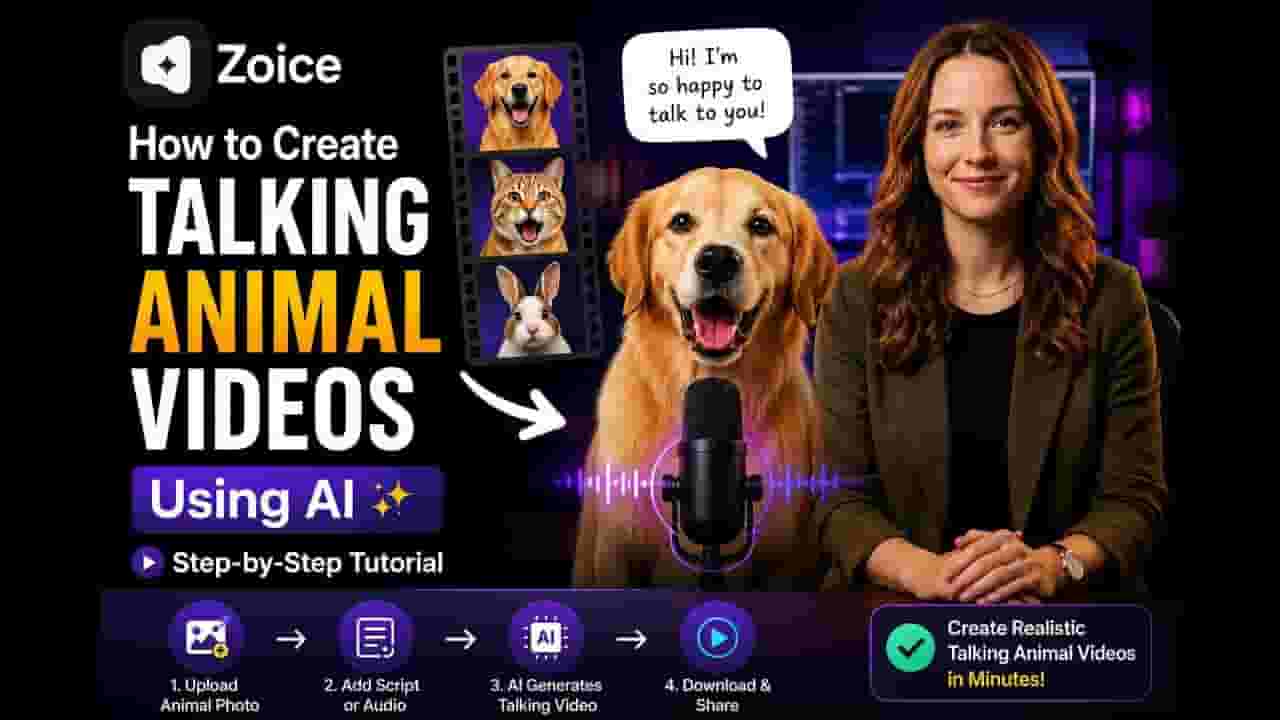
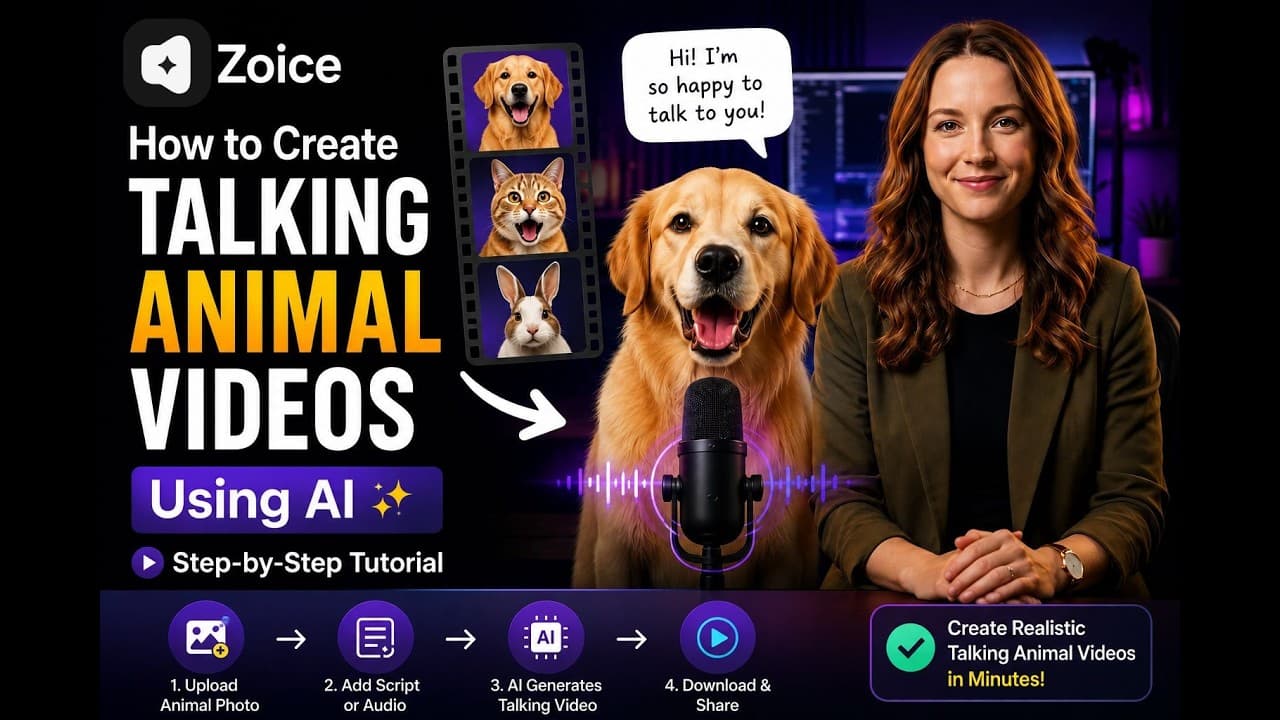
Want to make your pet or any animal talk using AI? 🐶🐱 In this video, I’ll show you how to create a talking animal video using Zoice, step by step. With just an animal photo and a script or audio, you can turn a still image into an animated talking animal with realistic lip movements. 🔗 Try Zoice: https://zoice.com/ You’ll learn how to upload your animal image, add what you want your character to say, configure your video, and generate the final talking animal video using AI. With Zoice, you can create talking dogs, talking cats, animated animal characters, funny pet videos, storytelling videos, YouTube Shorts, Instagram Reels, TikTok videos, and more. ⏱️ What You’ll Learn: • How to create a talking animal video with AI • How to make an animal photo talk • How to create talking pet videos using Zoice • How to add a script or upload audio • How to generate realistic lip-sync animation • How to turn a pet photo into an AI video • Tips for creating better talking animal videos If you found this video helpful, Like the video and Subscribe for more AI tutorials. Timestamp 0:00 – Introduction & what you'll learn 0:35 – Visit Zoice.com and sign in/create account 1:00 – Navigate to Avatar Characters dashboard 1:59 – Upload animal image or generate one with AI 3:01 – Generate the avatar and name it 3:02 – Click Generate Video and choose "Generate from Audio" 3:30 – Upload audio file or record voice directly 4:08 – Configure output settings (aspect ratio, resolution) 4:33 – Choose action prompt for facial expressions 5:21 – Preview audio and click "Generate Avatar Video" 5:27 – Video processes and becomes ready to download 5:55 – Final video preview with talking dog example #TalkingAnimal #TalkingPet #Zoice #AIVideo #TalkingPhoto #AIAnimation #AITutorial #TalkingDog #TalkingCat
About YouTube Real-Time View Count
With SocialCounts.org’s view counter, track your YouTube video’s live view count and YouTube likes count in real time with fast, reliable updates.
Watch every YouTube video live view count rise with our real-time YouTube views tracker—built for accuracy and minimal delay.
Follow YouTube real time views as they happen, using our dedicated view counter for YouTube videos.
Get up-to-date live view count on YouTube and see real-time growth with SocialCounts.org’s smart tracking tools.
Embed Widget
Parameters:
fullscreen=true- Fullscreen countergraph=true- Live graph chartcounter=0/1/2- Select counter (0=likes, 1=views, 2=comments)
URL
Click to copy the embed URL to your clipboard